43
support@edgeovens.com
Technical Support: +1 (724) 628 3050
INSTALLATION
COOL WALL
OVEN ASSEMBLY
COOL WALLS are an optional barrier installed on the front of the
oven to protect the operator from accidental contact with the oven
front. Depending on your oven style, the cool wall can be hung in
one of two ways:-
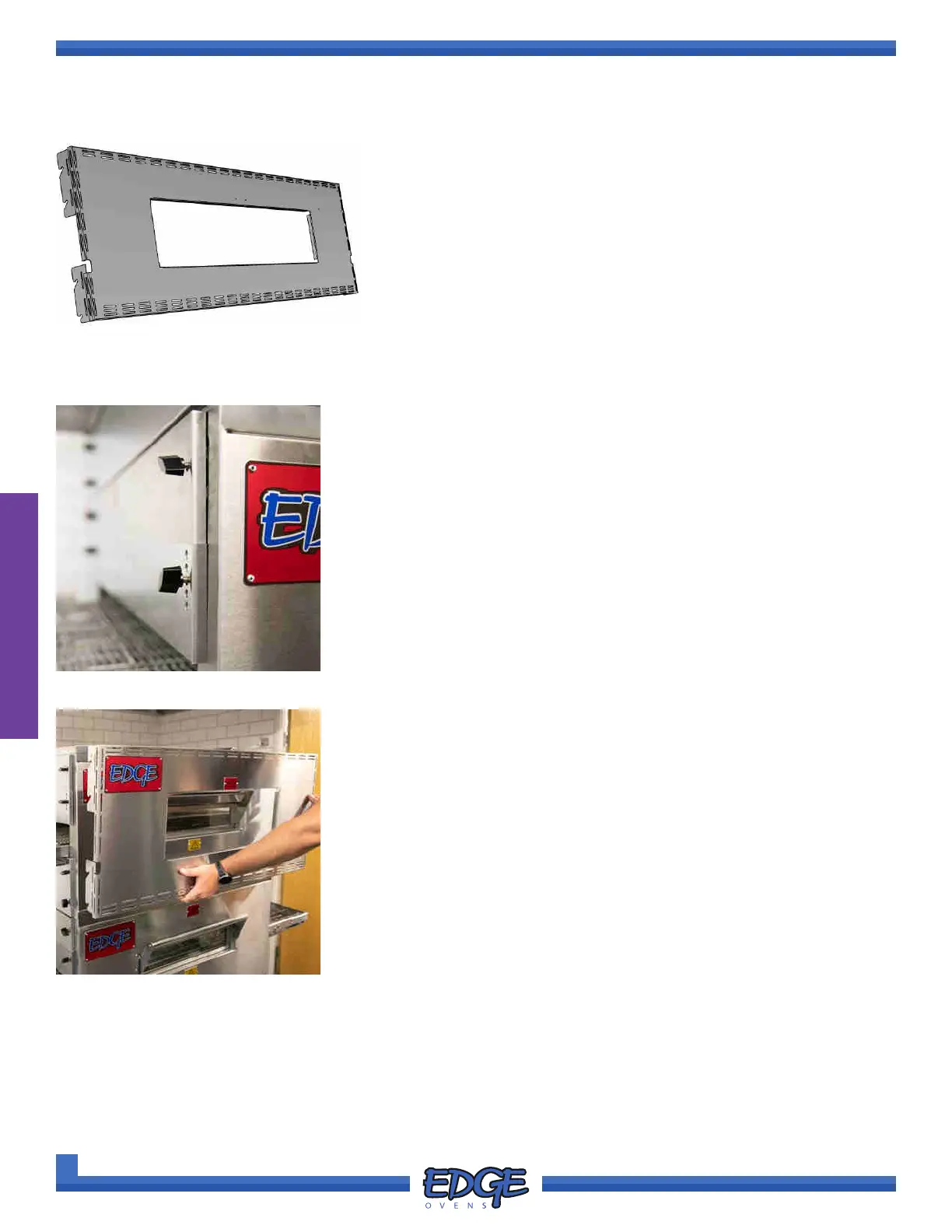
1. TYPE 1 - Secured via TOP and BOTTOM end panel wingnuts
2. TYPE 2 - Hung via oven front wall brackets
1. Loosen all wingnuts closest to the oven front from the TOP and
BOTTOM end panels from both sides of the oven, eight (8) wingnuts in
total (Figure 2-99).
FIGURE 2-99
TYPE 1 COOL WALL INSTALLATION
2. Depending on the oven model a helper may be required. Install the
COOL WALL by lowering the cool wall slotted brackets over the END
PANEL threaded studs (Figure 2-100).
FIGURE 2-100



 To Next Page