64
support@edgeovens.com Technical Support: +1 (724) 628 3050
PREFACEOPERATION
SERVICE
OVEN OPERATION
BASIC OPERATION (CONTINUED)
465°F
✔
MANUAL
470°F
F-L►R
06:00
TEMPERATURE ADJUSTMENT (MANUAL MODE)
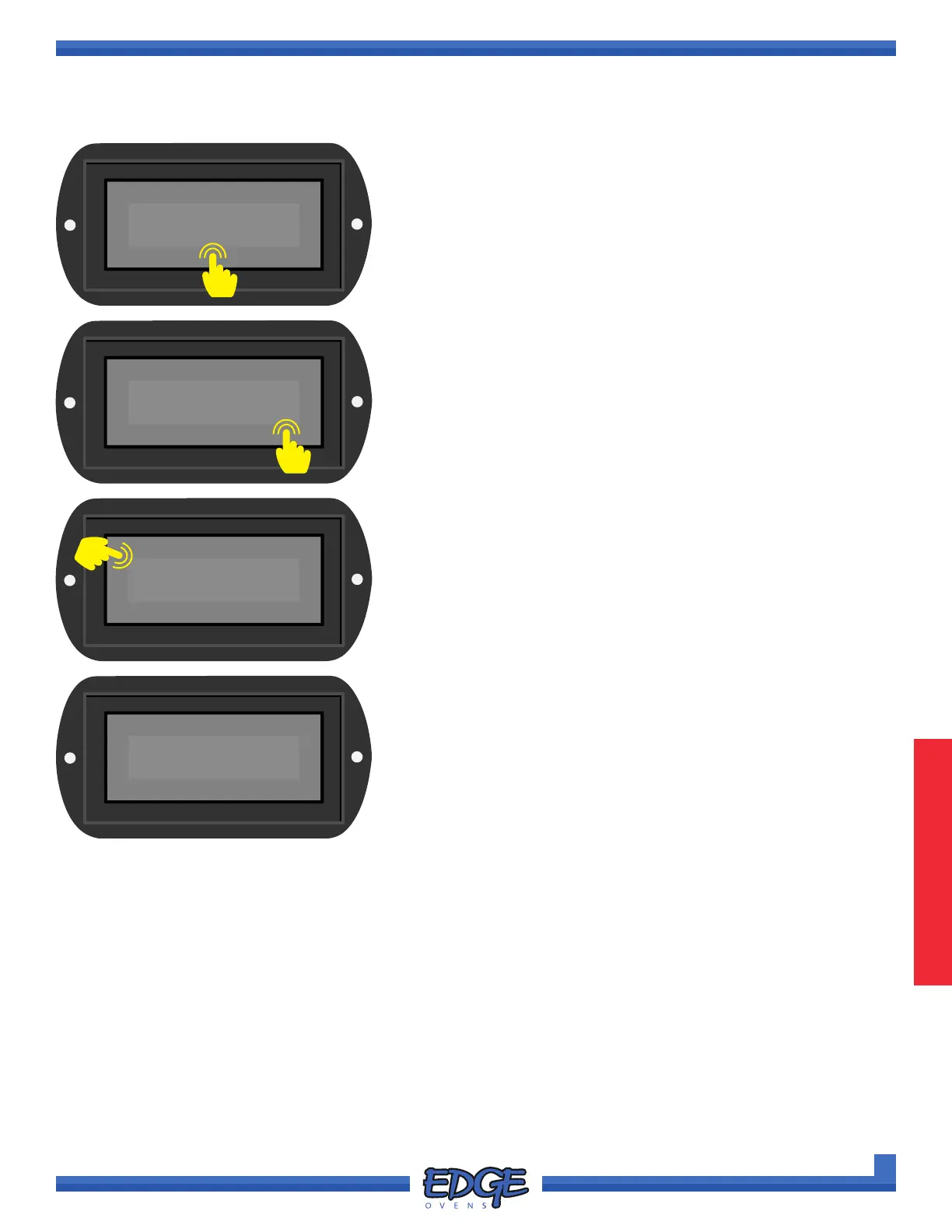
1. Touch the displayed TEMPERATURE to access adjustment
screen.
✖
465°F
✔
2. Adjust the set temperature by using the UP () and DOWN ()
icons on the right hand side of the screen.
3. Conrm you desired temperature by pressing the tick (✔) icon.
MANUAL
465°F
F-L►R
06:00
SP
4. Once your oven has adjusted and reached the new set
temperature the SET POINT REACHED INDICATOR (SP) will
be displayed next to the oven temperature display.
✖
1
2
3



 To Next Page