44
support@edgeovens.com Technical Support: +1 (724) 628 3050
INSTALLATION
OVEN ASSEMBLY
TYPE 1 COOL WALL INSTALLATION (CONTINUED)
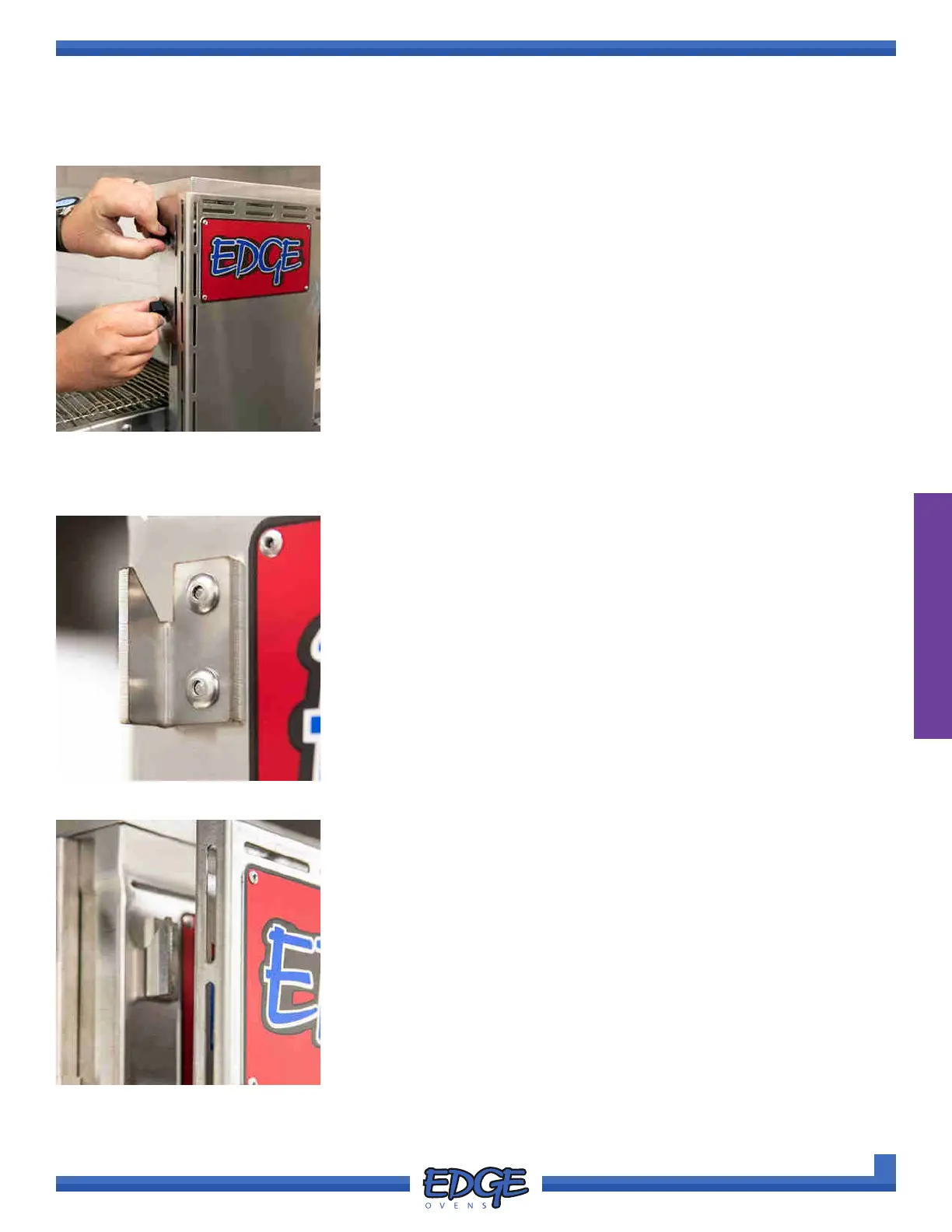
FIGURE 2-101
3. Install the removed wingnuts to secure the cool wall in place. DO NOT
over tighten the wingnuts (Figure 2-101).
1. There are four (4) supporting hook brackets on the oven front, one
(1) located in each corner. The rear side of the cool wall has four (4)
corresponding slots (Figure 2-102).
FIGURE 2-102
TYPE 2 COOL WALL INSTALLATION
2. With a helper, install the COOL WALL by lowering it on to the
supporting hook brackets located on the front of the oven (Figure
2-103). Once installed the cool wall will sit ush with the oven front.
FIGURE 2-103



 To Next Page