37
support@edgeovens.com
Technical Support: +1 (724) 628 3050
INSTALLATION
OVEN ASSEMBLY
SPLIT-BELT CONVEYOR DRIVE SYSTEM ASSEMBLY (CONTINUED)
8. Lift and pull the conveyor oven back out of the oven, ensuring that the
crumb pan support bracket sits externally to the oven mouth. If seated
correctly the conveyor frame will sit at.
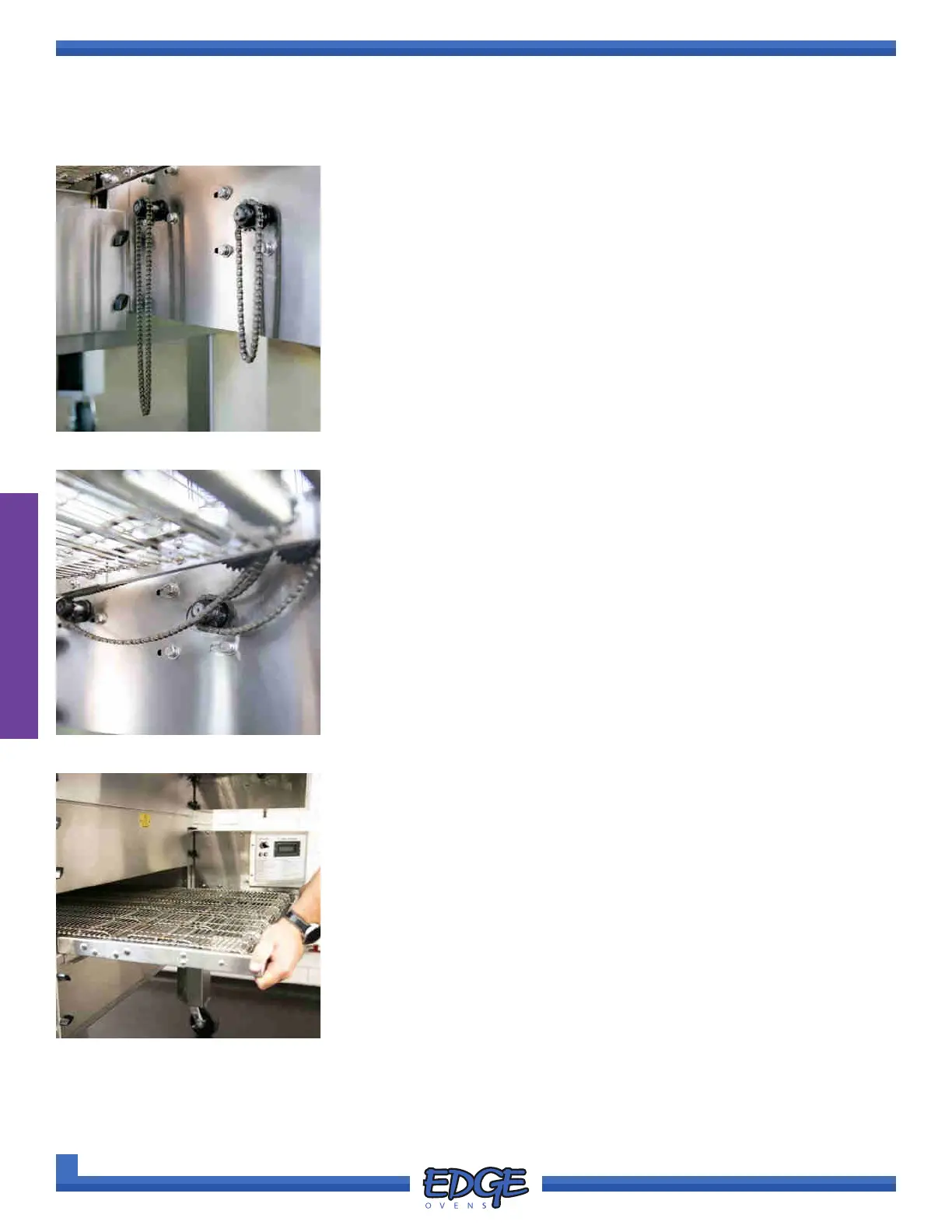
The conveyor frame should protrude equally from each end of the
oven chamber and the right hand side of the conveyor frame should sit
ush with the control cabinet end. (Figure 2-83)
FIGURE 2-81
6. Install both conveyor drive chains, on both conveyor motor sprockets.
(Figure 2-81)
The longer of the conveyor drive chains should be installed on the left
hand side motor and the shorter of the conveyor drive chain on the
right hand side motor.
FIGURE 2-82
7. Take the opposing ends of the conveyor drive chains and install on the
conveyor belt sprockets. (Figure 2-82)
FIGURE 2-83



 To Next Page