3-7
3.6 Connecting the System Components
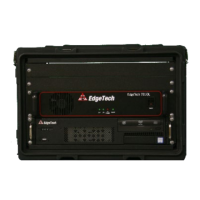
All of the 3200-XS Sub-Bottom Profiling System components, including optional components, such as a
printer, a navigation system, and external sonar systems, are made to the Rack Mount processor.
WARNING!
Do not connect the tow cable to the Rack Mount before connecting it to
the tow vehicle, otherwise injury or death can occur if the exposed
connector on the tow cable is energized. Always connect the tow cable
to the tow vehicle first.
When connecting the system components, refer to sub-section 3.4.1: RACK MOUNT CONTROLS AND
INDICATORS for the location and description of the connectors.
3.6.1 Connecting and Attaching the Tow Cable to the Tow Vehicle
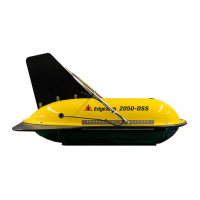
A Kevlar Reinforced Tow Cable is shown connected and attached to a SB-216S Tow Vehicle in FIGURE 3-3,
and is similar to that for the SB-424 and SB-512i Tow Vehicles. Shown in F
IGURE 3-4 is the recommended
method for dressing and strain relieving the tow cable.
To connect and attach the tow cable to the tow vehicle:
1. Verify that the tow cable is not connected to the Deck Unit.
2. Coil the tow cable in a figure eight (over/under) configuration.
3. Verify that the tow cable and tow vehicle connectors are free of corrosion or dirt. If dirty, clean
them with an alcohol wipe.
4. Apply a thin film of silicone grease to the pins of the tow vehicle tow cable connector.
5. Mate the connectors by pressing them firmly together. Do not wiggle the connectors.
6. Mate the connector locking sleeves.
7. Connect the eyelet of the cable grip to the shackle on the tow bridle and secure them with seizing
wire or a tie wrap.
8. Secure the tow cable/pigtail to the tow bridle using tie wraps ensuring that there is proper strain
relief and that the connector does not strum or move in the water current. Electrical tape can also
be used for this purpose.


 To Next Page