25
Electric/Hydraulic TT Thruster 140 - 300
GB
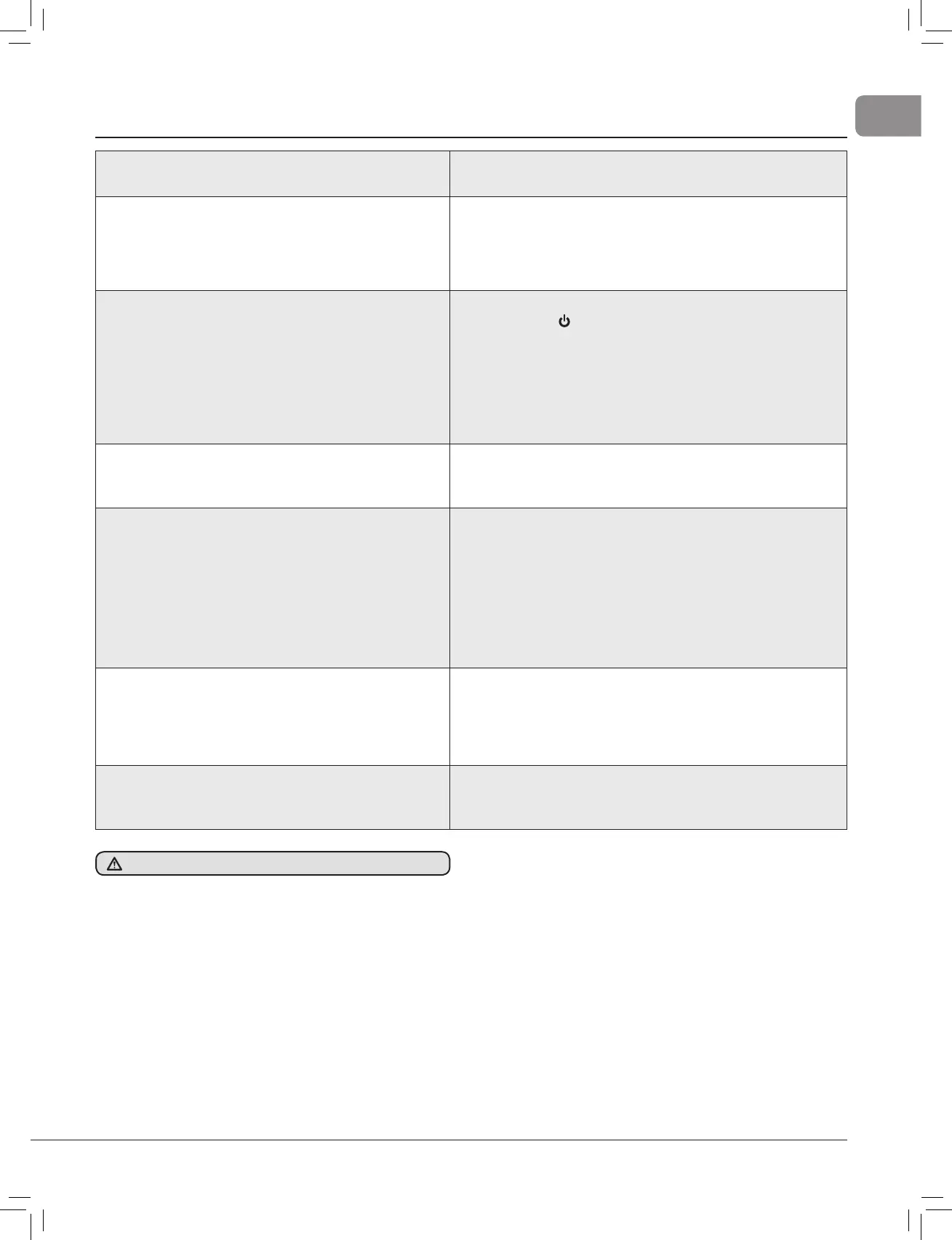
8. Fault fi nding
Fault
• Thrust in wrong direction?
Action
• Change contactor wires on motor solenoid (See section 2.1).
Fault
• Fuse keeps blowing?
Action
• Wrong fuse fi tted - check rating and replace.
• Propeller restricted or jammed causing excessive load on motor
- check and clear. Check that propeller washer is fi tted see
Section 6.
Fault
• Control Panel does not illuminate?
Check
• Power - Hold
for 1 second.
• Battery is connected.
• Main switch ON, check fuse.
• Control loom connections.
• Long operation has tripped thermal switch. Wait 20 minutes for
motor to cool and reset.
DO NOT attempt to cool motor by any other means.
Fault
• Control panel illuminates but no thrust?
Action
• Are batteries charged?
• Check main motor connections are tight.
Fault
• Poor thrust or thrust in one direction only??
Action
• Batteries not large enough or charged, cables not recommended
size.Voltage at motor when running should be a minimum 10 V
for 12 V and 21 V for 24 V units.
• Blockage in tunnel/propeller jammed with debris, switch off
main power, inspect and clear.
• Propeller washers fi tted wrong. See Sec.1.6
• Check motor brush springs are located properly, brushes
should have good contact with the commutator.
Fault
• 140TT and 185TT ONLY - Motor turns but no drive?
Action
• DO NOT continue to run thruster.
• Shear pin broken, remove 4 motor bolts, see Sec. 4.2, drive out
old pin and replace with new pin.
• Propeller blades broken. Replace with new.
Fault
• Thruster noisy and vibrating?
Action
• Check propeller is not touching the tunnel wall.
• 140 - 185 models: Check hub height is correct, see section 7.
If in doubt contact Lewmar.com



 To Next Page