ES-10B 4 Terminal Single Phase Residential Electricity
Meter - Product Guide
Copyright © 2019 EDMI Europe Ltd. All rights reserved
Version / Status: 1.1
Public
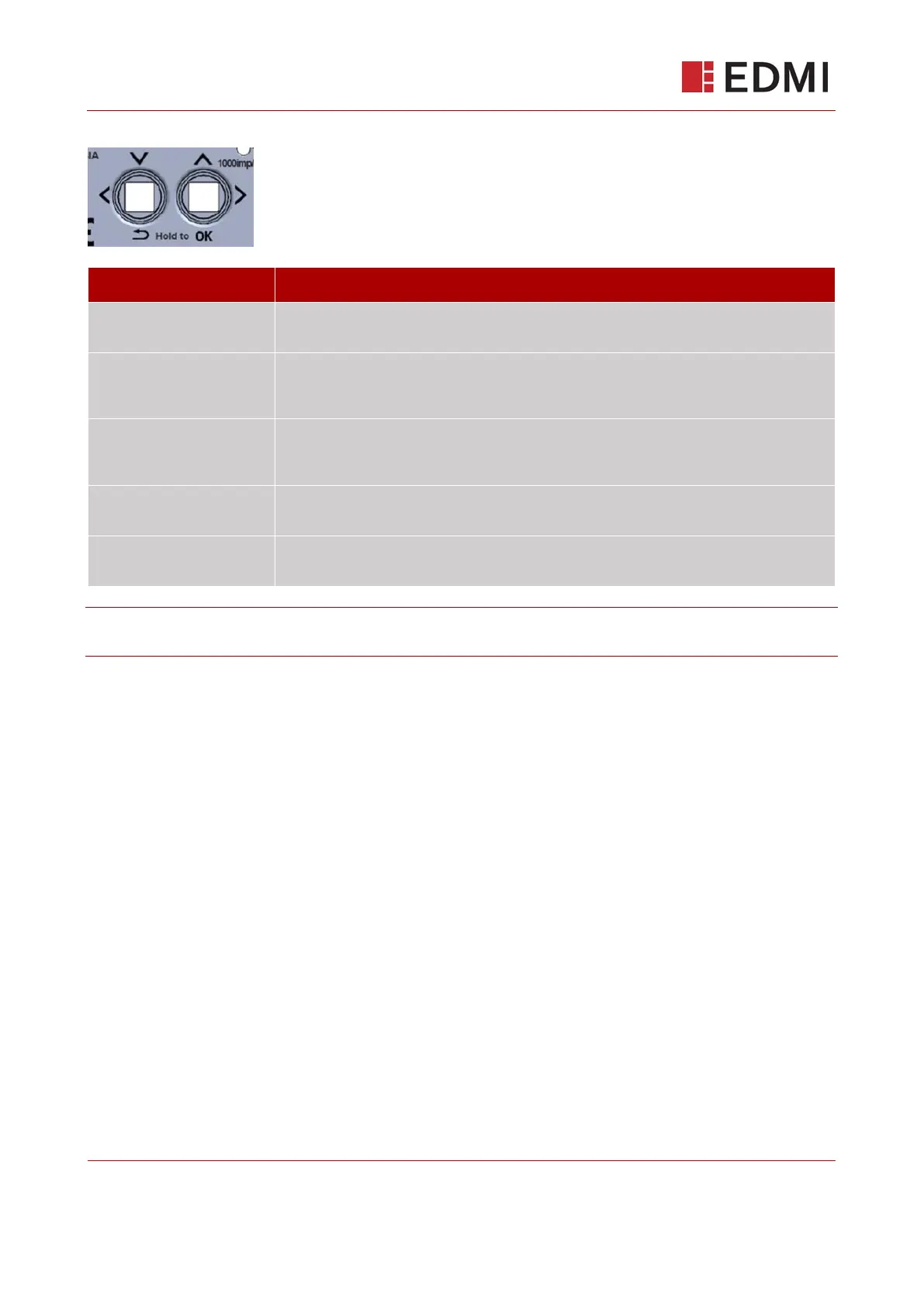
Figure 12-1: Pushbuttons
Move down the menu
structure one level…
…press the OK (right/up) button and hold it for one second.
Move left, within the same
level of the menu
structure…
…press and release the Left button.
Move right, within the
same level of the menu
structure…
…press and release the Right button.
Move up the menu
structure one level…
…press the Return (left/down) button and hold it for one second.
Confirm a selection (i.e.
Press OK)…
…press the OK (right/up) button and hold it for one second.
Note: After a period of inactivity, the meter will revert to the main screen. This time will depend
upon each supplier’s configuration.



 To Next Page