ES-10B 4 Terminal Single Phase Residential Electricity
Meter - Product Guide
Copyright © 2019 EDMI Europe Ltd. All rights reserved
Version / Status: 1.1
Public
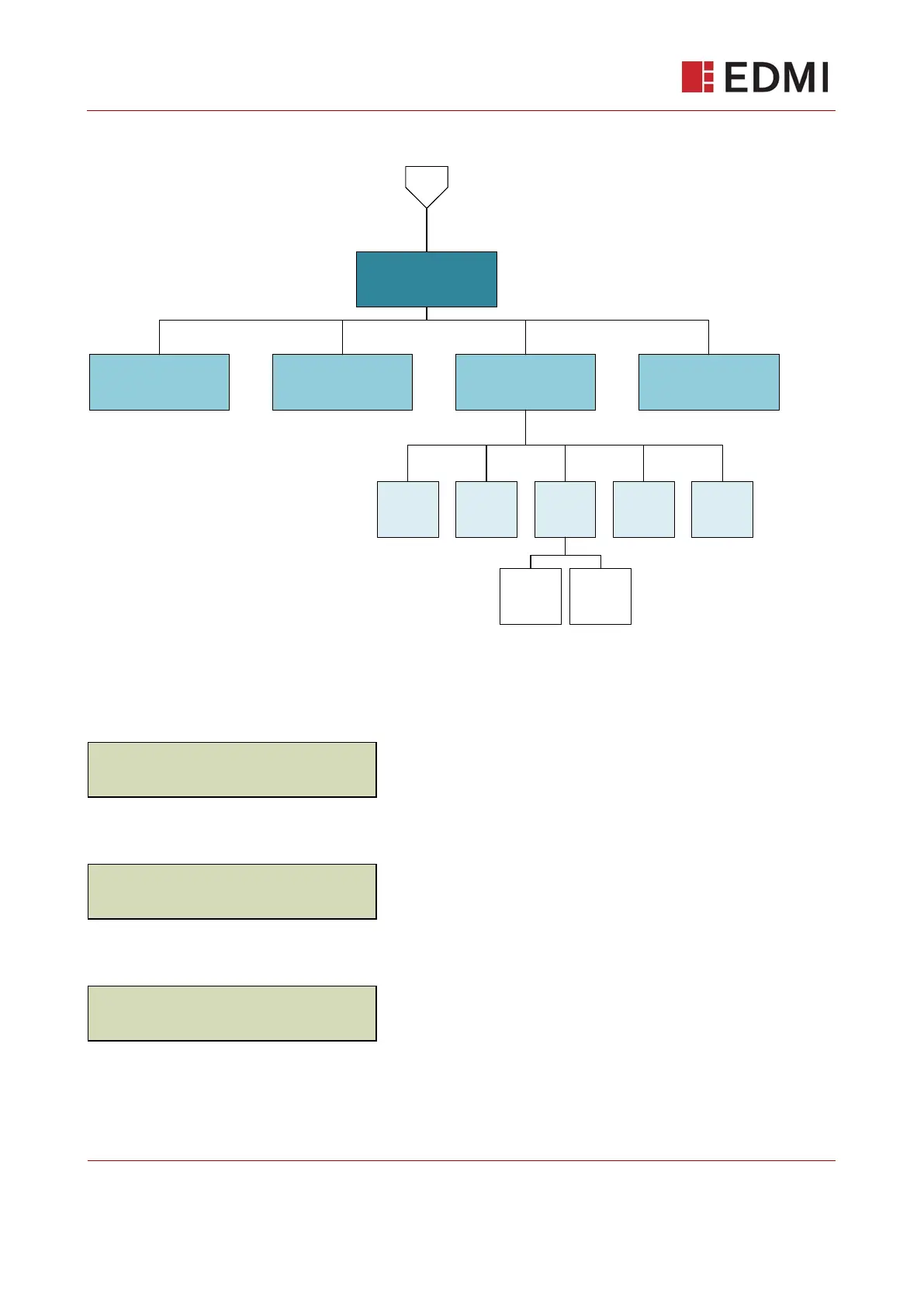
13.9 Prepayment Mode Menu Structure
1
Main
Prepay
Debts
Total
Debts
to Clear
Debts
timed
PAYG
TopUp
PAYG
EMC
PAYG
Debts
PAYG
History
Debts
Payment
Debts
Acc.Debt
1
Timed
Debt1
Timed
Debt2
13.10 The Default (Main) Screen – Prepayment Mode
The main screen displays basic information at-a-glance, cycling through:
Active Import register
Active Export Register
Meter Balance
When on any other screen, the meter display reverts to this default screen if no buttons have been
pressed for one minute.



 To Next Page