ES-10B 4 Terminal Single Phase Residential Electricity
Meter - Product Guide
Copyright © 2019 EDMI Europe Ltd. All rights reserved
Version / Status: 1.1
Public
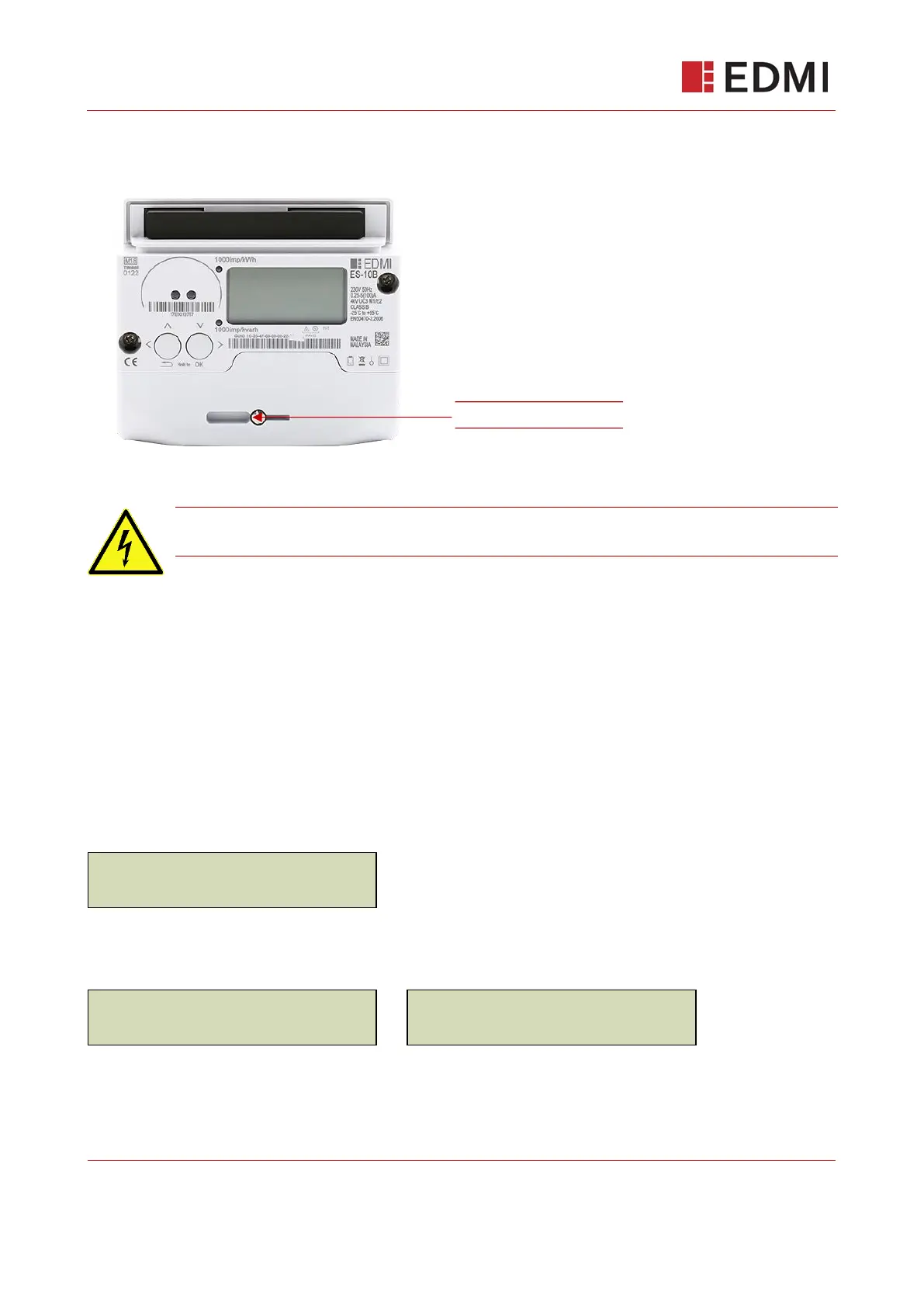
Figure 13-1: Terminal Cover Screw
Do not remove the terminal cover. To access the Engineering menu, you need
only loosen the terminal cover screw enough to active the tamper switch.
13.8.2 Logs
The Logs menu displays the meter’s Security Log. A maximum of 100 events are displayed, the
most recent event being 1. The top row of the screen shows the event number (1-100) and the
bottom row shows event code the timestamp information.
Use the left/right buttons to scroll up and down the list of events and press the OK button to switch
between the Event Code and the Timestamp display (every two seconds, the Timestamp display
cycles between the date and time display).
For example:
This indicates that the first message in the Event Log (001) is GBCS Event Code 8254.234.
Pressing OK will display:
This shows that Event 001 occurred at 23:01:15 on 01.01.15. The display will cycle between the
time and date every two seconds.



 To Next Page