ES-10B 4 Terminal Single Phase Residential Electricity
Meter - Product Guide
Copyright © 2019 EDMI Europe Ltd. All rights reserved
Version / Status: 1.1
Public
14 Top Up Pay As You Go Credit
To top up your PAYG credit, you require a Unique Transaction Reference Number (UTRN). Each
UTRN is valid for only one transaction on a specific meter.
To top up your meter balance:
1. From the Top Up menu, use the:
Left / Right buttons to scroll through digits 0-9.
OK button to select a digit.
Return button to delete the currently selected digit and return to the previous one.
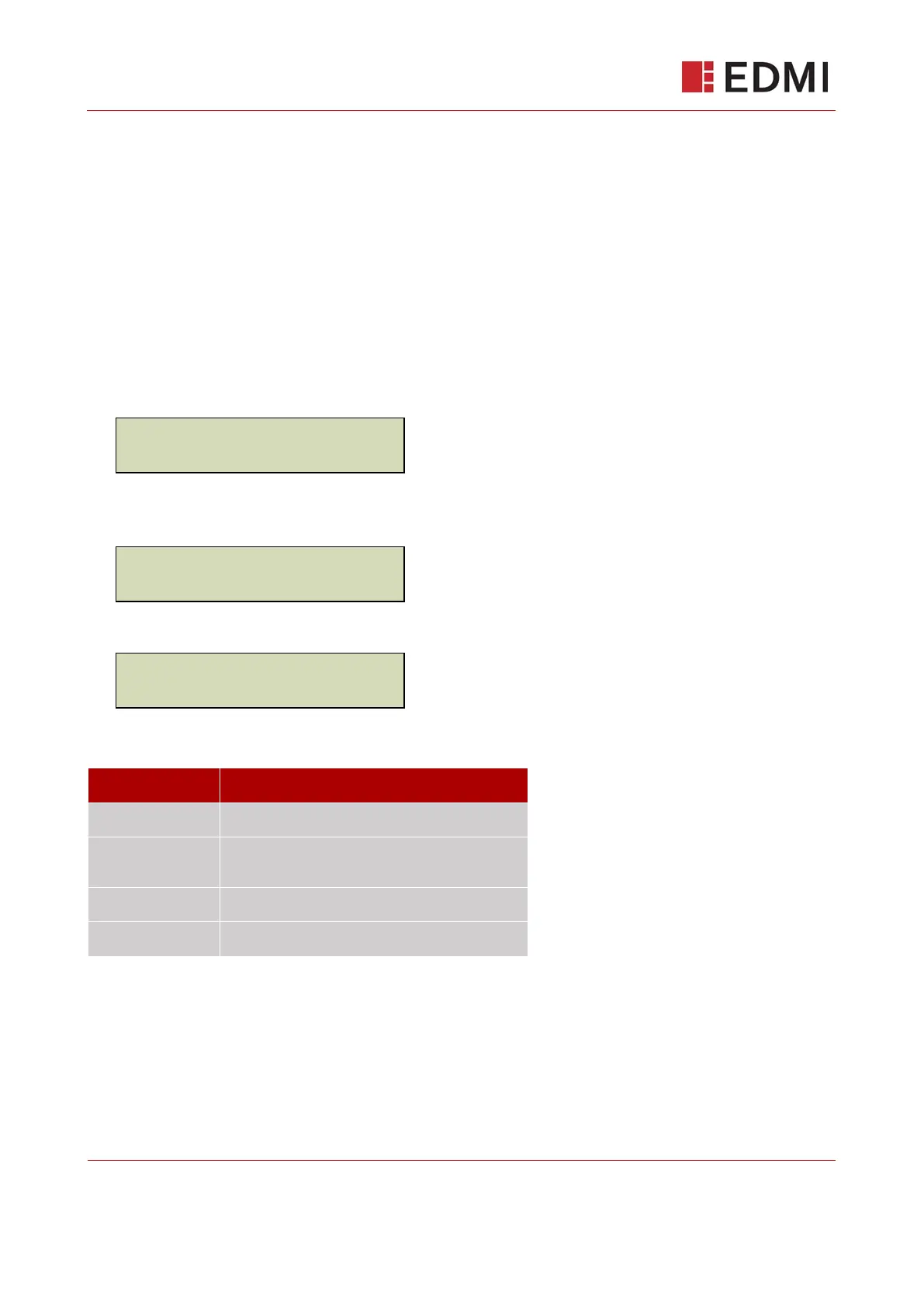
2. After you have entered the last digit of the UTRN, the screen will display:
(For up to 10 seconds)
If the entered UTRN is valid, the screen will then display:
If the UTRN Code is not valid for any reason, the screen will display:
Where the [CODE] corresponds to the following table:
The same UTRN has been previously entered.
UTRN exceeds Maximum Credit Threshold or
exceeds maximum top up.
UTRN not for this Device.
You will be prompted to re-enter the UTRN. If a UTRN entry fails for the number of times specified
by your supplier, you will be locked out of the user interface for one hour.



 To Next Page