ES-10B 4 Terminal Single Phase Residential Electricity
Meter - Product Guide
Copyright © 2019 EDMI Europe Ltd. All rights reserved
Version / Status: 1.1
Public
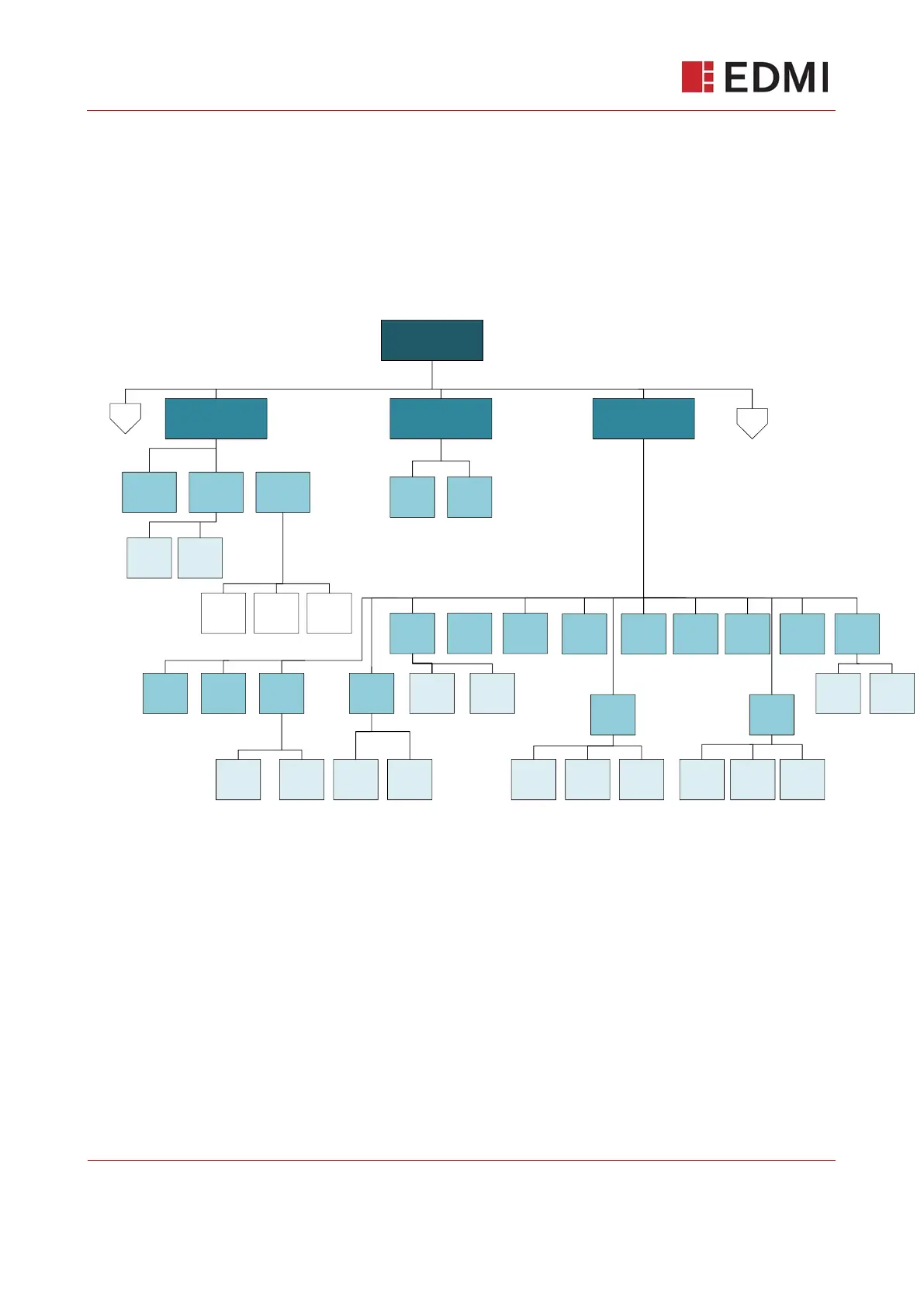
13 Menu Structures
The meter’s menu is activated by pressing the OK button. This level of menu includes the main
headings of the document (Billing, Security, Info, and Message). Pressing OK on each of these
headings on the UI will open up the submenus denoted by subheadings under each section.
Pressing the left and right buttons, navigates between menu headings.
13.1 Credit Mode Menu Structure
(Default)
Bill
Tariffs
Bill
My Bills
Main
Billing
Main
Securty
Main
Info
Info
MPAN
Info
Supplyr
Info
JOIN
Info
Logs
Info
Supply
Info
Time/
Date
Adv
TOUmtrx
Tarif
StdChrg
Tarif
Now
Secur
Set PIN
Secur
RemvPIN
Log
Events
Log
Pwr Log
Adv
TOUblck
Adv
BlkCrMx
4
Info
CIN
Info
WattH
Info
version
Ver
Confg
Ver
Firmw
MPAN
Import
MPAN
Export
Call
Name
Call
tel
Info
date
Ver
Softw
Info
LCD
Info
HAN
HAN
EUI64
HAN
RSSI
HAN
Comms
Bill
Advancd
Info
MODE
Info
Dial
Info
kVArh
R-R+
Continued on next page…



 To Next Page