Chapter 2: Basic operating instructions
P/N 3102309-EN • REV 001 • ISS 18JUL19 19
Acknowledging events
When an event occurs, it is important that you acknowledge it and review the issue. The control unit handles the
event by showing it on the LCD screen as an event message, sounding the operator alert signal, placing the
event in the appropriate queue, and, when configured, flashing the Acknowledge LED.
If an operator control button has been programmed in the 4-CU as Acknowledge, pressing the Acknowledge
button acknowledges events.
For proprietary systems, pressing the Acknowledge button acknowledges an event and turns the operator alert
signal off after all events have been individually acknowledged in the order displayed.
Note: The acknowledge function can be programmed for a fire privilege PIN. The default setting is no PIN
required.
To acknowledge an event:
1. Press the Acknowledge operator control button.
2. If prompted, enter the fire privilege PIN using the interactive keypad.
Displaying event lists
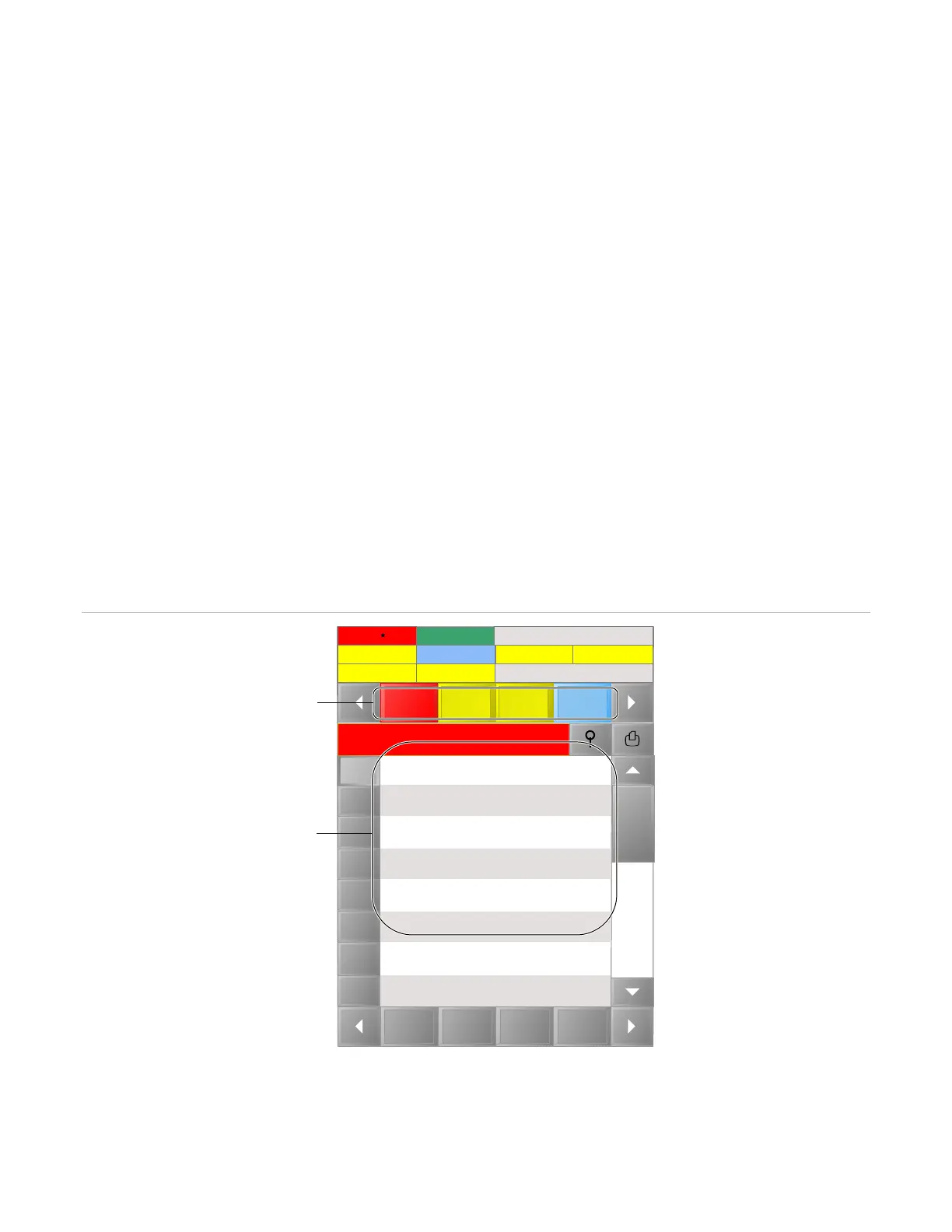
Event lists allow you to view event messages in a specific queue. The message consists of two lines of text that
include the event type, current status, time of the event, and message text.
Figure 5: Viewing event lists
(2) Events in the list queue
Holidays
System
Info
Project
Tree
Sign
In
Alarm Event List
Alarm: Activate
SouthCampus, Building1, Zone2
Alarm: Activate
SouthCampus, Building1, Zone2
Alarm: Activate
SouthCampus, Building1, Zone2
15:11
11:13
11:13
Control
Requests
08/21/2018 12:07:33
Disable 2
Alarm 3
Alarm
Trouble
Superv-
isory
Supervisory 4
Requests 3 Building 1
Trouble 1
Ground 2
Other 3
1
2
3
(1)
(2)



 To Next Page