Chapter 2: Basic operating instructions
30 P/N 3102309-EN • REV 001 • ISS 18JUL19
4-MIC live mass notification signaling (MNS)
In MNS signaling mode, the page signal is redirected to the Emergency channel. Any audio amplifier connected to
either the Page or Emergency audio channels will receive the page.
Notes
• All paging functions require a 4-24L series control-display module.
• Your system may be configured differently than described below.
To make a live mass notification announcement:
1. For a control unit programmed as a command center, request for control of the EST4 system may be
required.
• Using the operator touch screen:
On the Action bar tap Request Control, and then tap the Control Request list button. The information
screen will show the control status. When ready, proceed to step 2.
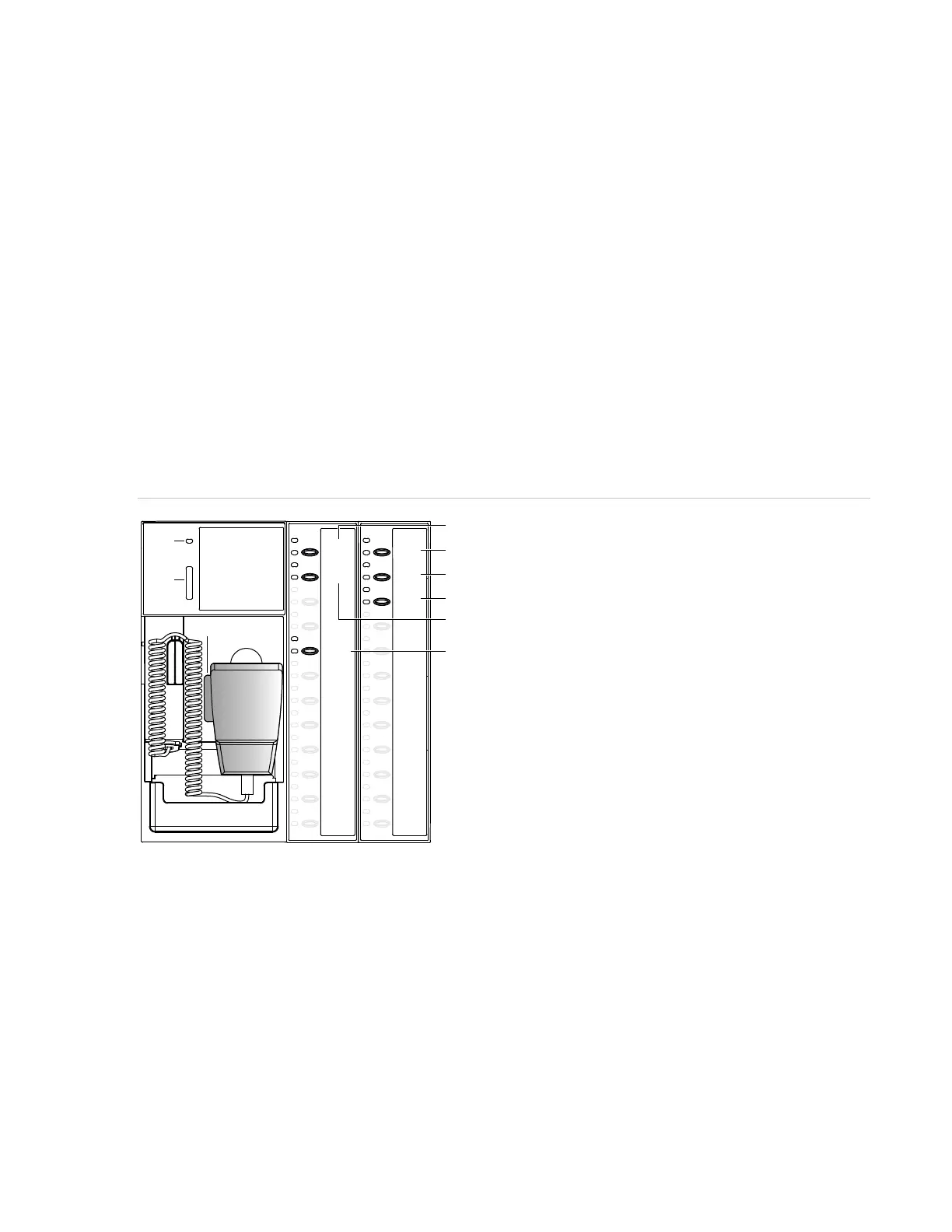
• Using a 4-24L series control-display module (see Figure 10 below):
If the top Control Status LED (item 4) is steady, proceed to step 2. If not, press Request Control (item 8);
its LED flashes while requesting control. When the top Control Status LED is steady, proceed to step 2.
Figure 10: 4-MIC live MNS signaling using control-display module switches and indicators
2. Press the MNEC On button (item 5) on the control-display module, to activate the function.
3. Remove the microphone from its hook, and then press the All Call button (item 9) on the control-display
module.
4. Press and hold the microphone push-to-talk switch (PTT) (item 3). The Ready to Page LED (item 1) flashes
during a preannouncement tone. When the LED is on steady, begin the announcement. Adjust your voice
level so that the red LED on the Paging Volume meter (item 2) does not illuminate.
5. Release the PTT switch when the announcement is finished and return the microphone to its hook.
(1)
(2)
(3)
READY TO PAGE
PAGING VOLUME
All Call
All Call
Minus
Phone
Page
Page to
Other
Page to
Emerg
EVAC
Alert
Request
Control
MNEC
Reset
MNEC
Silence
Control
Status
MNEC
On
Grant
Control
Deny
Control
(5)
(4)
(6)
(7)
(8)
(9)
4-MIC 4-24L12S



 To Next Page