INTRODUCTION 10
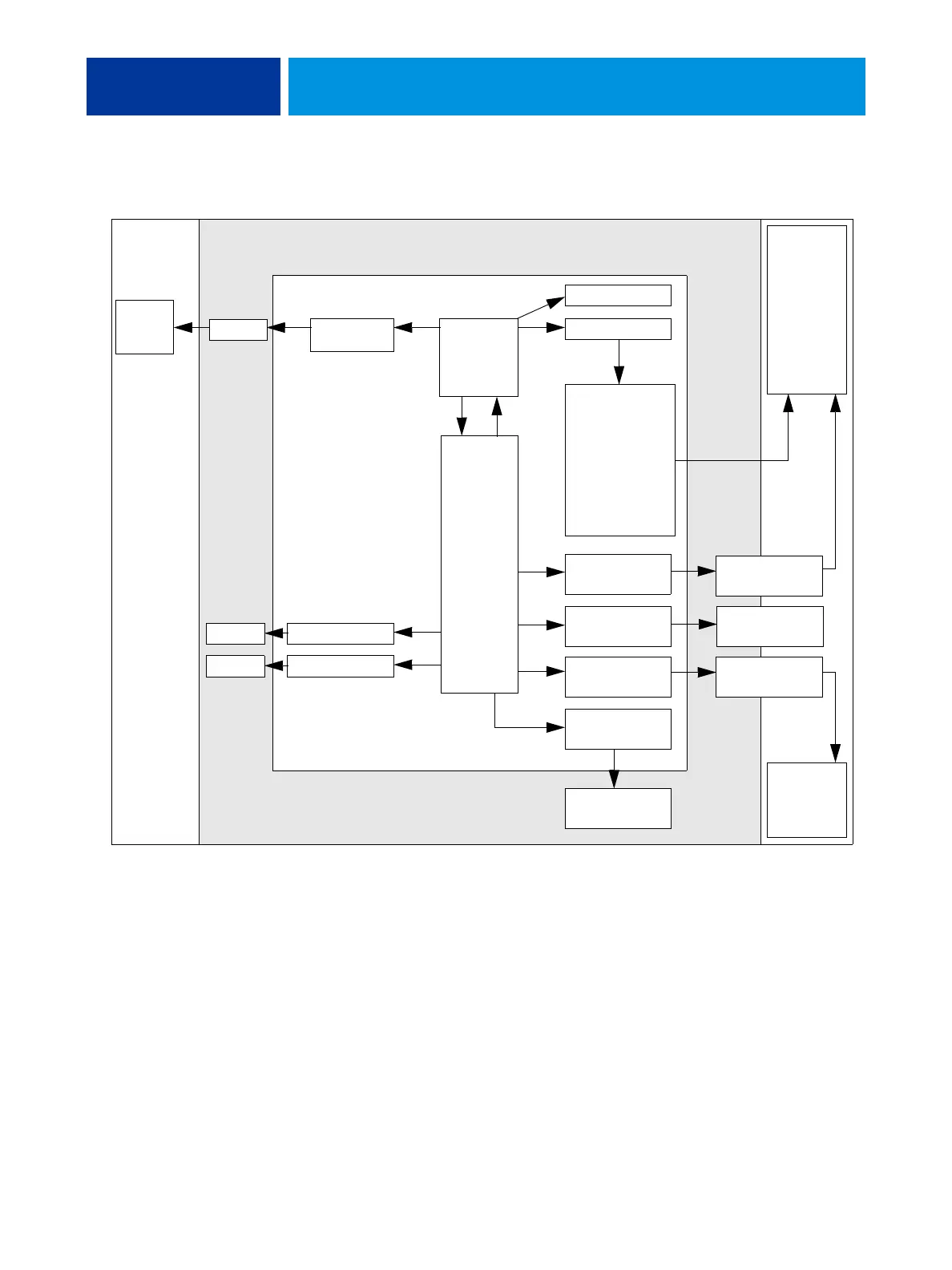
FIGURE 1: E-43A functional diagram
Before you service the E-43A
Before you service the E-43A, it is strongly recommended that you make sure that you have
the required tools (page 11) and carefully review all precautions.
Also, keep in mind that the most common cause of a hardware problem is a faulty or loose
connection. Before you replace an expensive component, check internal and external
connections (see page 39).
Motherboard
PCH
E-43A
CPU
Video Card
PCI-E Slot x16
RJ45
USB 2.0 (x2)
Ethernet - Scan
Keyboard, Mouse
Ethernet - Network
USB Type A
RJ45
User Interface
Board (UIB)
DVI-I (VGA
Signaling)
Display
SATA0DVD
Printer
Network
Computers
SATA1HDD
DIMM(s)
VGA



 To Next Page