INSTALLING HARDWARE 19
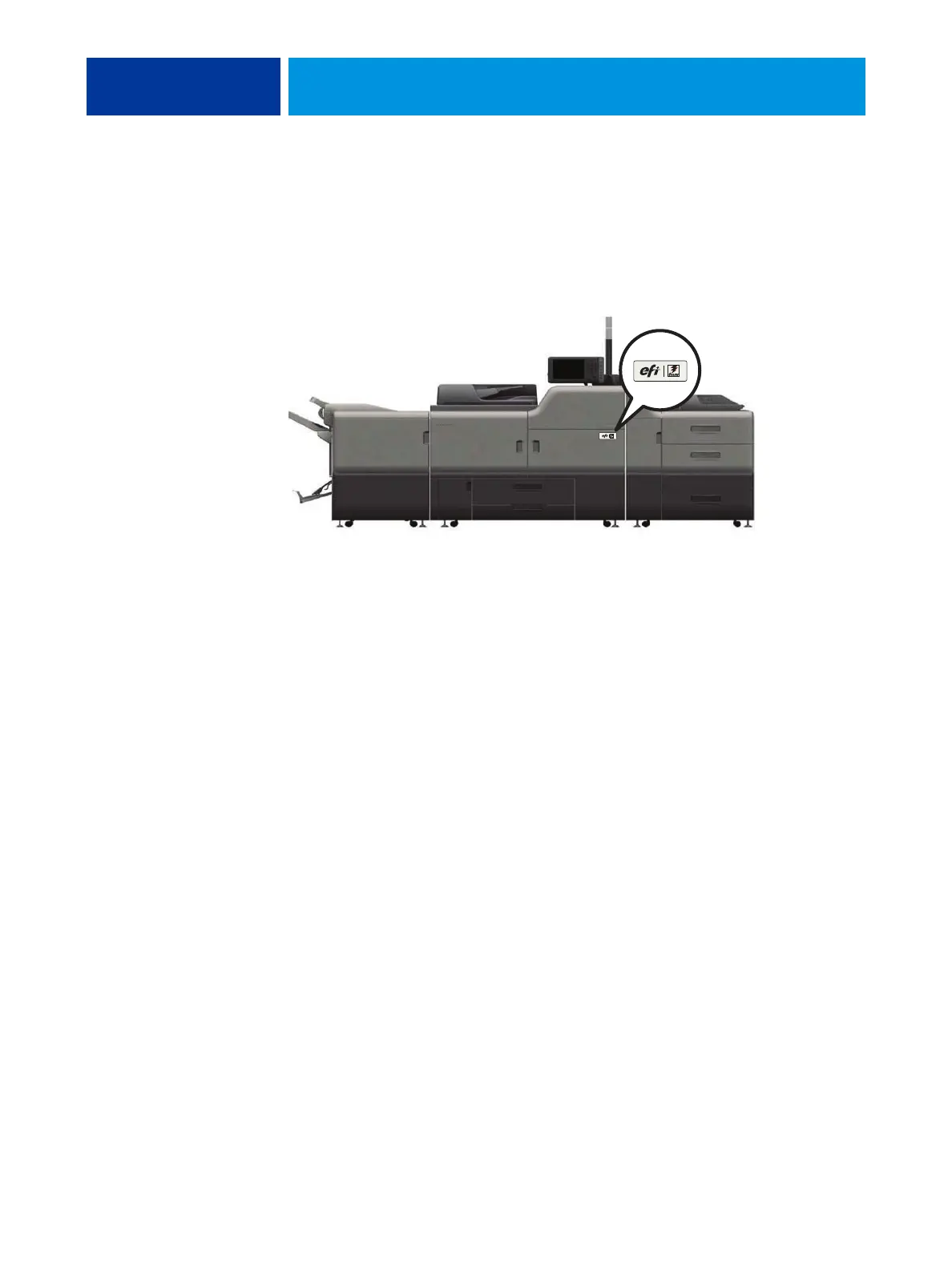
7 Locate the EFI/Fiery decal in the shipping container and affix it to the copier/printer as
shown.
FIGURE 3: Affixing the decal to the copier/printer
Connecting the E-43A
You are now ready to make the following connections:
• (Optional) Monitor, keyboard, and mouse
NOTE: The Fiery Integrated Workstation is an option.
• (Optional) Additional printer interface board for specialty color support
For details on installing the additional printer interface board, see the documentation
provided with the option kit.
• Power cable connection
• Network cable connection
• Crossover Ethernet cable connection
For more information on connecting cables, see page 38.
EFI/Fiery decal



 To Next Page