USING THE E-43A 25
USING THE E-43A
The following user interfaces are available for the E-43A:
• The control panel on the front of the E-43A.
• The copier/printer touch panel.
NOTE: The Fiery Integrated Workstation (monitor, mouse, and keyboard) is provided as an
option feature.
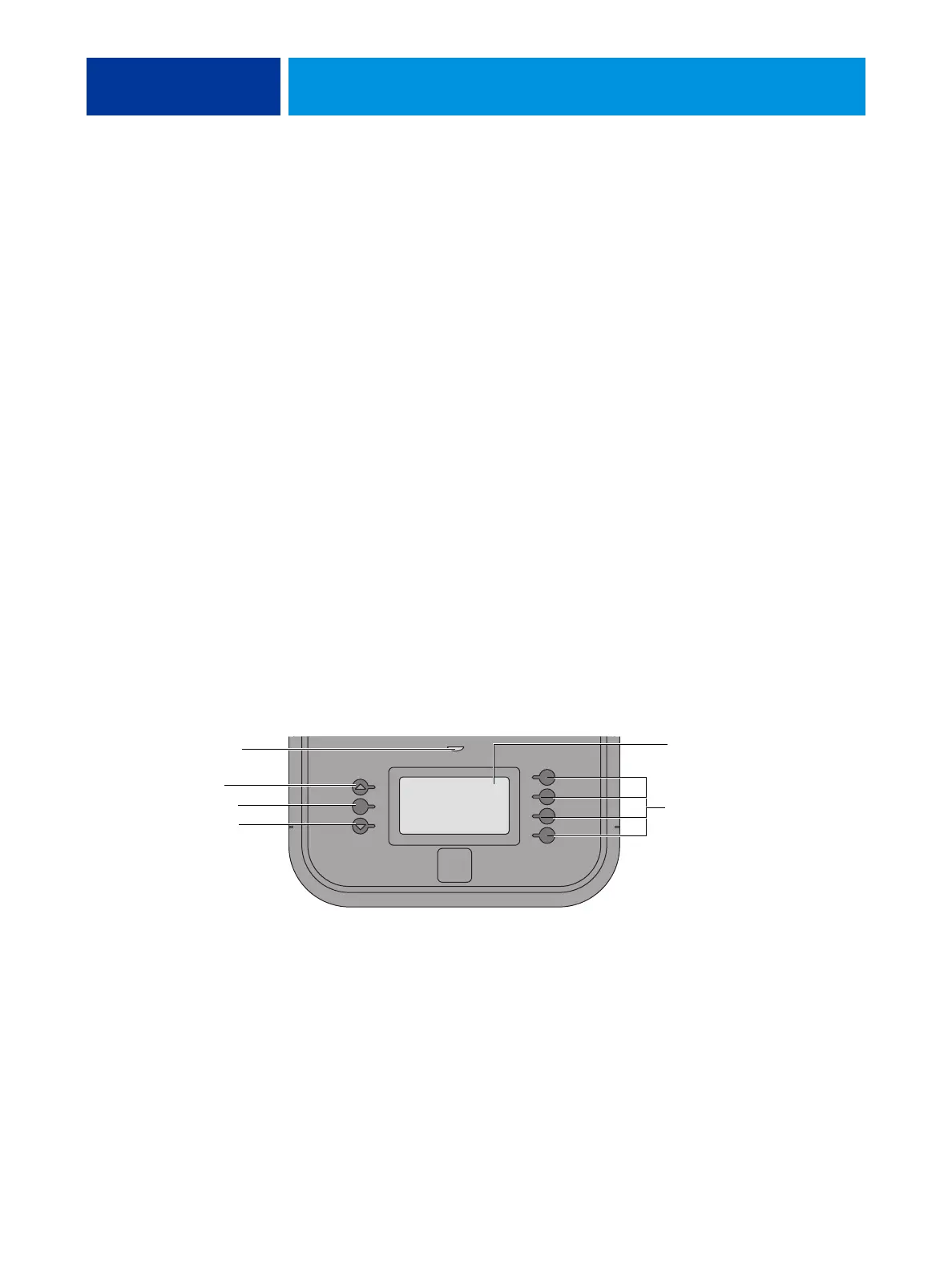
Using the E-43A control panel
The control panel on the front of the E-43A allows you to do the following:
• Eject CDs and DVDs (a hardware eject button is also provided below the disc slot)
• Replace the motherboard (when the motherboard replacement dongle is inserted into a
USB port)
• View the IP address of the E-43A
• Shut down, restart, or reboot the E-43A (see page 32).
NOTE: You can also shut down and restart the E-43A through the copier/printer touch panel
(see page 28).
• Interact with the E-43A during software installation (see page 87)
• Run certain diagnostics (for service purposes only)
.
FIGURE 7: E-43A control panel
Display window
Line selection buttons
Up button
First
Fourth
Menu button
Down button
Activity light



 To Next Page