USING THE E-43A 27
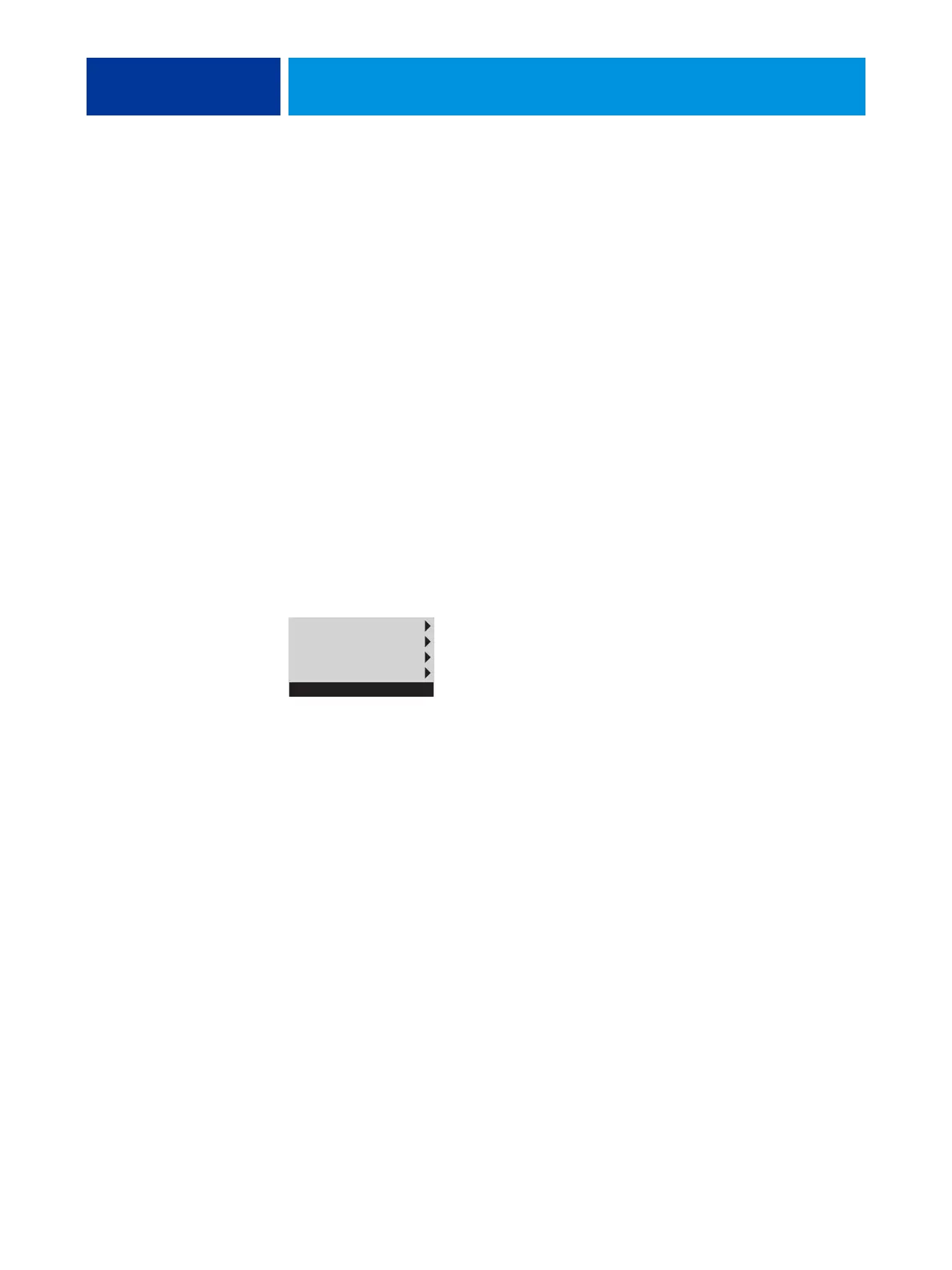
E-43A Functions menu
The following options are available from the E-43A Functions menu:
•
MB Replacement: Allows you to transfer any options stored in the hard disk drive of the
E-43A into a new motherboard.
NOTE: The MB Replacement option appears only when you insert the motherboard
replacement dongle into a USB port.
•
Eject CD/DVD: Allows you to eject media from the DVD drive. Media is also automatically
ejected whenever the E-43A is restarted, shut down, or rebooted. A hardware eject button
is also located below the disc slot.
•
IP Address: Displays the current IP address of the E-43A.
•
Restart Server: Includes options to Restart (soft reset) or Reboot (hard reset) the E-43A.
Selecting Restart resets the E-43A server software, but does not reboot the entire system.
Selecting Reboot shuts down all E-43A activity and reboots the system. When you select
Restart or Reboot, network access to the E-43A is temporarily interrupted and all currently
processing jobs are aborted and may be lost.
•
Shut Down Server: Shuts down all E-43A server software and powers off the system. Always
select this option to power off the system.
FIGURE 8: E-43A Functions menu
NOTE: Avoid using the reset button on the front panel, as doing so may cause the system to
operate unpredictably. Use the reset button on the front of the E-43A only if the system is
unresponsive to keyboard or mouse actions (if available).
Eject CD/DVD
IP Address
Restart Server
Shut Down System
Server name



 To Next Page