REPLACING PARTS 85
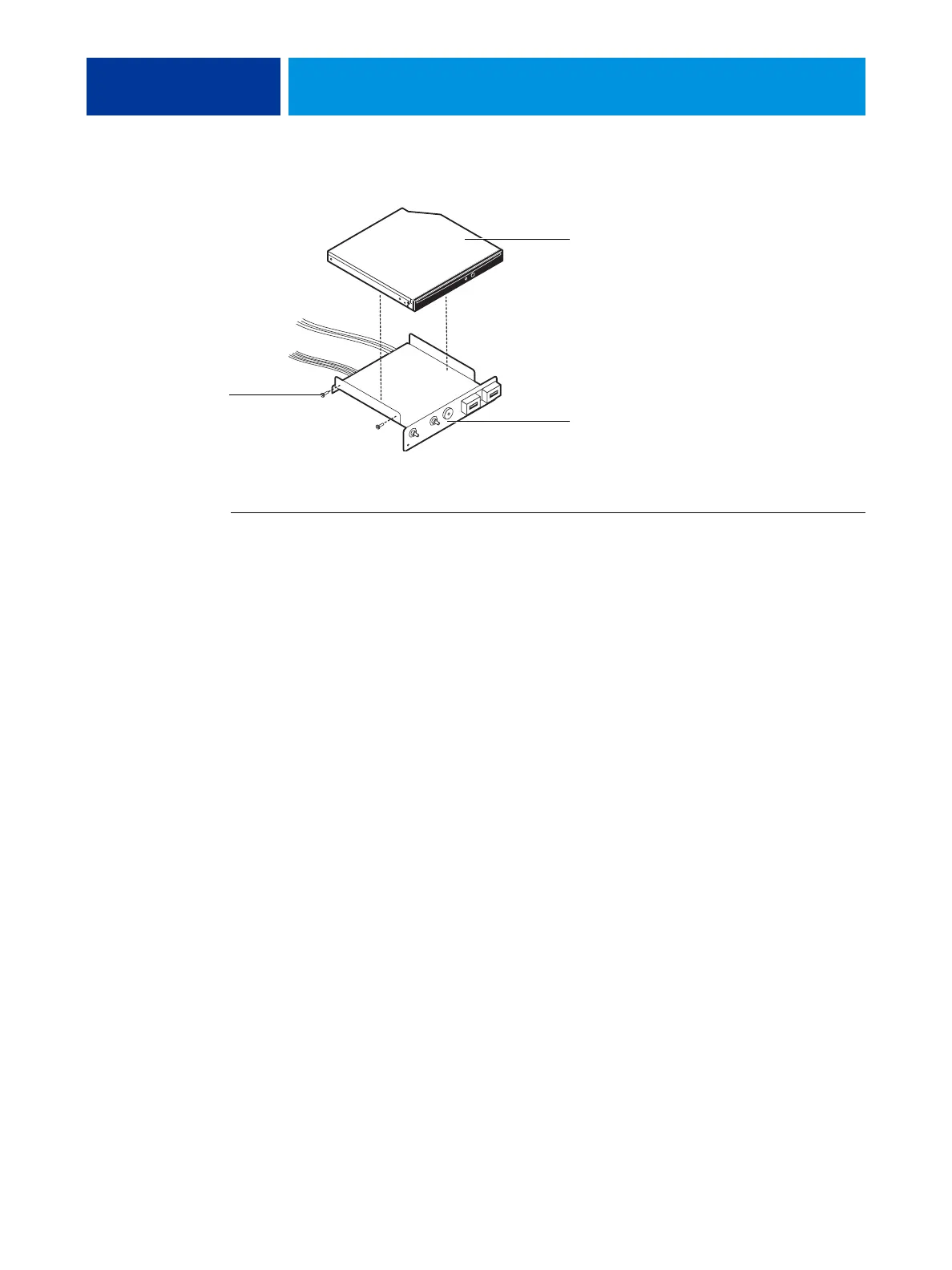
FIGURE 34: Removing/replacing the DVD drive
TO REPLACE THE DVD DRIVE
1 Install the DVD drive in the switch bank assembly.
2 Install the switch bank assembly in the component sled, and then install the component sled
in the chassis (see page 83).
3 Attach the power and data combination cable to the back of the DVD drive.
4 If you installed a new DVD drive, make sure to reset the time and date in Setup (see
Configure Help for more information).
5 Reassemble the E-43A and verify its functionality (see page 86).
Switch bank assembly
Screw
(1 of 2)
DVD drive



 To Next Page