17
Chapter 2
Basic Adjustments/Settings
●
Operation Guide Icons
Icon Description
Switches the input signal.
Switches the color mode.
Executes the function assigned to Custom Key 1.
Executes the function assigned to Custom Key 2.
Displays the Setting menu.
Returns to the previous screen.
Moves the cursor.
Executes the selected operation.
Turns the monitor's power on or o.
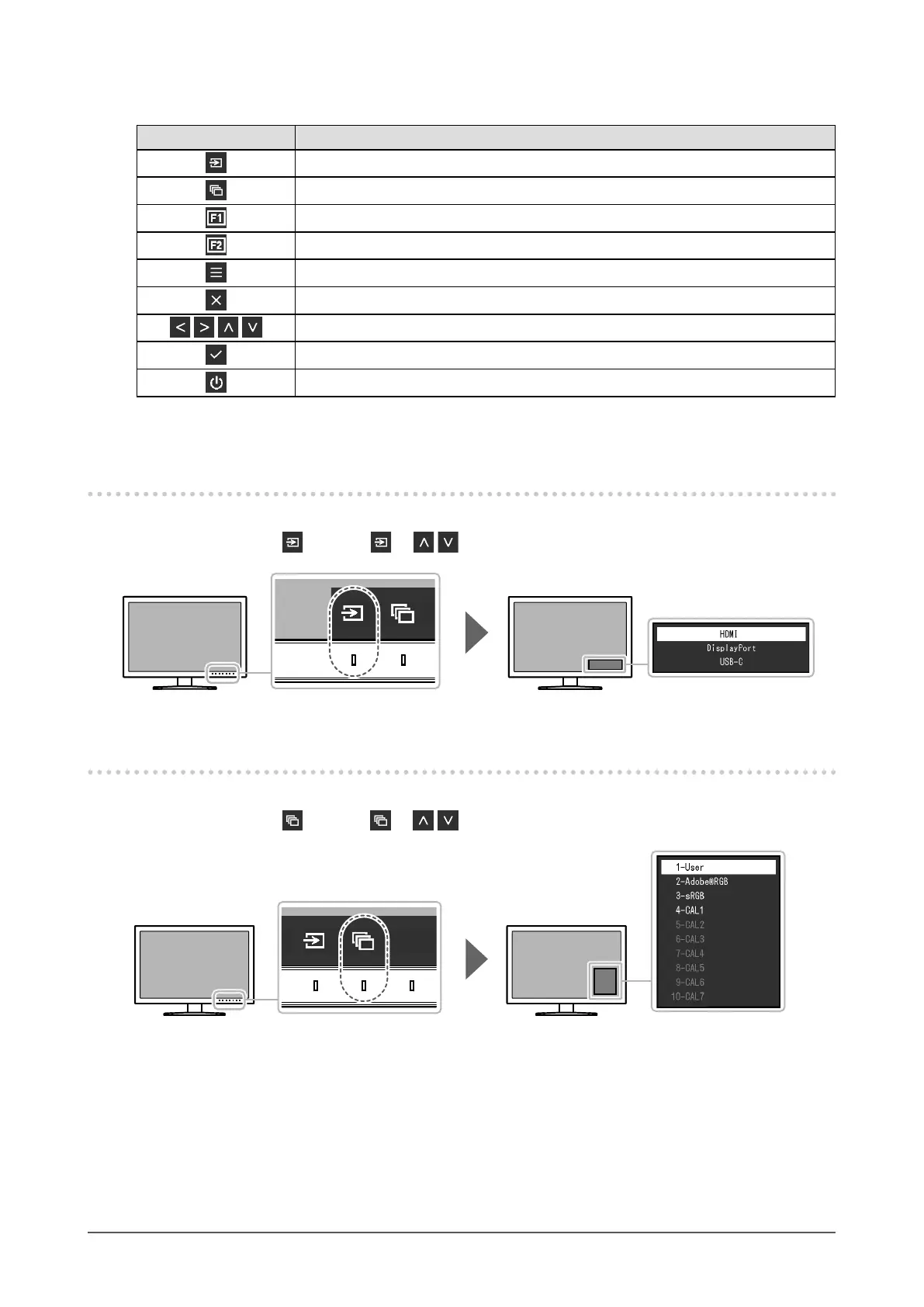
2-2. Switching Input Signals
When a monitor has multiple signal inputs, the signal to display on-screen can be changed.
Touch any switch, select
, and use or to select the input signal you want to display.
2-3. Switching the Display Mode (color mode)
This function allows easy selection of a display mode according to monitor application.
Touch any switch, select , and use or to select the color mode you want to use.












 To Next Page