22
Chapter 4
Advanced Adjustments/Settings
Chapter 4 Advanced Adjustments/Settings
This chapter describes the advanced monitor adjustment and setting procedures using the Setting menu.
For the basic setting functions using the switches on the front of the monitor, see "Chapter 2 Basic
Adjustments/Settings" (page 16).
4-1. Basic Operation of the Setting Menu
1.
Menu display
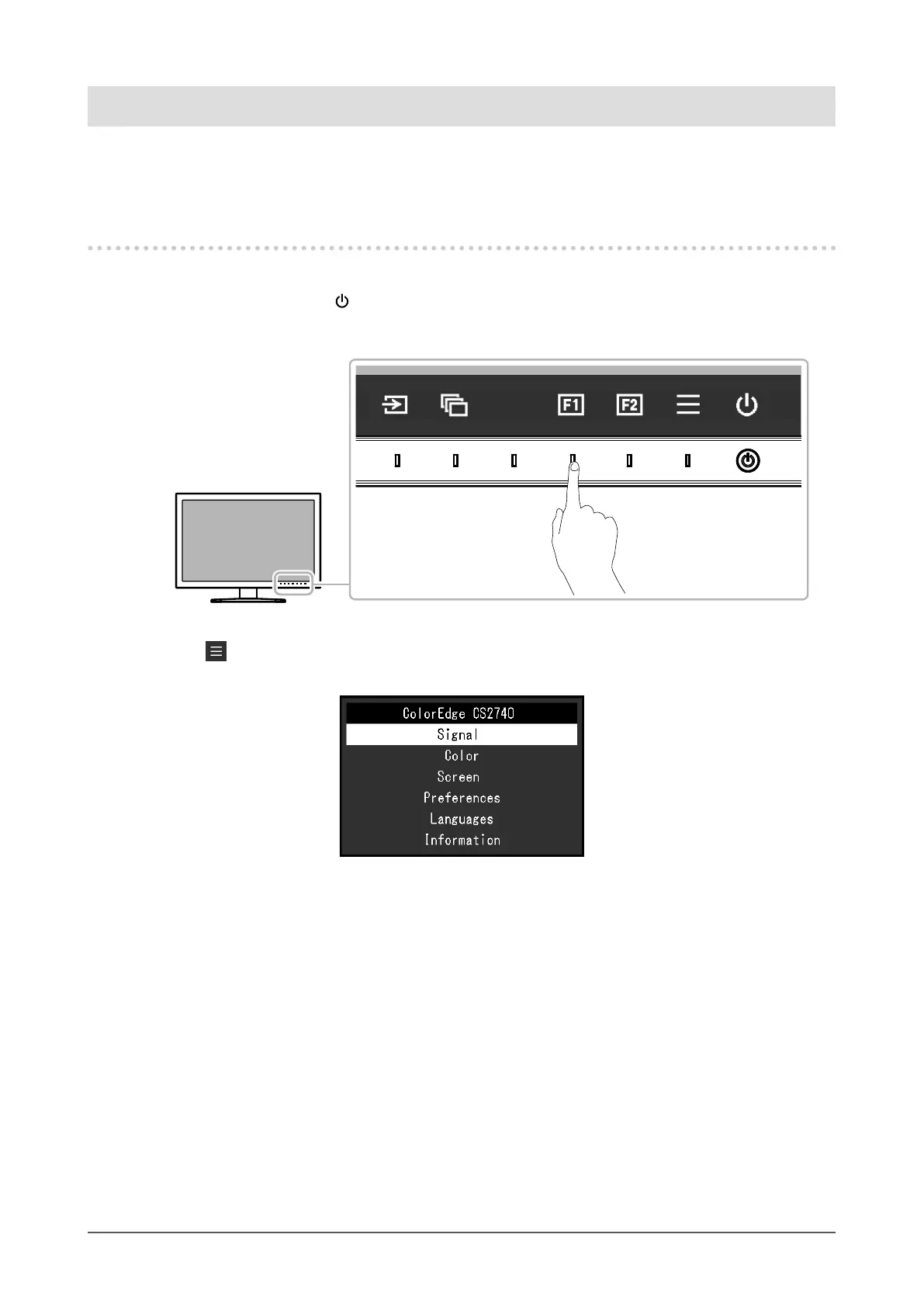
1. Touch any switch (except ).
The operation guide appears.
2. Select .
The Setting menu appears.










 To Next Page