24
Chapter 4
Advanced Adjustments/Settings
4-2. Setting Menu Functions
●
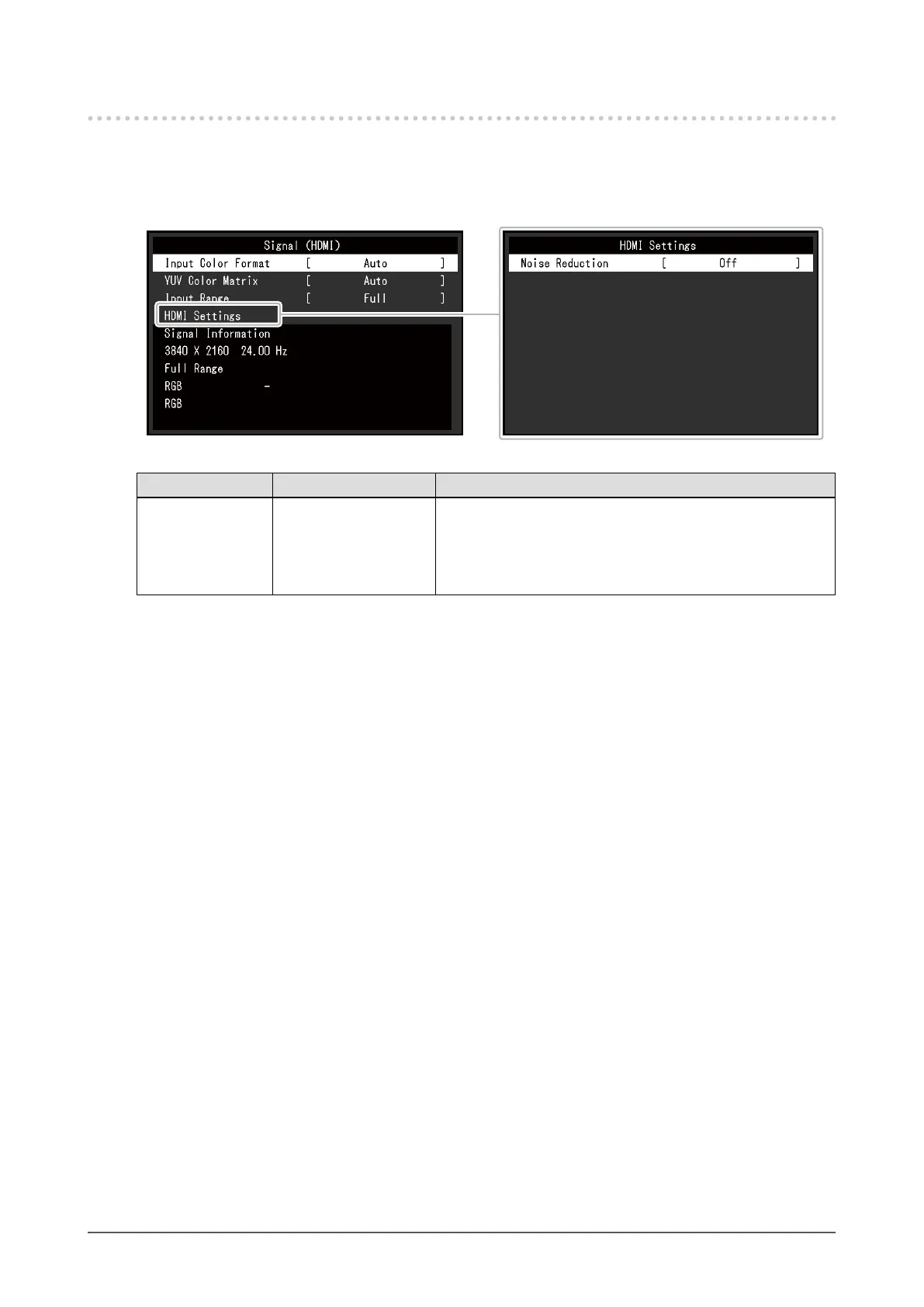
Signal
The signal settings are used to congure advanced settings for input signals, such as the screen
display size and color format.
Function Settings Description
Input Color Format Auto
YUV
*1
YUV 4:2:2
*2
YUV 4:4:4
*2
RGB
The color space of the input signal can be specied.
Try changing this setting if colors are not displayed correctly.
Normally, select "Auto".
*1 Only enabled during
DisplayPort
or USB Type-C input
*2 Only enabled during HDMI input










 To Next Page