Connecting
6.2 Connector location
SCD 19102 / SMD 19102
24 Instruction Manual, 10/2011, A5E01588521A-004
CAUTION
Completely disconnect device from the supply mains
To completely disconnect the device from the supply mains, toggle the power switch on the
rear of the monitor:
• Move the power switch to the "OFF" position.
The device is now switched off and disconnected from the supply mains.
See also
Electromagnetic compatibility (Page 94)
General safety notes (Page 9)
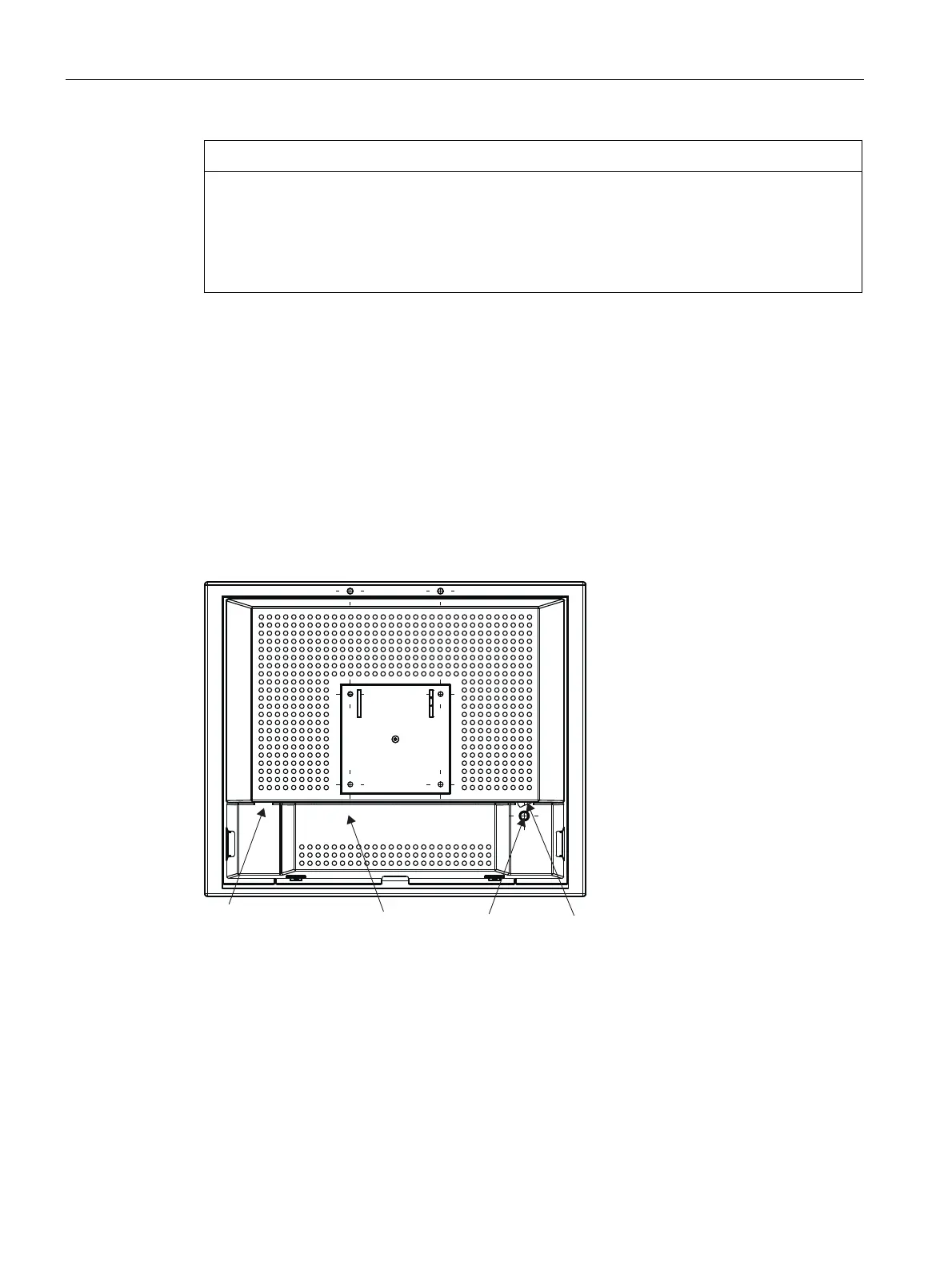
6.2 Connector location
The connectors are located within the connection compartment under the cover on the rear
of the display. The power switch is not covered and is freely accessible.
6FUHZ
&RYHU
3RZHUVZLWFK
6HUYLFH
SLQPLQL',1VRFNHW
Figure 6-1 Rear view of SCD / SMD 19102









 To Next Page