Connecting
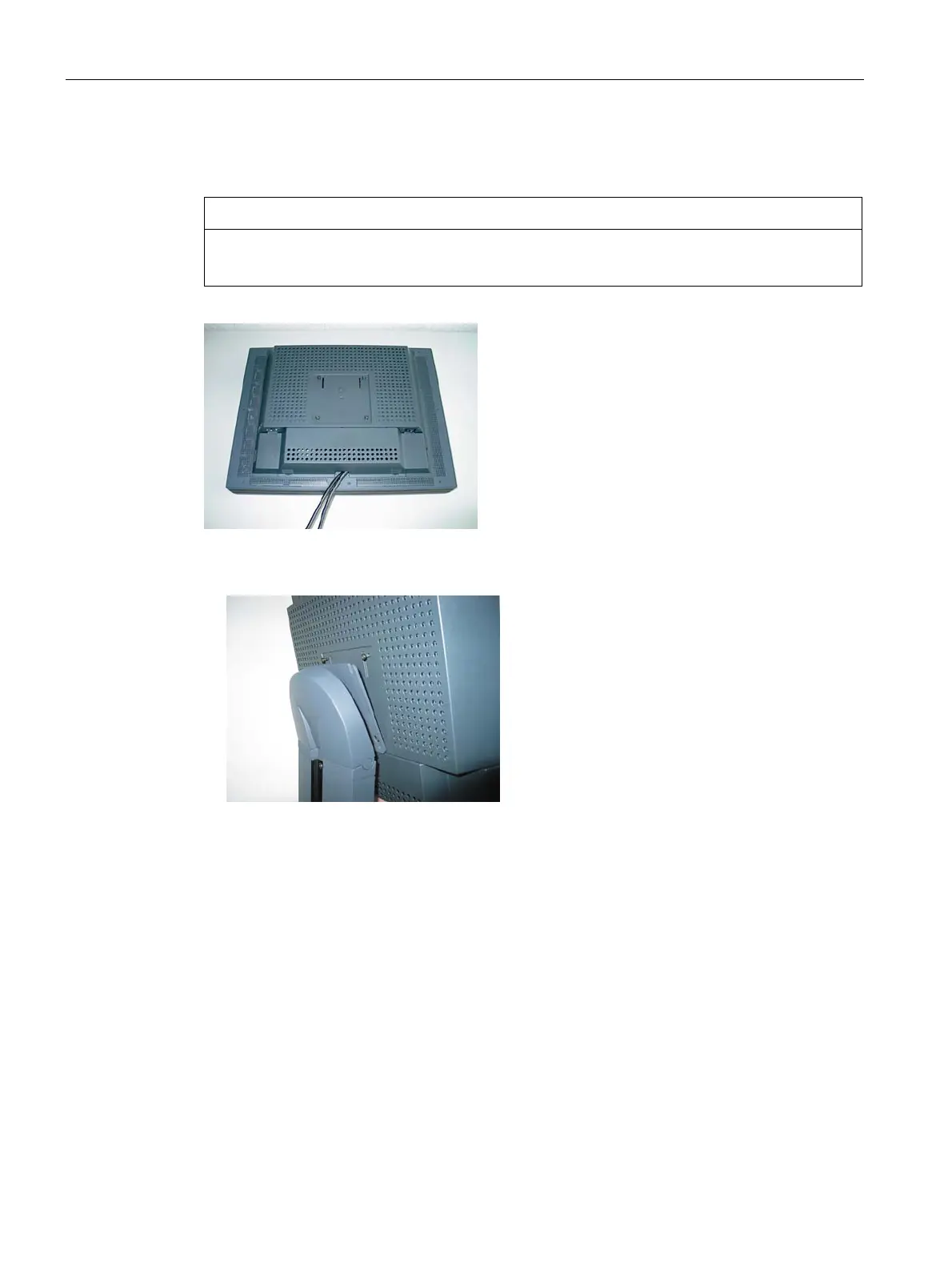
6.8 Installing/removing the display stand and cable for the SCD 19102
SCD 19102 / SMD 19102
30 Instruction Manual, 10/2011, A5E01588521A-004
6.8 Installing/removing the display stand and cable for the SCD 19102
CAUTION
Do not use screws of excessive length
Screws which are too long can damage mechanical and electronic components of the unit.
1. Attach the connecting cable before mounting the foot on the display.
2. Fit the screws on the mounting plate loosely.
3. First insert two screws into the bottom two drilled holes of the display stand.
4. Then insert the remaining screws into the top two drilled holes.
5. Slowly lower the display.









 To Next Page