Connecting
6.7 Connecting the line cord
SCD 19102 / SMD 19102
Instruction Manual, 10/2011, A5E01588521A-004
29
6.7 Connecting the line cord
DANGER
Only connect device to a supply mains with a PE conductor
WARNING: To avoid risk of electric shock, this equipment must only be connected to a
supply mains with protective earth.
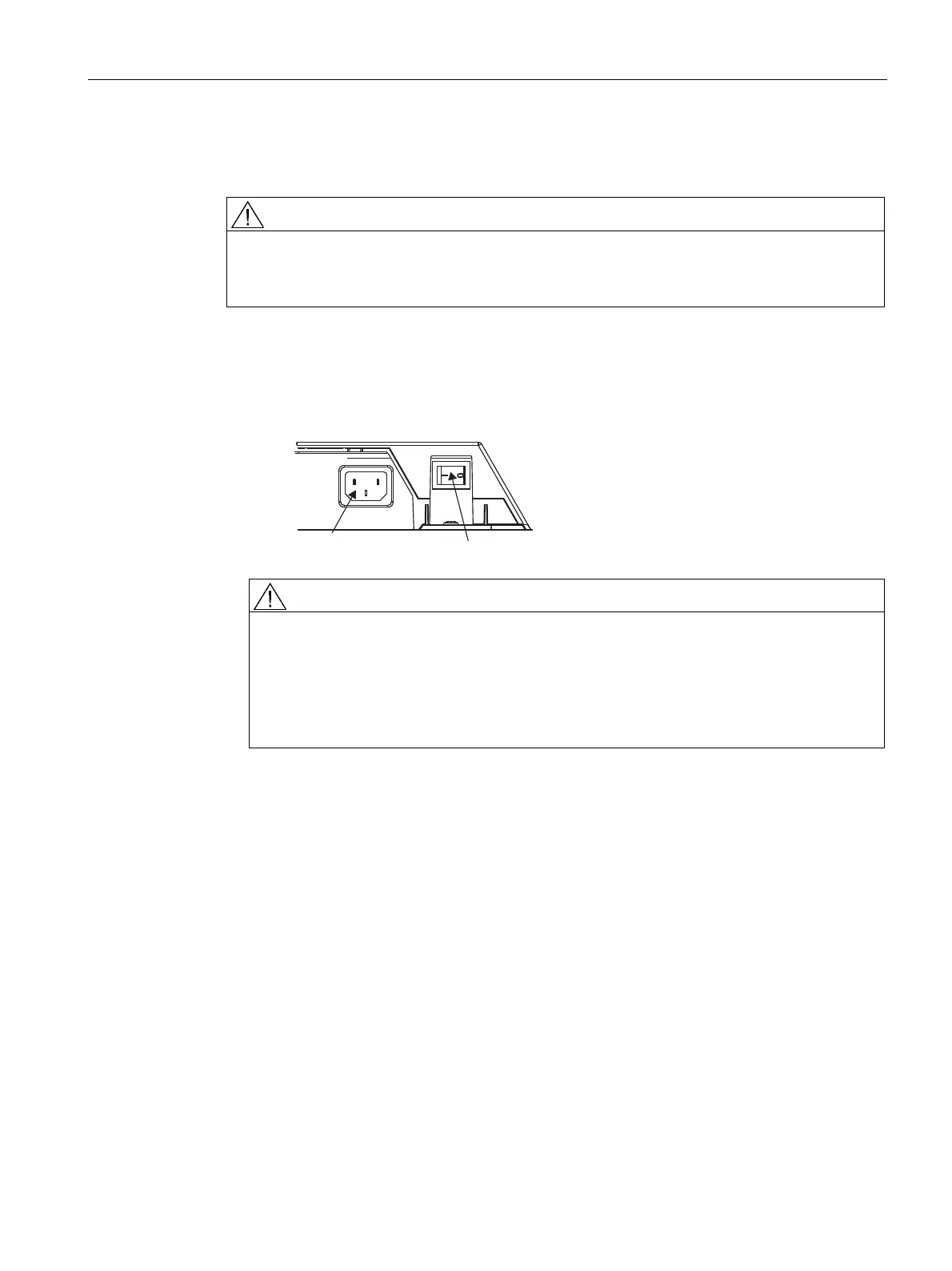
The power supply socket is on the rear of the flat panel display (only open using appropriate
tool!). The display power supply is connected using an appliance plug.
● Insert the appliance plug of the supplied power cord into the mains socket.
● The power cord can be secured using a cable grip.
3RZHUVXSSO\FRQQHFWLRQ
3RZHUVZLWFK
WARNING
• Only use the supplied power cord, or a cable with PE conductor and appliance plug
to DIN 49 547, IEC 320 (max. length 3 m). Furthermore, the cable must adhere to all
local safety regulations applicable to the specific country in which the display is used.
• Device fuses must only be replaced by the repair centers or servicing department.
• Note for North America: Molded power supply plugs must comply with the
requirements for hospitals with respect to CSA Std. C22.2 No. 21 and UL 498.
See also
Connector panel (Page 26)
General safety notes (Page 9)









 To Next Page