Commissioning
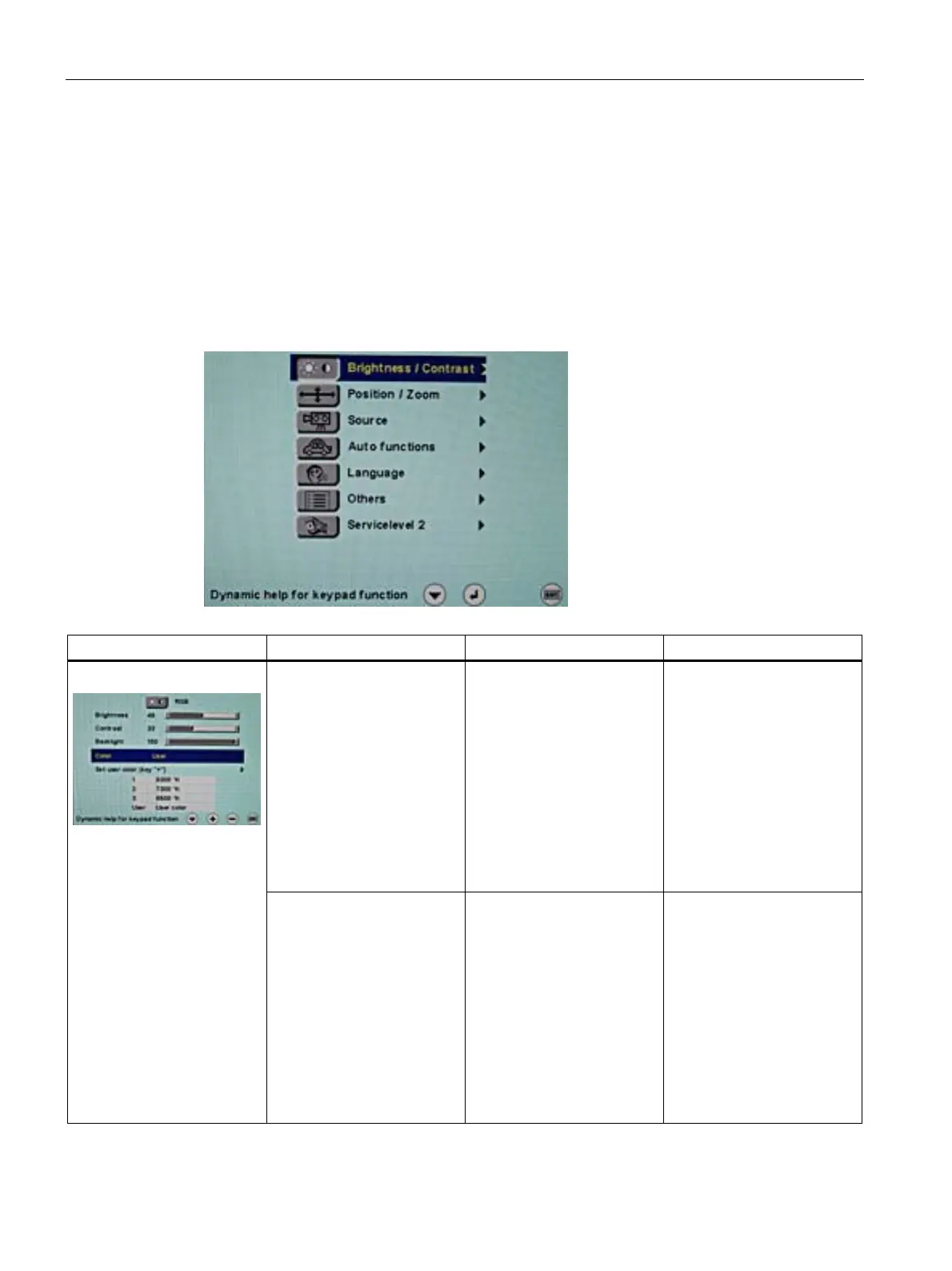
7.3 Description of OSD menu
SCD 19102 / SMD 19102
40 Instruction Manual, 10/2011, A5E01588521A-004
7.3.2 Menu functions
Program levels
Printed/identified in bold type Menu title (main menu or first submenu)
Main menu
Main menu Function Adjustment/range Description
Brightness 0 … 100 % Set brightness
Adapting the representation
of darker picture areas.
Note
:
The brightness settings are
already optimized for digital
DVI signals. Manual changes
to these values are not
recommended, as this can
result in an impairment of
picture quality (loss of gray
scales).
Brightness/Contrast
Contrast 0 … 100 % Set contrast
Adapting the representation
of brighter picture areas.
Note:
The contrast settings are
already optimized for digital
DVI signals. Manual changes
to these values are not
recommended, as this can
result in an impairment of
picture quality (loss of gray
scales).









 To Next Page