SCD 19102 / SMD 19102
Instruction Manual, 10/2011, A5E01588521A-004
37
Commissioning
7
7.1 Switching on the display
● Switch on the device using the power switch.
The green operation LED must now light up permanently.
See also
Troubleshooting (Page 87)
7.2 Operator controls
.H\ERDUG
3RZHUVZLWFK
RQWKHUHDU
2SHUDWLRQ/('
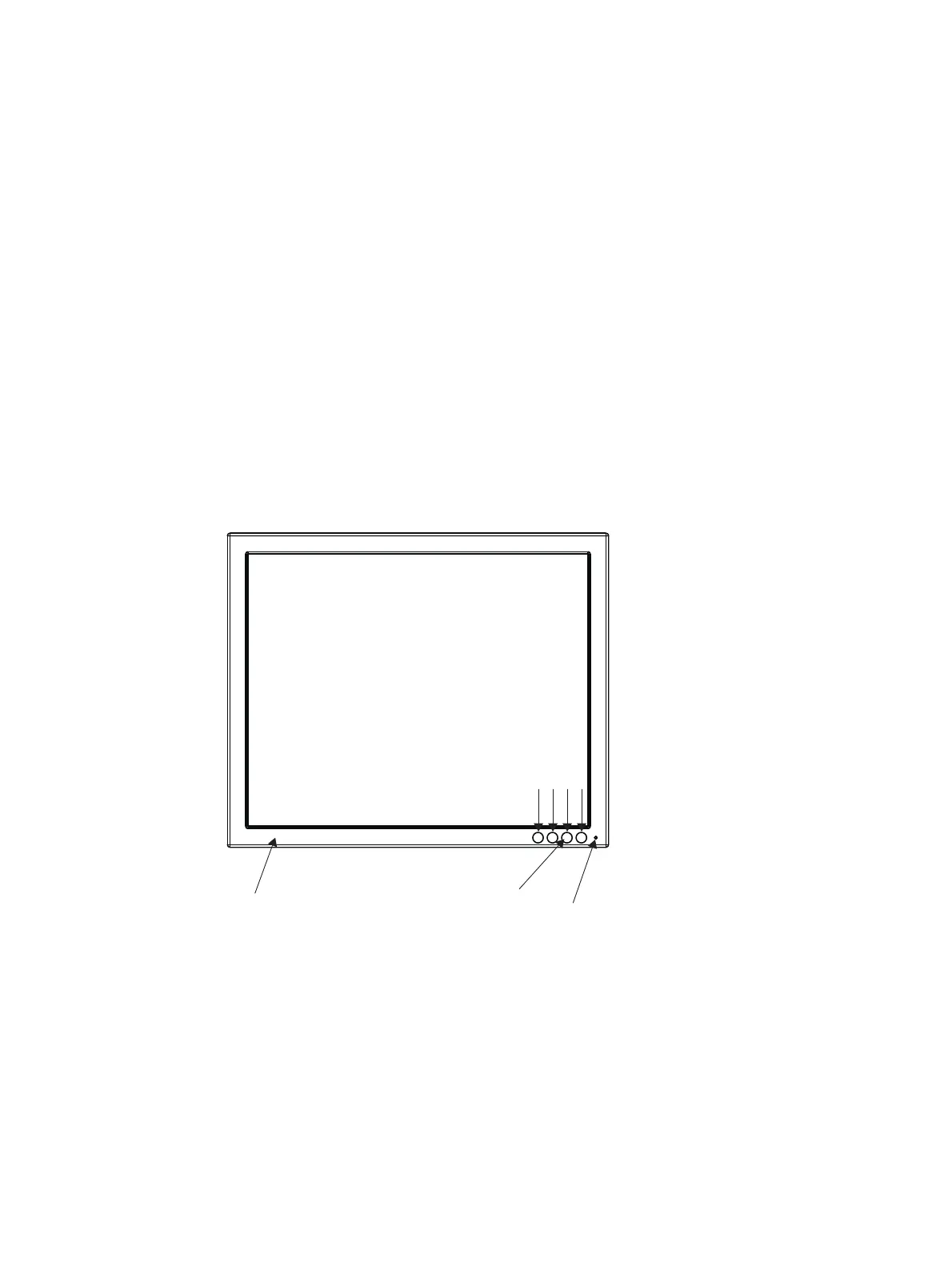
Figure 7-1 Front view: Keypad and status LED
The four buttons and the status LED are located on the front in the bottom right-hand corner
of the display .
The status LED is lit when power is supplied to the device and the power switch is set to On.









 To Next Page