Connecting
6.6 DIP switches (for SMD 19102 only)
SCD 19102 / SMD 19102
28 Instruction Manual, 10/2011, A5E01588521A-004
4-pin mini-DIN socket (video input)
● Connect video cable for the sync video input (Y/C signal) to the 4-pole mini-DIN socket.
BNC socket (video input)
● Connect video cable for the composite input to the BNC socket.
See also
Connector panel (Page 26)
General safety notes (Page 9)
6.6 DIP switches (for SMD 19102 only)
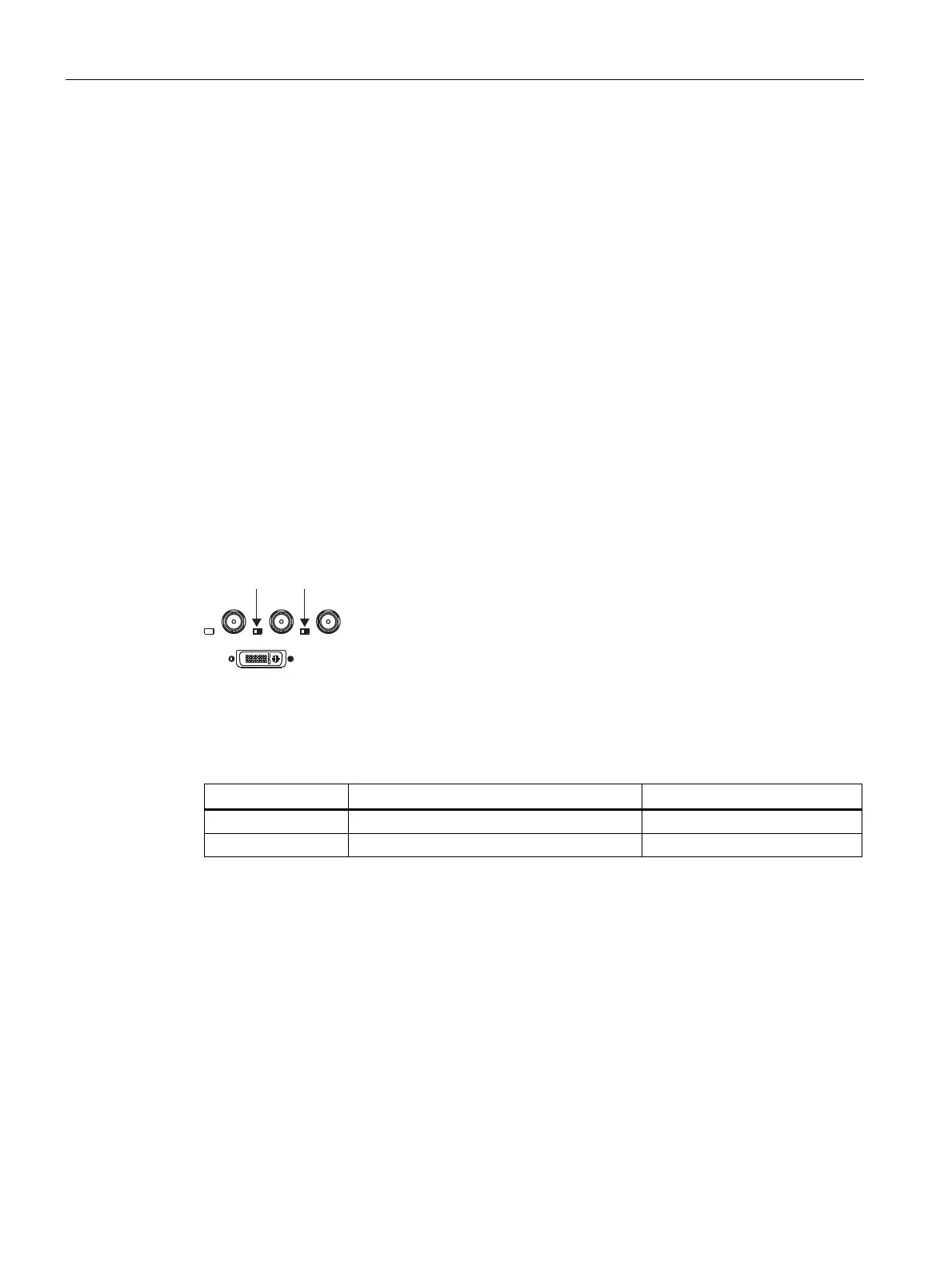
The SMD 19102 has two DIP switches between the three BNC sockets.
These switches are used for changeover between high impedance (10 kΩ) and low
impedance (75 Ω) for the H and V synchronization inputs.
6: 6:
Figure 6-4 Position of the DIP switches
Delivery state
Switch Function Delivery state
SW1 Input resistance for H/H+V signal 75 Ω
SW2 Input resistance for V signal 75 Ω









 To Next Page