Commissioning
7.3 Description of OSD menu
SCD 19102 / SMD 19102
52 Instruction Manual, 10/2011, A5E01588521A-004
Main menu Function Adjustment/range Description
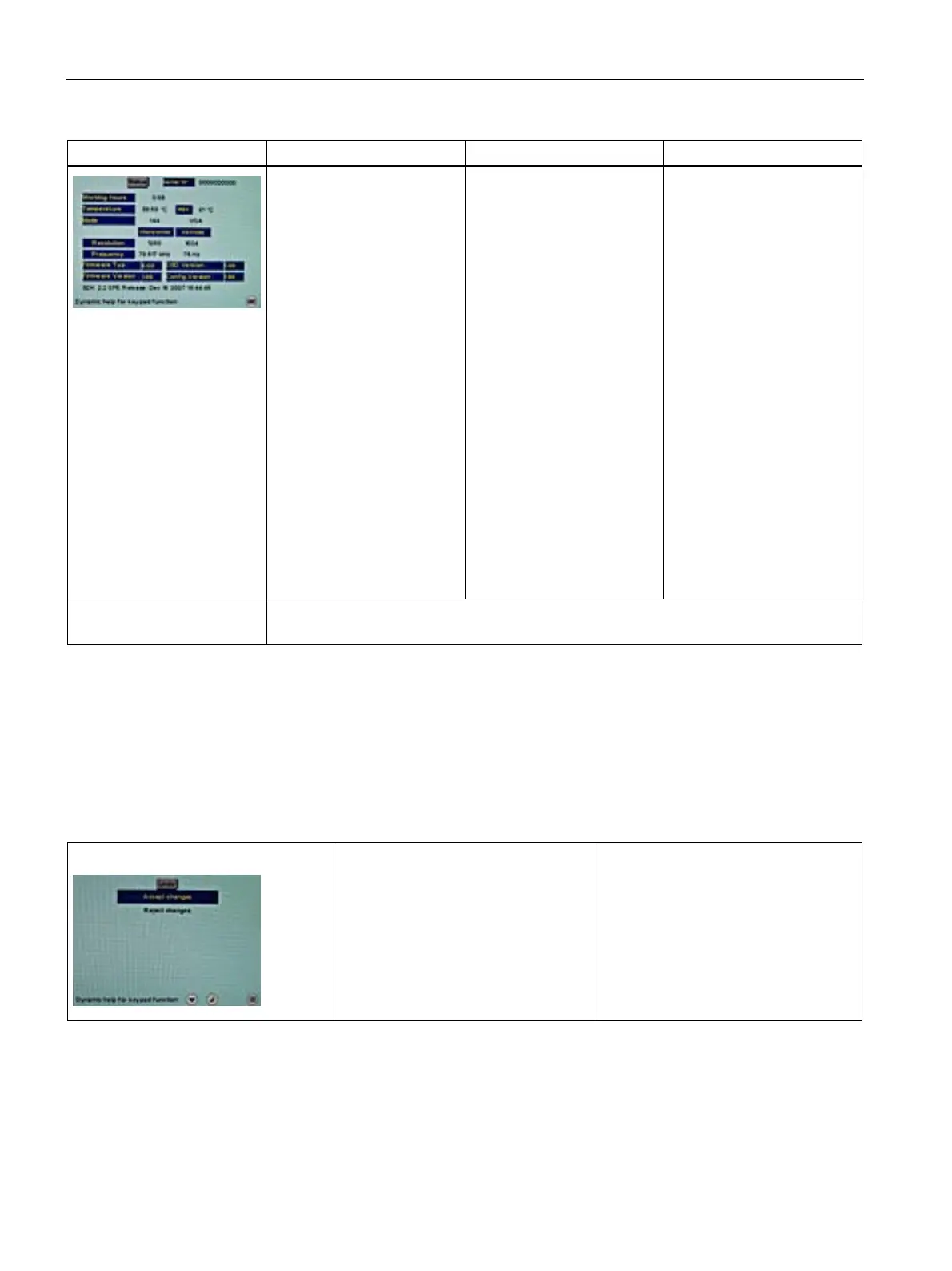
Status Information Current display settings in
the respective picture mode
can be called here.
• Operating hours of the
display
• Temperature in the
housing (actual and
maximum temperature
over the complete service
life of the display)
• Firmware type and
version
• OSD version
• Configuration version
• Current timing
• Current source
• Screen resolution
• Frequency of the input
signal (line frequency and
refresh rate)
Servicelevel 2 Settings in this menu must only be carried out by servicing personnel!
For further information, see "Servicel
evel 2 functions" (Page 53).
See also
Exit OSD (Page 52)
7.3.3 Exit OSD
Exit OSD menu
Accept changes
Reject changes
You exit the OSD and can save or
reject any changes.
Press button 2 if you unintentionally
entered this menu and want to return to
the main menu.
Note:
If the OSD menu is exited by changing
the timing or switching off the monitor,
the changes made are saved.
See also
Servicelevel 2 functions (Page 53)









 To Next Page