SCD 19102 / SMD 19102
Instruction Manual, 10/2011, A5E01588521A-004
87
Troubleshooting
10
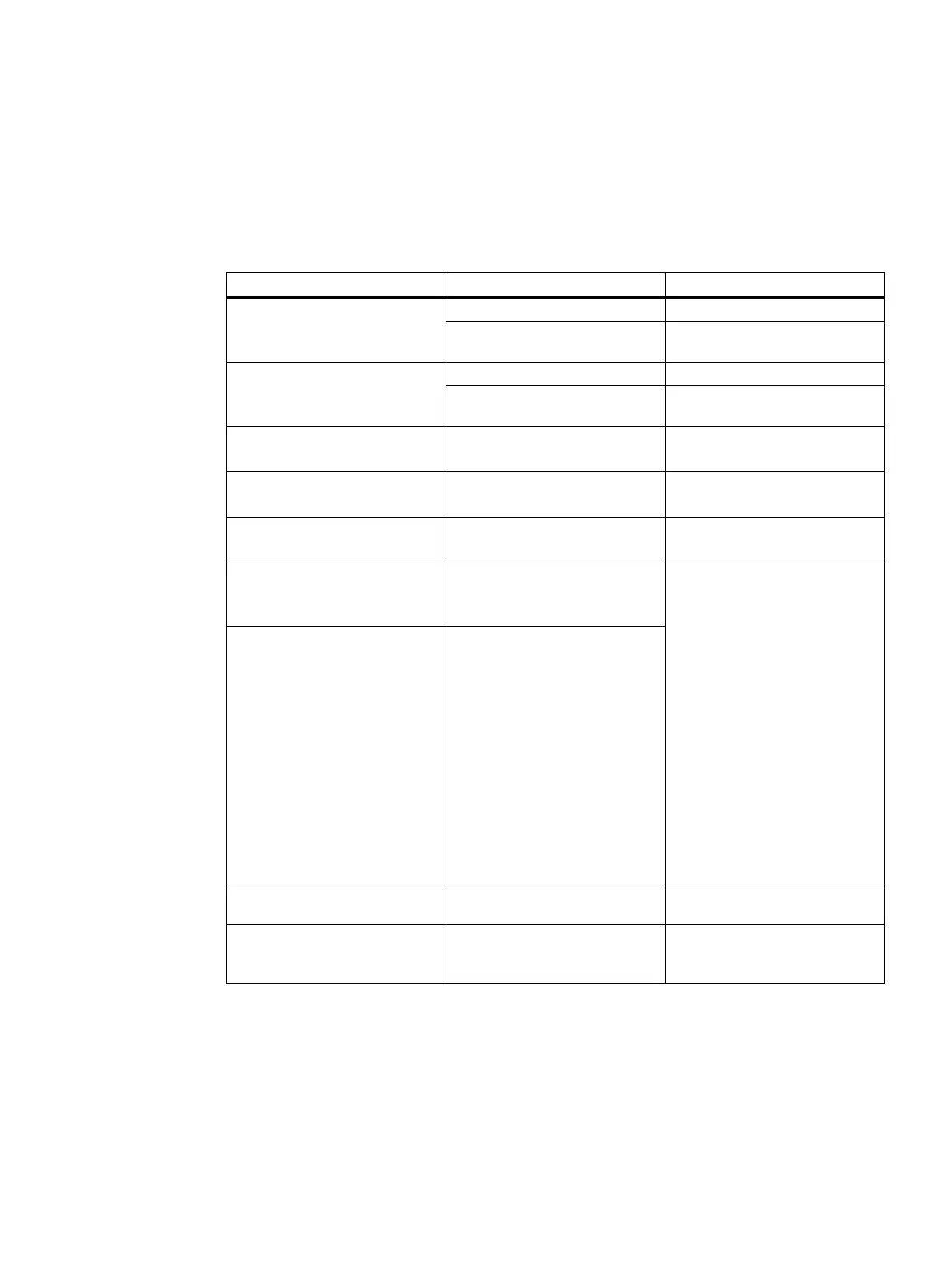
Fault Cause Remedy
Fuse is defective Inform service personnel Monitor displays no picture,
Operation LED off
Power cable is not inserted or
incorrectly inserted.
Connect power cord
No video signal Check video cable Monitor displays no picture,
Operation LED flashes green
Video source is not outputting a
video signal
Check video source
Fuzzy picture,
interference in vertical lines
Scanning frequency or phase
incorrectly set
Adjust frequency and phase
DPMS ON mode:
LED flashes green, then orange
Loose connections Plug in cables properly and
secure them
DPMS OFF mode:
LED flashes green
Faulty cable Replace cable
Status LED flashes orange,
temperature warning appears
on the screen
Overtemperature threshold:
The temperature limit has been
exceeded
Status LED flashes red,
no image appears on the
display
Overtemperature threshold:
Temperature for automatic
shutdown has been reached.
• The display will shut down
automatically after 30
minutes.
• The display will switch on
again as soon as the
temperature falls sufficiently.
Check the following:
• The temperature limit is not
set correctly:
– Check the setting in the
OSD menu (Servicelevel
2).
• Room temperature is too
high
• The cooling fins on the
housing are covered.
• Non-compliance with the
spacing requirements on
installing the display.
• The display is close to a
heat source.
Image has no contrast The video source is only
transmitting a green signal
In the OSD menu, switch over
from "RGB" to "MONO"
The image cannot be shifted
horizontally with reference to the
panel
Synchronization not OK Set maximum window size and
perform "Auto adjust"









 To Next Page