Connecting
6.8 Installing/removing the display stand and cable for the SCD 19102
SCD 19102 / SMD 19102
Instruction Manual, 10/2011, A5E01588521A-004
31
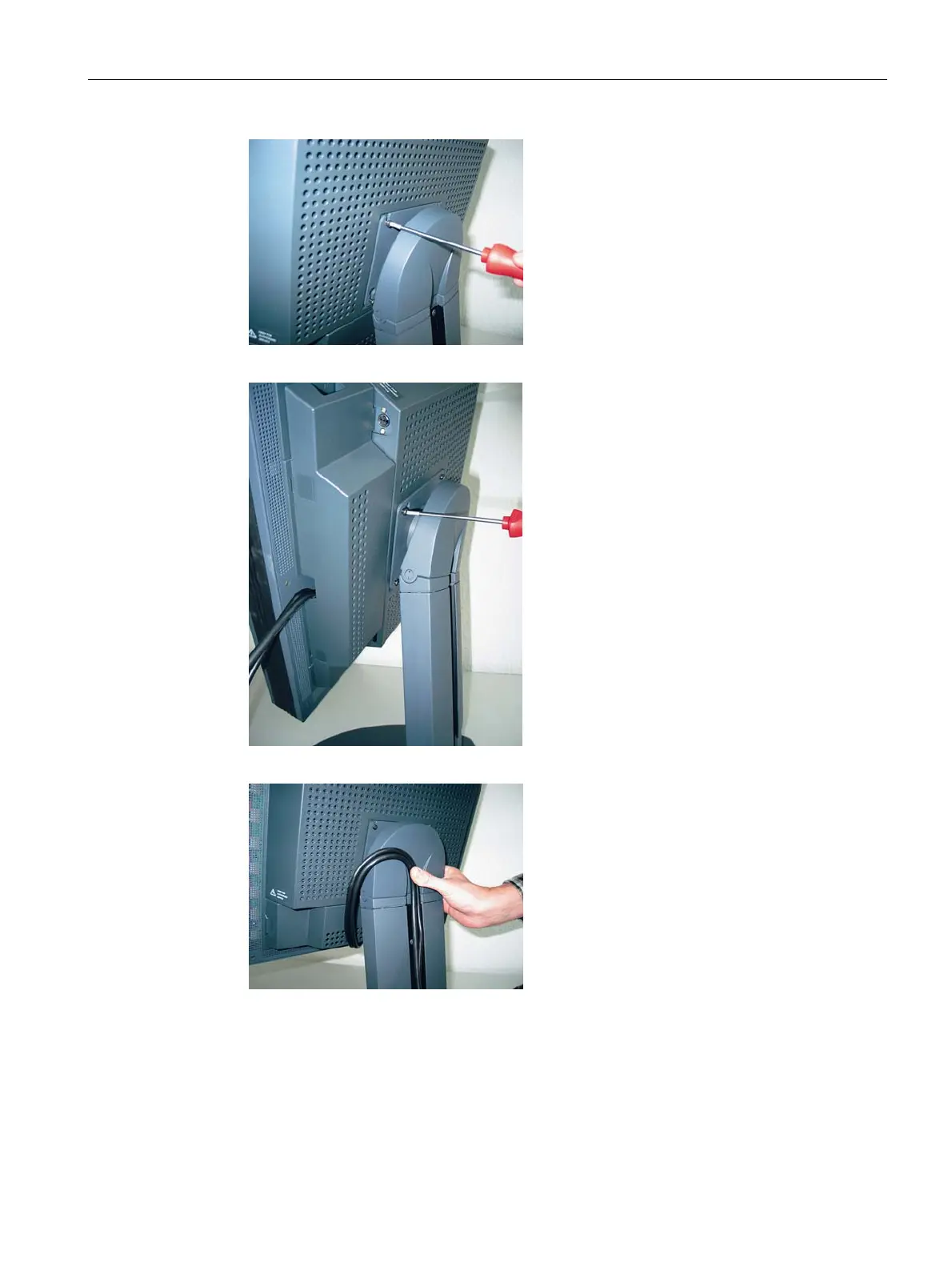
6. First tighten the top two screws.
7. Then rotate the display slightly, and tighten the bottom screws.
8. Lay the connecting cable in the cable duct.









 To Next Page