Connecting
6.8 Installing/removing the display stand and cable for the SCD 19102
SCD 19102 / SMD 19102
32 Instruction Manual, 10/2011, A5E01588521A-004
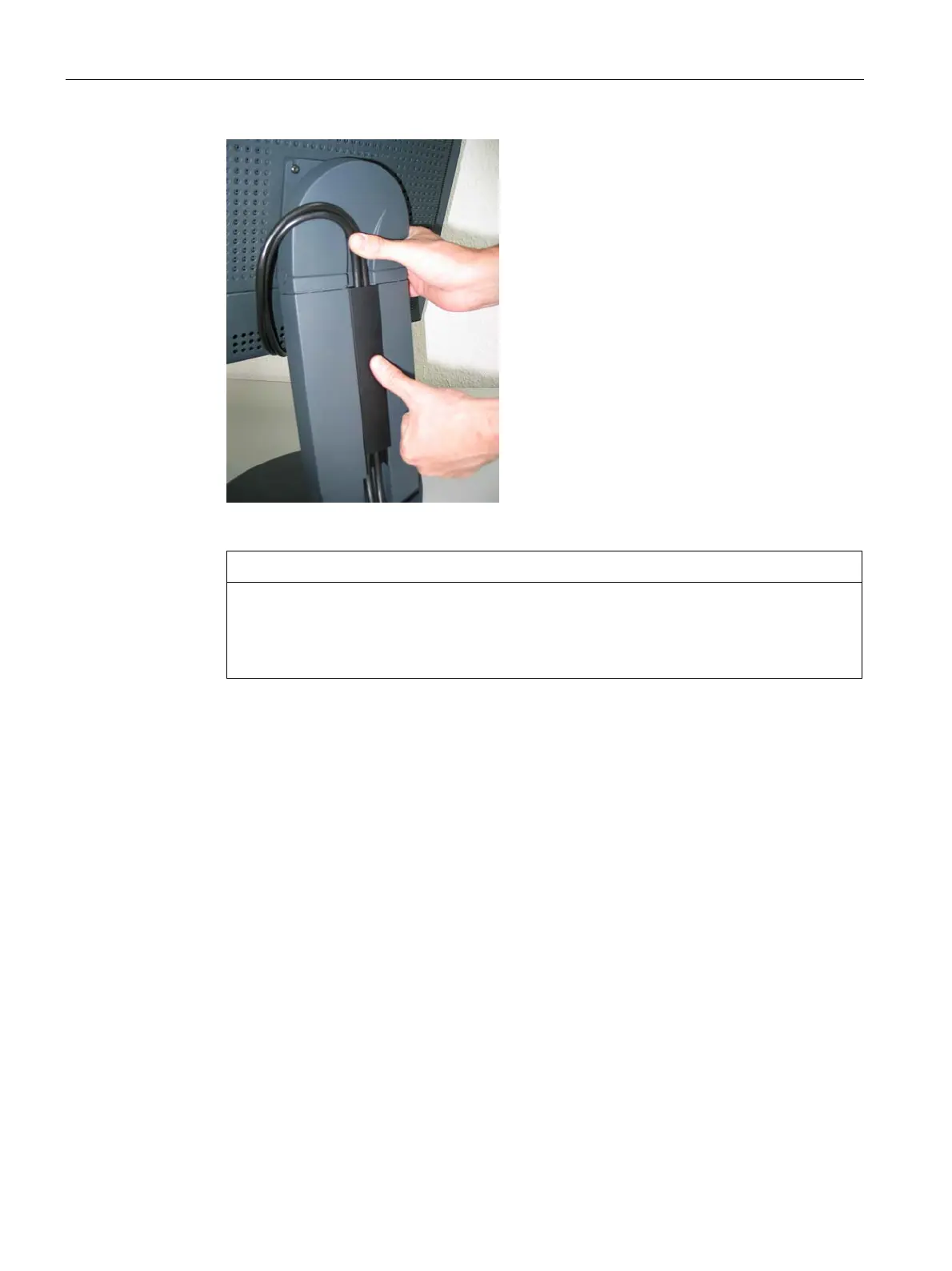
9. Then fit the cable duct cover or press it down.
CAUTION
Do not route the cable too tightly in the cable duct
When the display is rotated about its axis, the connecting cable could be broken or
trapped. For this reason, the connecting cable must not be routed too tightly in the cable
duct.









 To Next Page