Connecting
6.9 Serial interface
SCD 19102 / SMD 19102
Instruction Manual, 10/2011, A5E01588521A-004
35
'LVSOD\
5HDU
3KRWRPHWHUV
:RUNVWDWLRQ
'LVSOD\
5HDU
'LVSOD\Q
5HDU
RU
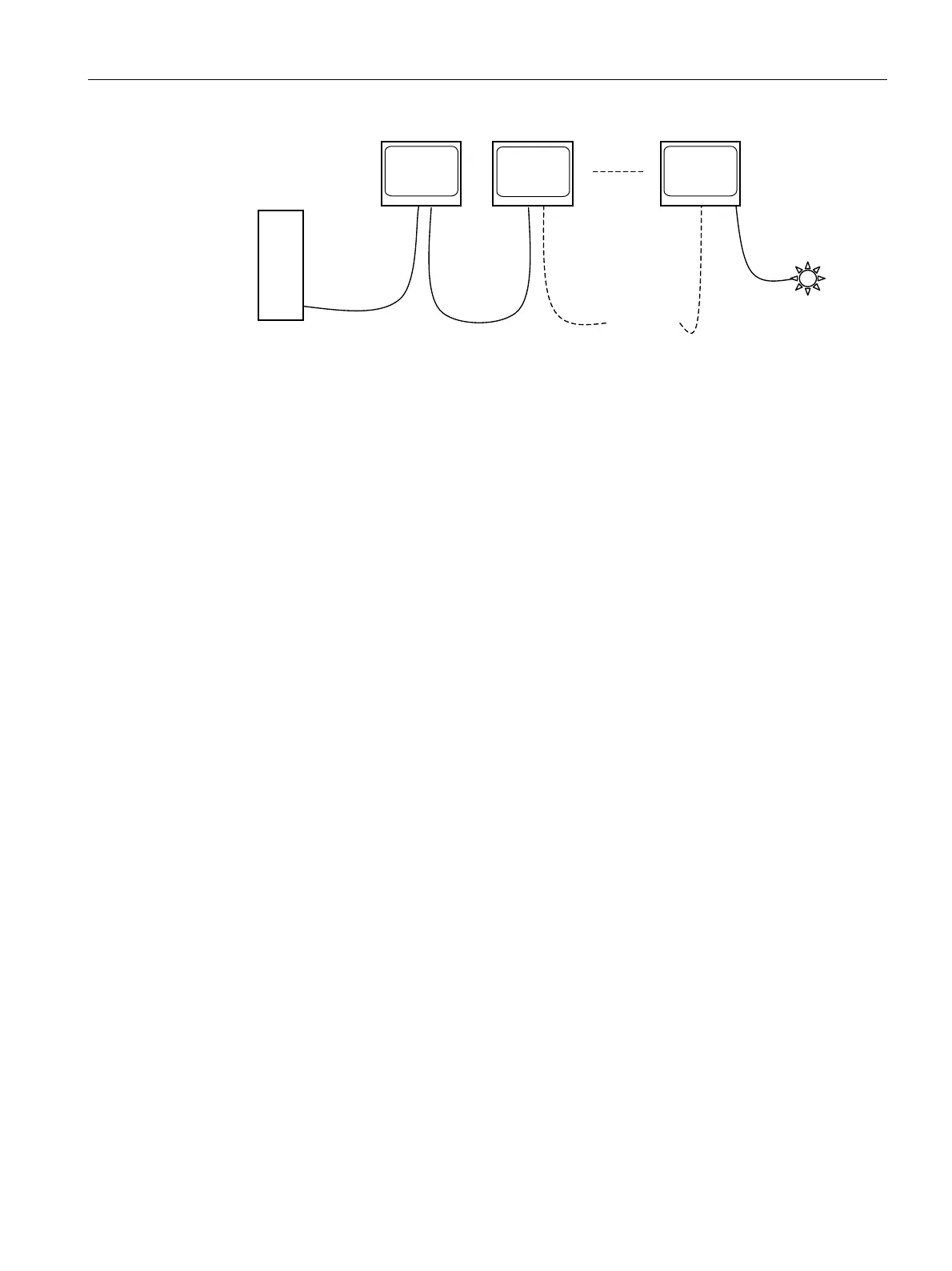
Figure 6-6 Possible configuration – serial bus mode
* Photometer is a generic term for the measuring instruments suggested by EIZO GmbH
Display Technologies:
● Universal Serial Luminance Meter with adapter from 9-contact Sub-D to 6-contact mini-
DIN socket **)
● Serial Spot Meter with adapter from 9-contact Sub-D to 6-contact mini-DIN socket **)
** Service mode! Not permitted in vicinity of patients.
If the display connection is made via the serial bus (see Fig. "Possible configuration – serial
bus mode"), the setting "Serial bus" must first have been activated using
"On Screen Display → Servicelevel 2 → Others". To this end, the bus address (1, 2, 3... -
assignment of different numbers to the displays connected via the same bus) must be
assigned to each device (also using "On Screen Display → Servicelevel 2 → Others").
Settings, measurements, calibration, automatic quality testing etc. can be performed
automatically using the SMfit Total Care calibration program.
See also
Connector panel (Page 26)
Menu functions (Page 40)
General safety notes (Page 9)









 To Next Page