AD DRYER
10/2022 45 NP-DK50 2V-A-4_10-2022-AD
code.
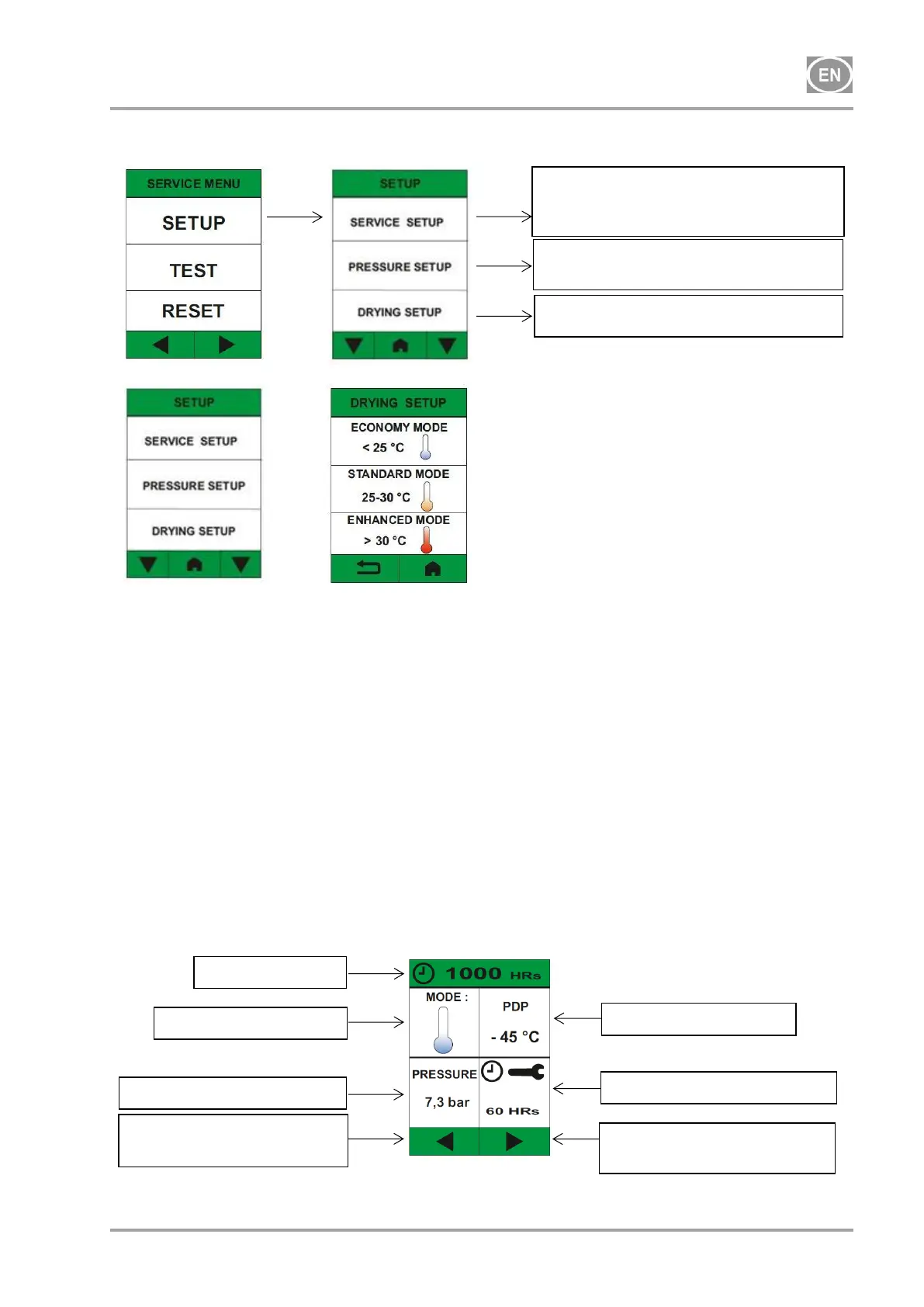
The drying mode is set based on the expected pressure range in which the device will operate and
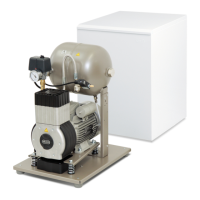
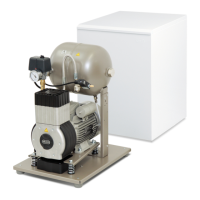
the version of the compressor (with or without a cabinet).
compressor without a cabinet t
O
< 25 C - set to ECONOMY mode
compressor without a cabinet t
O
= 25 C - 30 C - set to STANDARD mode
compressor without a cabinet t
O
> 30 C - set to ENHANCED mode
compressor in cabinet - set to ENHANCED mode
t
O
- ambient temperature
20. MAIN SCREENS
The home screen opens once the user interface language and drying mode are set. There are 4
main screens accessed from the home screen.
The arrows at the bottom of the screen are used to navigate between the individual screens.
20.1. Home screen
(*this information is only shown if the compressor is equipped with a dew point sensor)
Adjustment of the dryer pressure
version
Adjustment of the dryer mode
Reset and adjustment of service
intervals, reviewing service and alarm
messages
Current pressure in dryer
Switch to display dryer
operation
Switch to language
selection


 To Next Page