3. Arming and Disarming
20
iConnect User Manual
TodisarmtheSystemusingasmartkey(ifsupported):
Placearegisteredsmartkeyagainstthecenterofthesmartkeyreader
oftheWirelessTerminal–seep.14
2.6WirelessTerminalSmartkey
(ModelDependant).Whenthesmartkeyisread,thekeypadwillsound
abeep–thesystemisdisarmed.
WirelessTerminalEL‐2724doesnotsupportpartitioning.
3.6. Arm Status and Other System Status
Indication
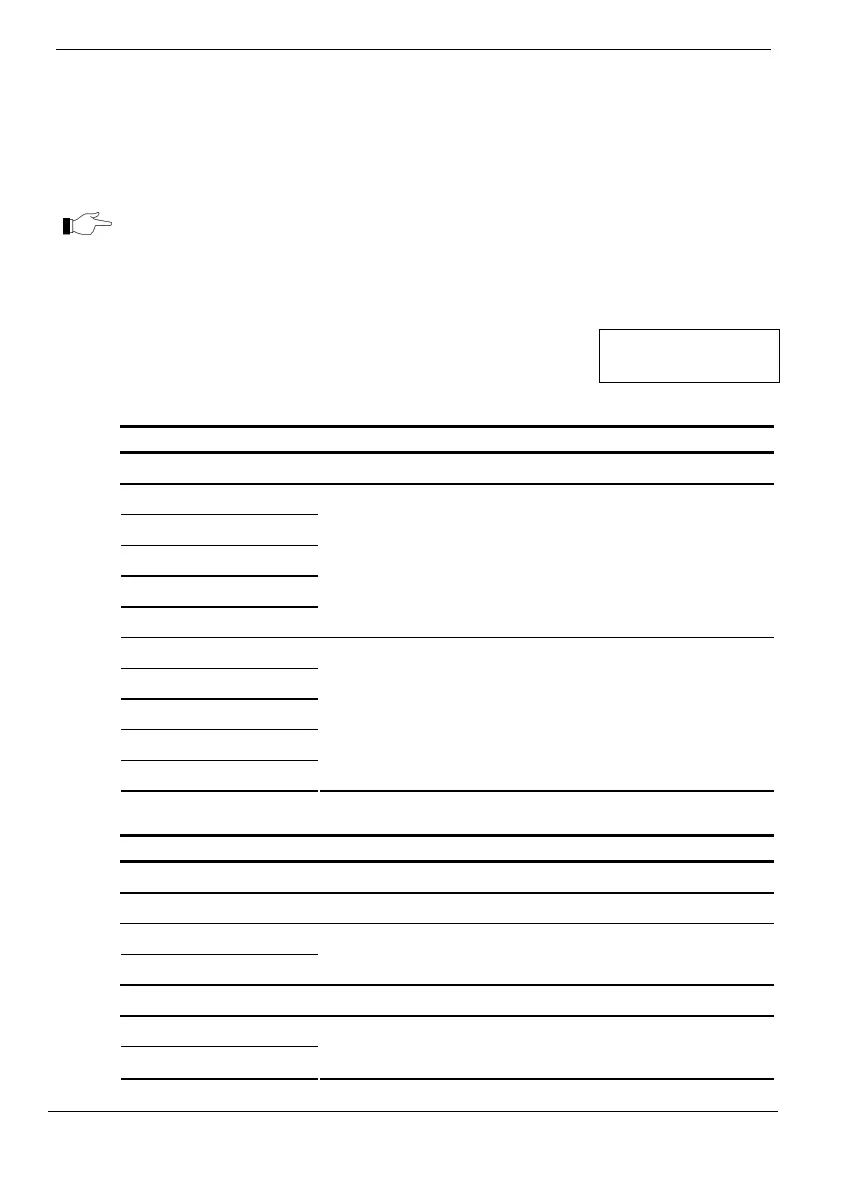
Thefollowingtableexplains thevariousarmstatusdescriptions
astheyappearontheLCDdisplay.
DISARMED
11:22:02
Unpartitioned Systems
Status Meaning
DISARMED The system is disarmed.
FULL ARMED
PART ARMED
PERIMETER ARMED
PART ARMED INST
PERIM ARMED INST
The system has been armed using the displayed arming
method.
FULL ARMING
PART ARMING
PERIMETER ARMING
PART ARMING INST
PERI ARMING INST
The system is in the process of arming using the
displayed arming method (displayed during exit delay).
Partitioned Systems
Status Meaning
DISARMED The system is disarmed.
SYSTEM ARMED The system has been armed.
PART 1 ARMED
PART 2 ARMED
Partition 1/partition 2 has been armed.
SYSTEM ARMING The system is in the process of arming
PART 1 ARMING
PART 2 ARMING
Partition 1/partition 2 is in the process of arming.



 To Next Page