Appendix B: Web User Application
iConnect User Manual
41
Appendix B: Web User Application
TheWeb Application provides afullinterface to all ofthe system’suserfunctions. Viathe
Web,theendusercanperformawiderangeoftaskssuchasarm/disarm,zonebypass,user
code management and home automation control. You can also access the Web User
Applicationfromyourcellu larphoneorPDAusingtheWAPportal.
Log In Page
This application is usually part of the service provider’s Web site and requires the end
usertologintogainaccesstothepage.
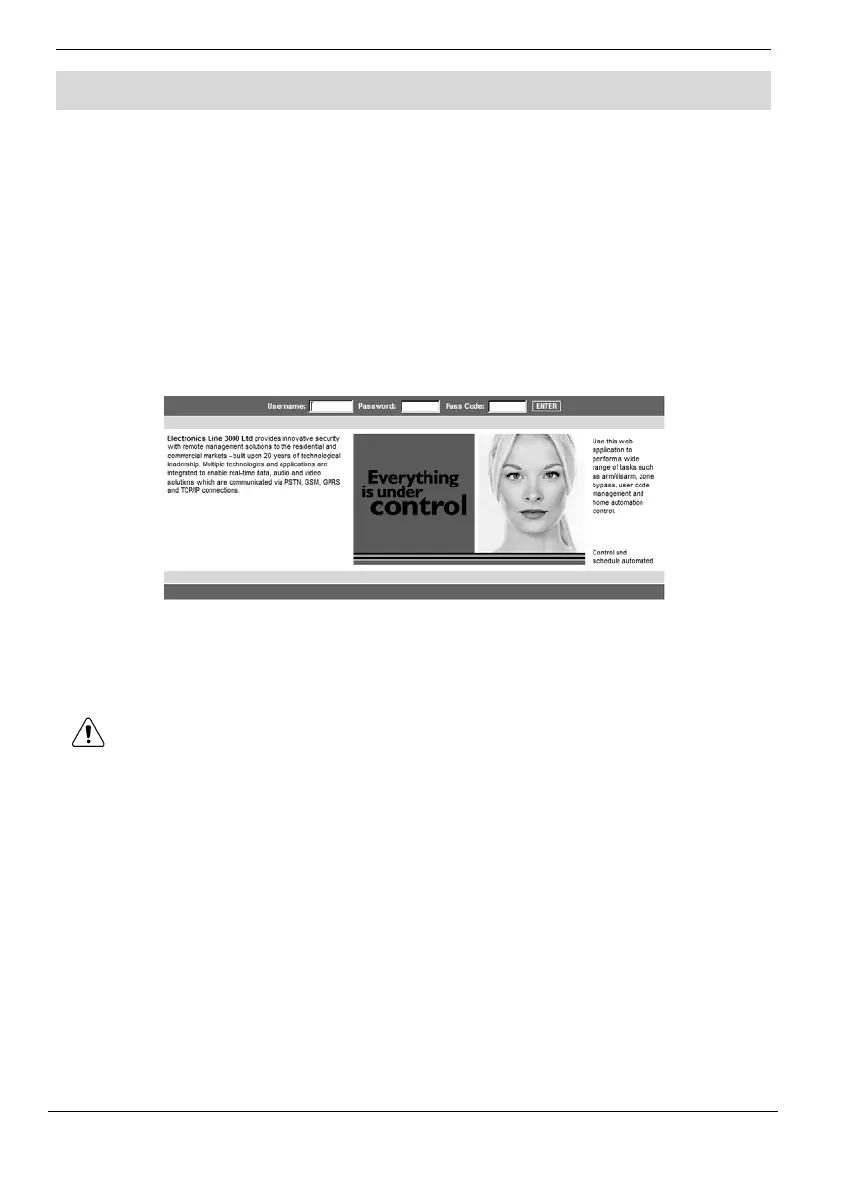
ToentertheWebApplication,onyourbrowserentertheWebpageaddresssuppliedby
yourWEBserviceproviderandpressGo.Youwillseethe
LoginPage.
To login to the Web Application, enter your us er name and password supplied by
yourWEBserviceprovider,and thepasscodewhichisyour UserCode,thenclickthe
Enterbutton.
For your system security reasons, youmust change the password immediately
atfirstlogin.YoucanchangeyourpasswordontheChangePasswordpagethat
isaccessiblefromtheSettingsmenu.Yournewpasswordshouldbenolessthan
sixcharactersandmuststartwithaletter–seep.49,ChangePa ssword.



 To Next Page