37
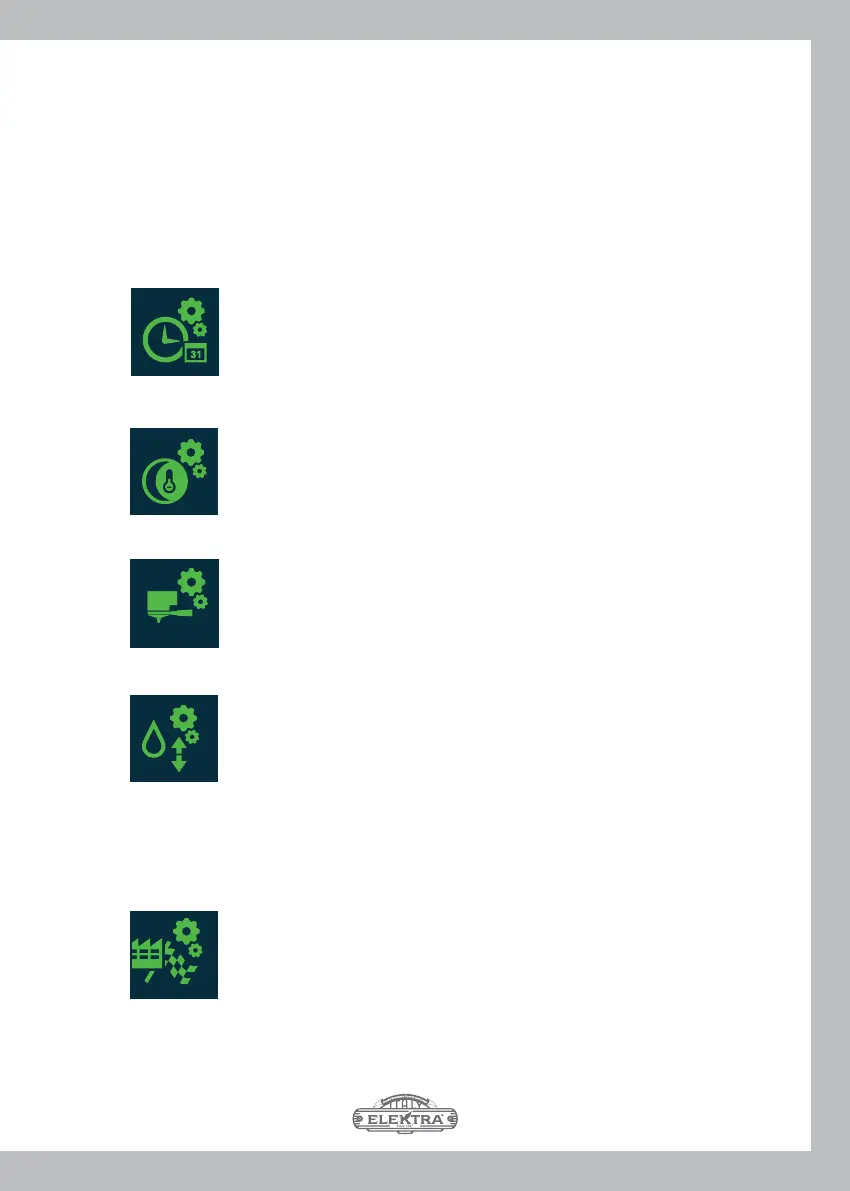
- Hot water dose setting (
SELECTING OPERATING PARAMETERS SETTINGS (C1 ITA)
From the V3 screen, scrolling horizontally to the left on the touch-screen of the left group, V7
screen appears that allows you to select the setting of the operating parameters by means
of the following buttons that open the corresponding programming screens:
- Time and date setting (IG16)
- Night cycle setting (IG17)
7
- Dispensing group parameters setting (IG46)
(also on the centre and right groups), in PRODUCTION mode only
From here, by scrolling upwards until screen V8 is displayed, which allows you to set the
machine’s operating mode using the following button:
- Setting Production or Competition mode (IG46)
(on the centre and right group heads also)



 To Next Page