42
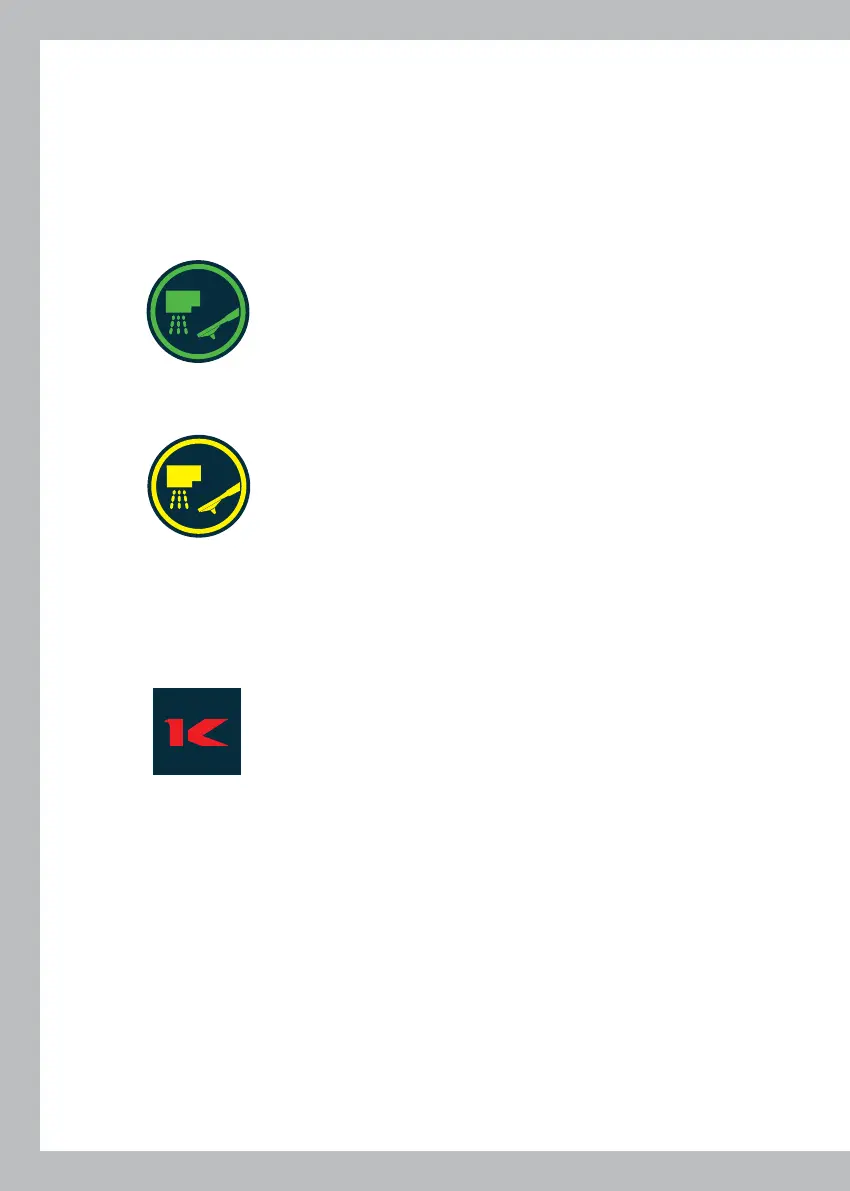
PURGE NUOVO)
Before dispensing a coffee, you can clean the dispensing group, purifying it from the resi-
dues of exhausted coffee of the previous coffe dispensing.
Remove the filter holder and press the pushbutton: (IC70)
starts an automatic hot water dispensing lasting a few seconds, which carries out the
washing of the group.
Once the purge is executed, the button changes from green to yellow
to indicate that the operation has already been performed.
10
MANUAL DISPENSING OF COFFEE (A5 ITA)
This allows coffees of different lengths to be dispensed each time by pressing the pushbut-
ton marked with symbol:C8)
placed on screen V1, and repressing the same button when the desired dose has been
dispensed. In the “Competition” mode only during dispensing, screen V1 displays the live
values for infusion temperature.
This function is enabled at all times, irrespective of the machine status - even in the case of
a major fault - so as to enable washing or checks during repair operations
11



 To Next Page