7. QUICK START
20
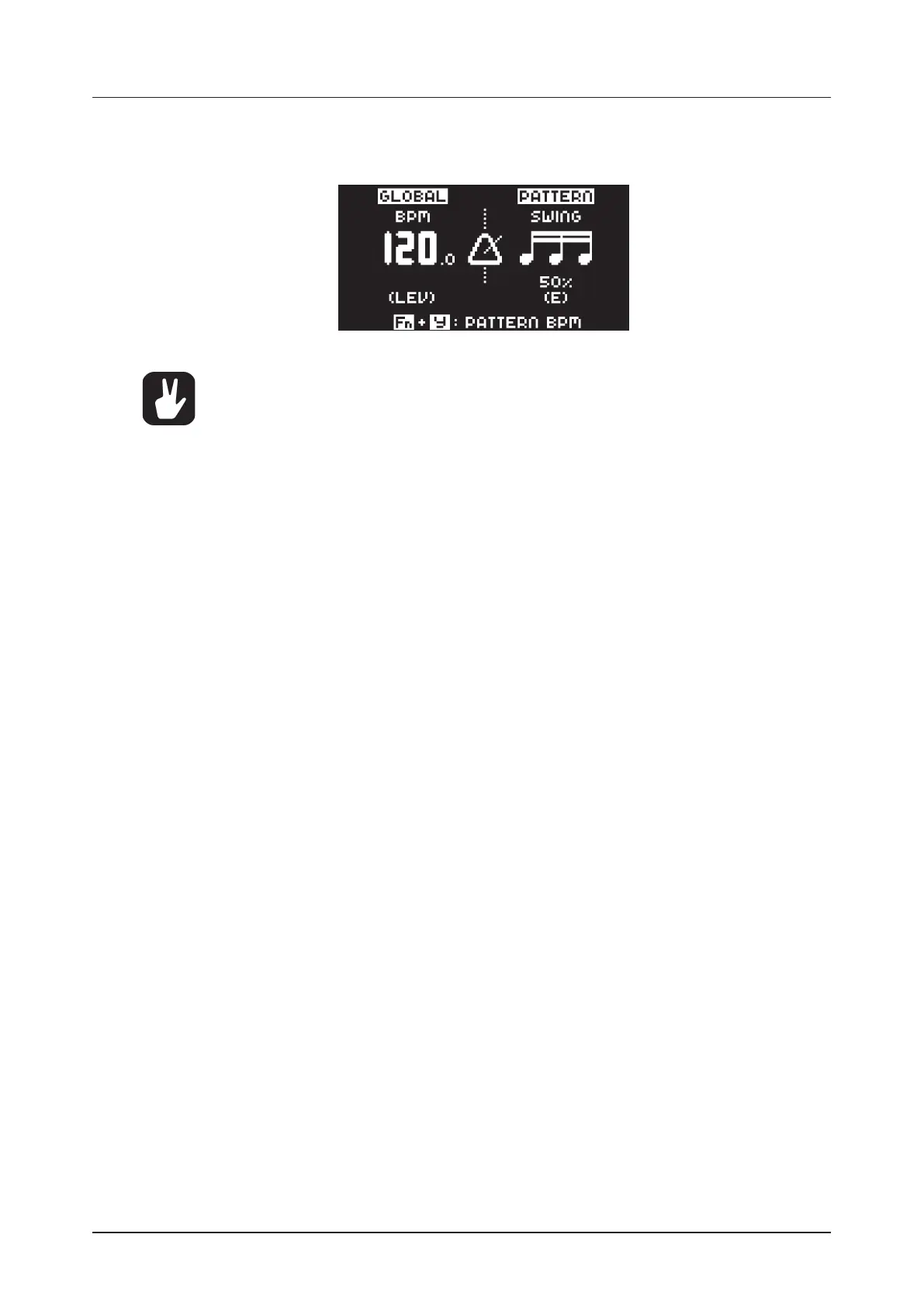
To tap a tempo setting, press and hold the [FUNCTION] key and tap the [TEMPO] key in a steady rhythm.
The average tempo of the taps calculates after four consecutive taps. By continuing tapping, the average
tempo keeps on updating.
Nudging the tempo is very handy when manually syncing Digitone to a turntable or an ex-
ternal sound source. Note that you do not need to be in the TEMPO menu to perform tempo
nudging.
7.6 EDITING PARAMETERS
Each track has six PARAMETER pages. Press [PARAMETER] keys TRIG, SYN1, SYN2, FLTR, AMP, and
LFO to access the dierent PARAMETER pages. These parameters aect the sound and signal in various
ways.
1. Make sure a pattern is playing.
2. Press [TRACK 1–4] to select one of the four synth tracks.
3. To change, for example, the cuto of the filter, press the [FLTR] key to open the FILTER page.
The parameter labeled FREQ changes the cuto of the filter. Turn DATA ENTRY knob E to change
the parameter value, and hear how the sound is aected.
Try out the rest of the PARAMETER page parameters to explore a variety of sound shaping possibilities.



 To Next Page