14. GLOBAL SETTINGS MENU
57
14. GLOBAL SETTINGS MENU
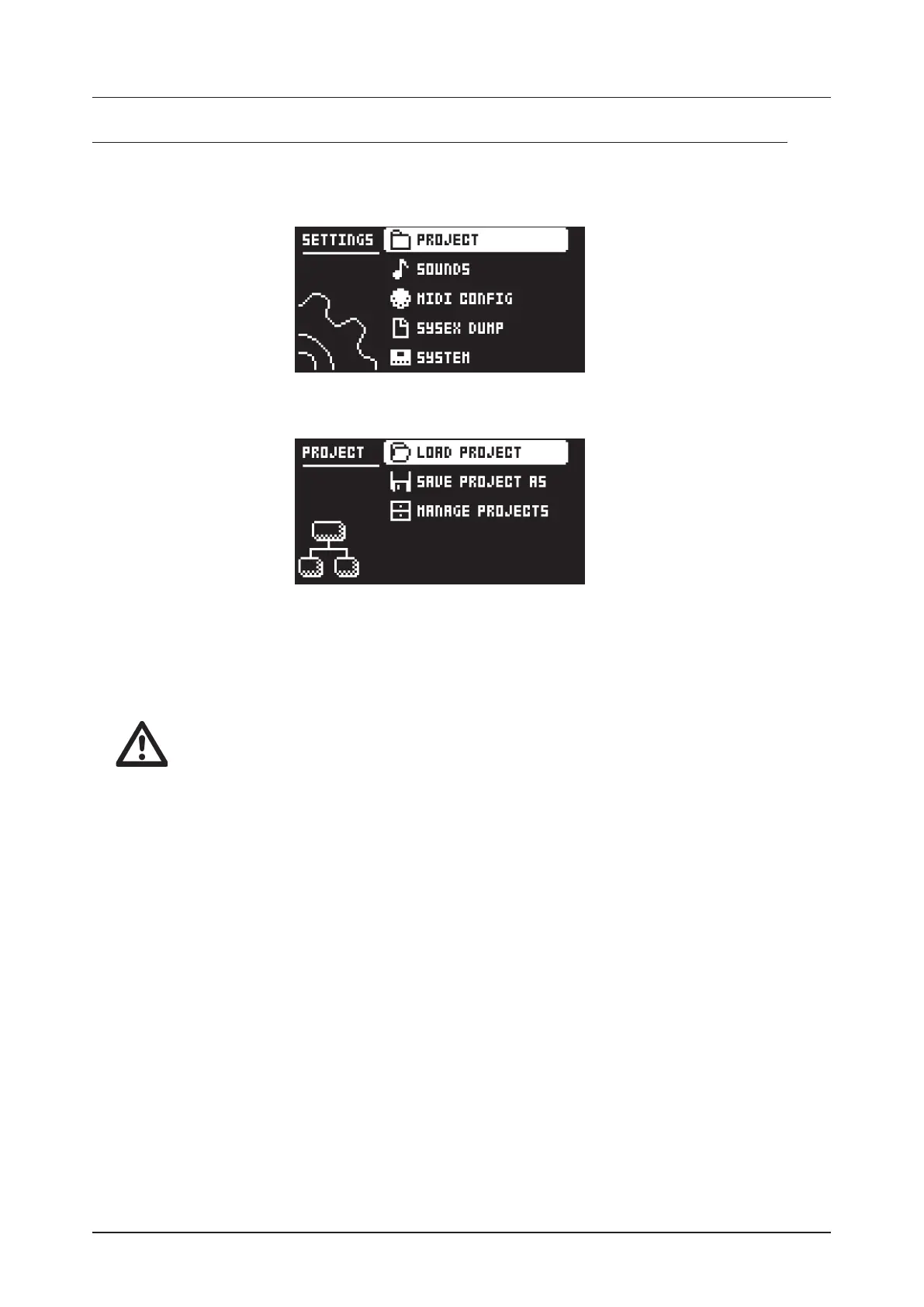
The GLOBAL SETTINGS menu oers settings that aect Digitone and are also used to manage Projects.
Press [GLOBAL SETTINGS] to access the GLOBAL SETTINGS menu. Scroll the list by using [UP]/
[DOWN] or the LEVEL/DATA knob. Open a highlighted menu by pressing [YES].
14.1 PROJECT
14.1.1 LOAD PROJECT
Load Project opens a project selection screen where you can choose a project to load. Note that the
active project is not saved before loading the new project so remember to save the active project first. If
you wish to create a new project, select CREATE NEW at the very bottom of the list. The new project is a
blank slate.
If you load a new project, it overwrites the active project. Be sure to save your active
project before you load another project.
14.1.2 SAVE PROJECT AS
Save Project opens a project selection screen where you choose a slot to save the active project too.
You can also press [FUNC] + [GLOBAL SETTINGS] to access this screen.
14.1.3 MANAGE PROJECTS
MANAGE PROJECTS launches the PROJECT MANAGER menu. If you select a project in this menu and
press the [RIGHT] arrow key a list of commands appear.
CLEAR Resets the project slot to a clean state.
DELETE Removes the project from the slot.
RENAME Opens a NAMING screen where you can rename the project file.
LOAD FROM Loads the selected project. Please note that this overwrites the active project.
SAVE TO Saves the active project to the selected slot.
TOGGLE Toggles write protection on or o. You can not overwrite, rename or erase write protected
projects A lock symbols in front of the project name shows that the project is write protected.
INIT NEW Initializes an empty file slot with a clean project. This option is only available for empty proj-
ect slots.
14.2 SOUNDS
In this menu you can browse and manage Sounds in the +Drive Sound library or the Sound pool of the
active project. Other menu options let you clear the track Sound and rename the track Sound. Use the [UP]
and [DOWN] arrow keys to move between the options. Press [YES] to confirm your selection. Press [NO]
to exit the menu.



 To Next Page