14. GLOBAL SETTINGS MENU
65
If the Digitone is receiving the OS upgrade through the MIDI ports, use the Elektron TM-1
USB MIDI interface for up to 10x transfer speeds.
14.5.2 FORMAT +DRIVE
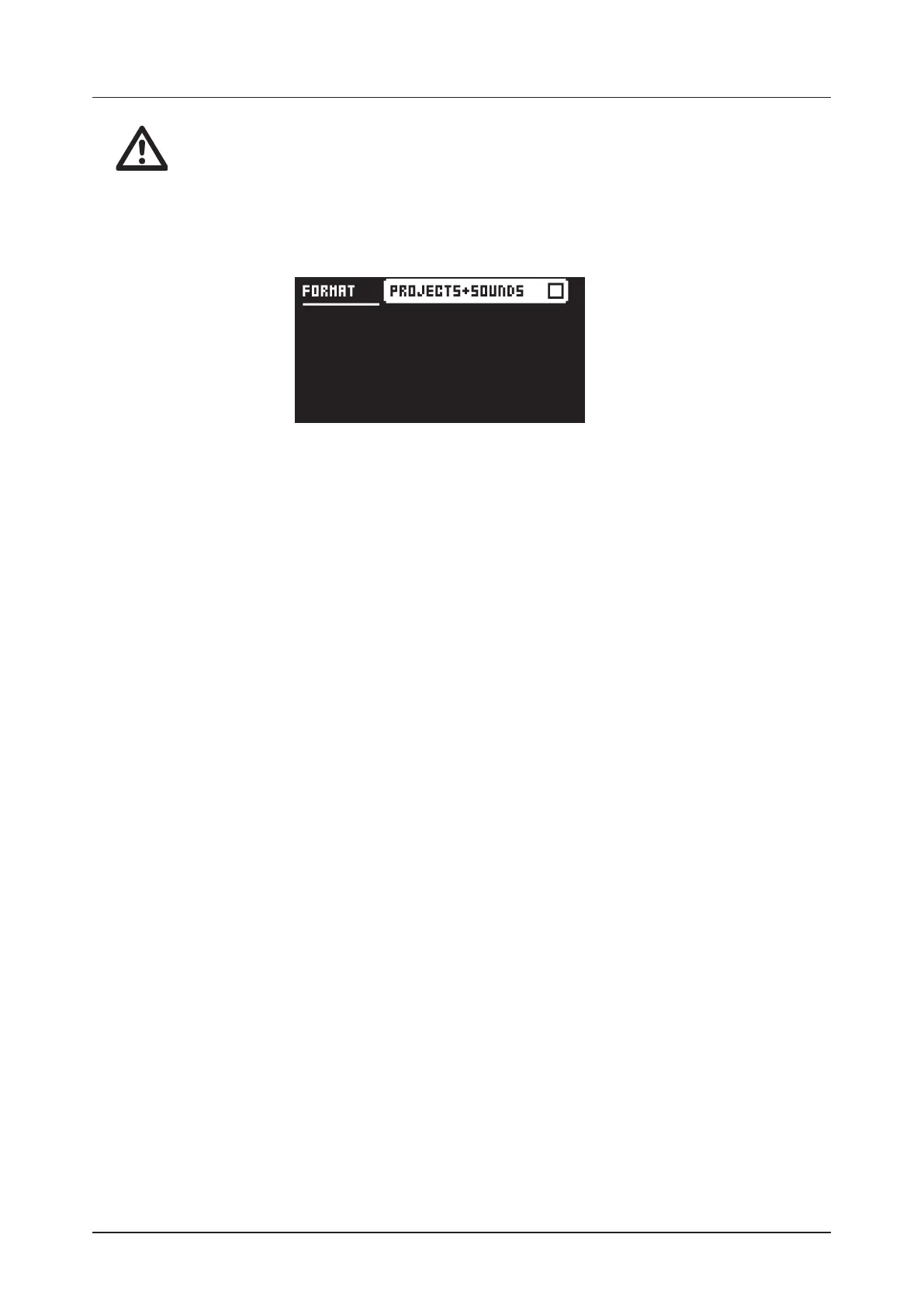
You can delete all content of the +Drive. Use the [LEFT] or [RIGHT] arrow keys to select what content
you wish to delete and press [YES] to confirm. A prompt appears asking if you want to execute the for-
matting procedure. Press [YES] to proceed with the formatting.
PROJECTS+SOUNDS erases all projects and sounds. Press the [LEFT] or [RIGHT] arrow keys to tick/
untick this box.



 To Next Page