9. PATTERNS AND SOUNDS
24
9.4 SOUND SETUP MENU
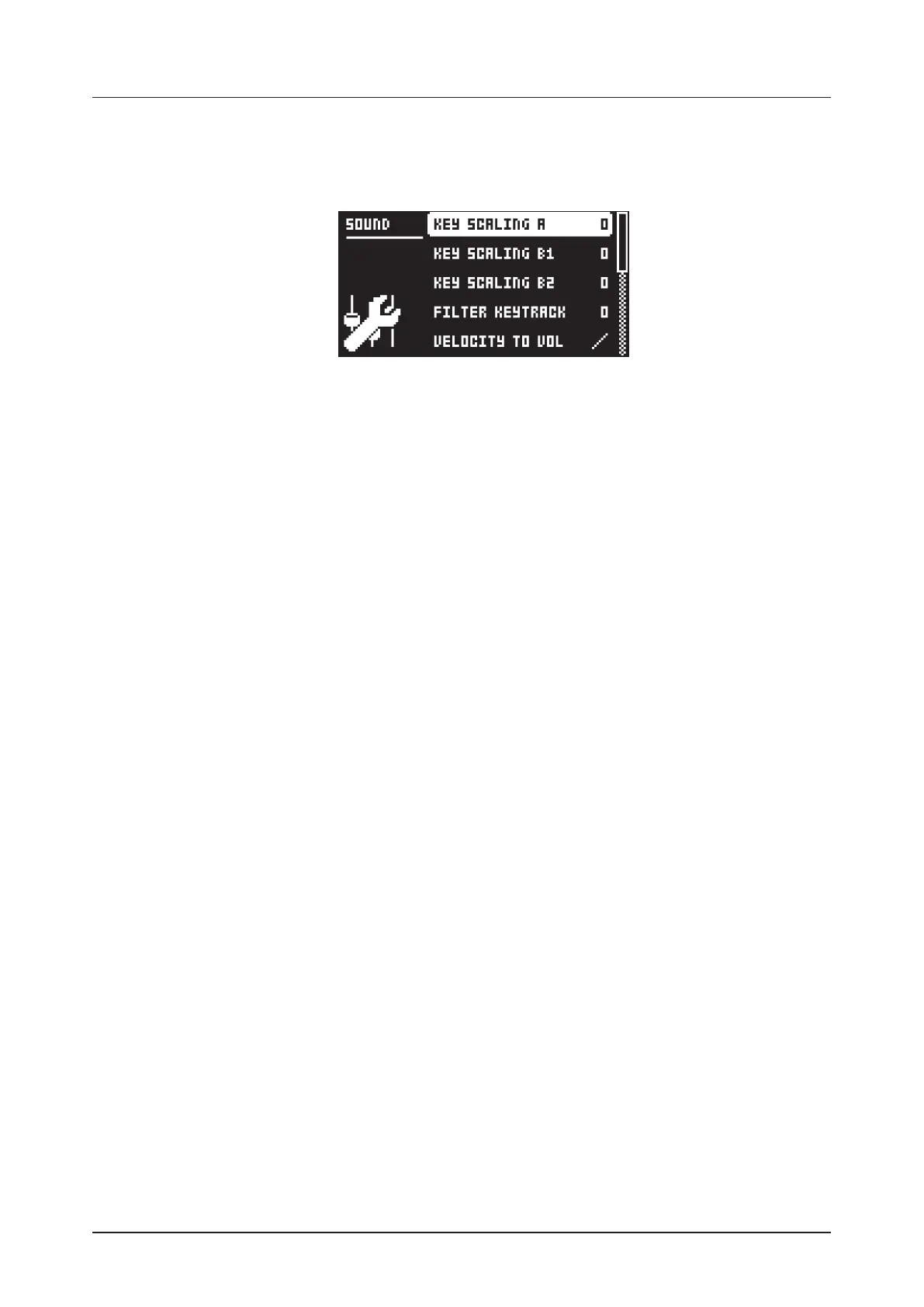
Press [FUNC] + [TRIG PARAMETERS] to open the SOUND SETUP menu. Here you can set a number
of Sound related parameters. Use the [UP] and [DOWN] arrow keys to move between the options. Press
[YES] to confirm your selection. Press [NO] to exit the menu.
9.4.1 KEY SCALING A
Key scaling sets the level of how much the modulation output from operator A is aected by what note
you play on the keyboard. If you set key scaling to 0, the modulation level is the same for all keys. A high-
er setting decreases the modulation level more and more the higher you play the keyboard. A lower level
of modulation decreases the complexity of the tone in the higher frequencies, which is a typical behavior
in many acoustic instruments.
9.4.2 KEY SCALING B1
Same as KEY SCALING A, but for operator B1
9.4.3 KEY SCALING B2
Same as KEY SCALING A, but for operator B2
9.4.4 FILTER KEYTRACK
Keytrack lets the Multimode filter cuto frequency follow the pitch of the sound. A setting of 100 makes
the filter track the oscillator frequency in note intervals. (0–100)
9.4.5 VELOCITY TO VOL
Selects how MIDI velocity aects volume when playing the Sound from a MIDI keyboard.
OFF means velocity does not aect the volume of the Sound.
LOG applies a logarithmic velocity curve. The volume dierence are greater between softer keyboard
presses than between harder.
LIN applies a linear velocity curve. The volume dierence between keyboard presses corresponds
linearly to the force applied.
EXP applies an exponential velocity curve. The volume dierence are greater between harder key-
board presses than between softer.
9.4.6 PITCH BEND DEPTH
Sets how much the pitch bend data from external MIDI devices aects the Digitone.
9.4.7 OCTAVE
Sets the base octave of the Sound. This setting makes it easier to play the sound at the “right” octave on
the Digitone keyboard. It also makes sound locking more practical since you can control the octave set-
ting on the sound and minimize the need to transpose the sequencer notes to make two or more sounds
work together.
9.4.8 PITCH BEND
Opens a menu where you can assign up to four PARAMETER page parameters to the pitch bend. The
pitch bend from incoming MIDI sent to the Digitone from external devices aects the assigned parame-
ters. Press [YES] to open the menu.
You can select parameters from the SYN1, SYN2, FLTR, AMP, and LFO PARAMETER pages. Turn the
DATA ENTRY knobs A–D to select the track parameters that you wish to assign. Press the DATA ENTRY
knob or [YES] to confirm the selection. Then use DATA ENTRY knobs E–H to set the modulation depth
of the four track parameters. The depth is an oset of the original track parameter value.



 To Next Page