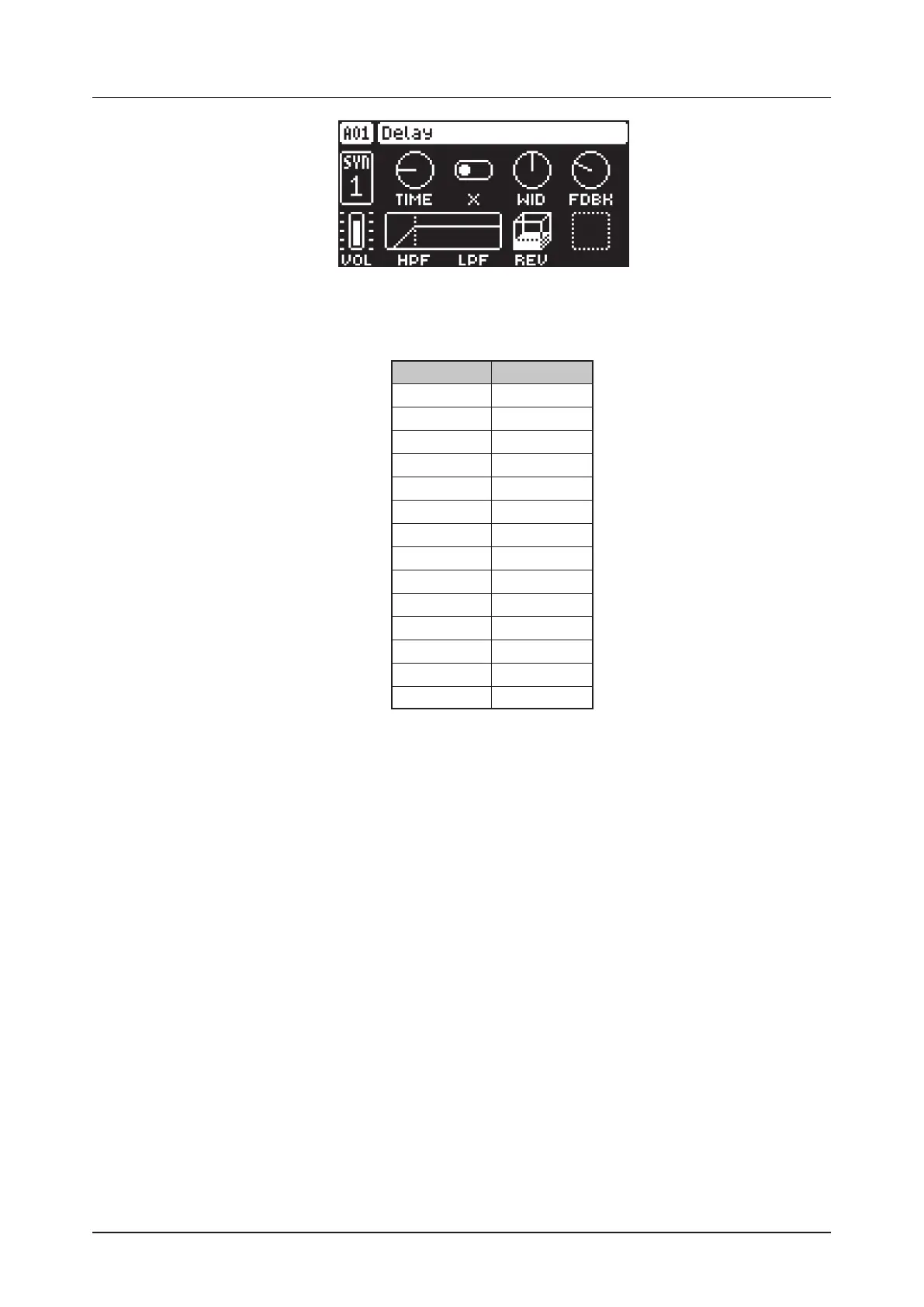
13. FX PARAMETERS
54
13.3.1 TIME
Delay Time sets the delay time. The delay time settings are relative to the current BPM and is measured
in 128th notes. (1.00–128.00)
TIME setting Divide ratio
128 1
96 1/2.
64 1/2
48 1/4.
32 1/4
24 1/8.
16 1/8
12 1/16.
8 1/16
6 1/32.
4 1/32
3 1/64.
2 1/64
1 1/128
13.3.2 X
Pingpong sets the delay signal to alternate across the stereo field. There are two settings:
OFF lets you manually set the position of the delay signal in the stereo field. Use the WID parameter to
change the stereo field position.
ON makes the delay signal alternate between left and right pan positions. The WID parameter
controls the amount of panning.
13.3.3 WID
Stereo Width sets the delay signal pan width across the stereo field. The knob is bipolar. (64.00–63.00)
13.3.4 FDBK
Feedback Gain sets the amount of delay output signal to feed back into the input of the delay. With high-
er parameter settings, infinite and swelling delays are possible. Please be aware that high feedback can
lead to a very loud signal. (0–198)
13.3.5 VOL
Mix Volume adjusts the volume of the Delay output signal. (0.00–127.00)
13.3.6 HPF
Feedback HPF sets the cuto frequency of the delay highpass filter. (0.00–127.00)
13.3.7 LPF
Feedback LPF sets the cuto frequency of the delay lowpass filter. (0.00–127.00)
13.3.8 REV
Reverb Send sets the amount of Delay output signal to be sent to the Reverb. (0.00–127.00)



 To Next Page