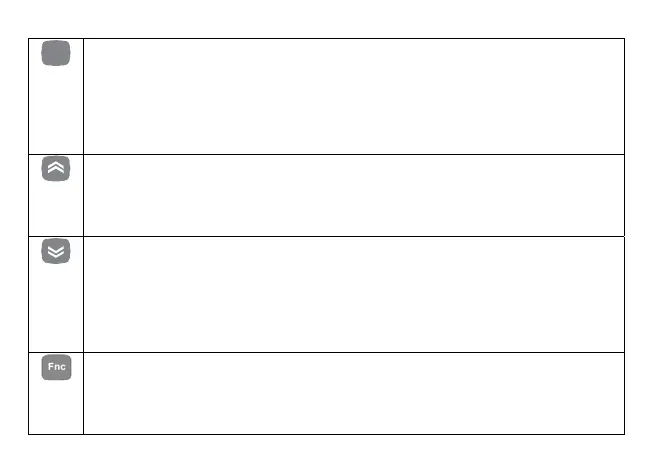
Keys
set
SET key used to:
SET function: access “machine state" menu.
access menu subfolders.
access parameter value.
Confirm parameter value and/or exit.
prg (Programming menu): press and hold (5 secs) to access the Parameters folders from the
main display.
UP key used to:
Scroll down the displayed folders and parameters.
Increase parameter value (if in parameter edit mode).
Band: press and hold (5 sec.) to enter the menu for viewing/editing the compressor plant
adjustment range.
DOWN key used to:
Scroll up the folders and parameters display.
Decrease the parameter value (if in parameter edit mode).
set: Press and hold (5 secs) to access the menu for viewing/editing the setpoint adjustment,
and the type of set point will be displayed. To edit the set point, use the "set" key to display
the value and the "Up" and "Down” keys to edit it.
Press “set” to confirm or “func” to exit (see Note).
FNC key used to:
Menu exit, parameter list, parameter value (without saving value) and return to the previous level.
disp: by holding down for some time (5 secs) access is provided to the menu for selecting the main
display. Using the “up” e “down” keys, only the values that have been configured as present in the
device will be displayed (flashing) and the selection is confirmed by pressing the “set” key.
16



 To Next Page