19
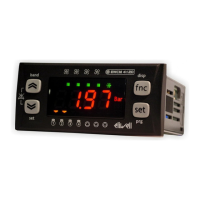
Main display
Under normal operating conditions, it is possible to select which measurement to display on-screen (not in the
navigation menu or in the case of alarms).
Press and hold the “FNC” key to access the folder containing all of the available measurements. The only
measurements which will be displayed, flashing on-screen, are those which can be selected and which are present in
the device (for example The RTC will appear in the list only if it has been configured as present). The list is as follows:
AI01…AI04 (one of the probes available among those configured in the device)
RTC (clock)
Set point; In OFF, the set point displayed is the set point for the previous operating mode in OFF status.
The following procedure describes how to set the main display:
Press the “FNC” key for 5 seconds (value configurable from parameter UI19)
select the measurement to display by scrolling through the various options using the Up and Down keys
press the “set” key
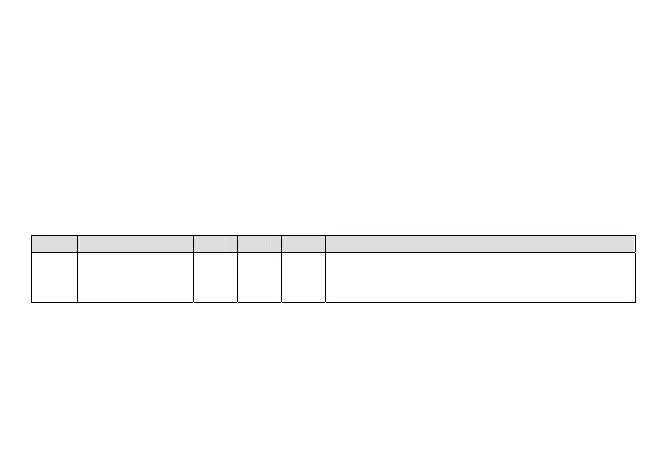
Par. Description Min Max U.M. Notes
UI13 Main display 0 6 num
0=analogue input 1, 1=analogue input 2, 2=analogue
input 3, 3=analogue input 4, 4= analogue input 5,
5= clock, 6= set point configured
NOTE: Either the inlet setpoint or the outlet setpoint will be displayed, depending on parameter UI12 (select main set
point display).
Password and visibility
To view parameters visible for the given password, open folder PASS (in the Parameters menu PAR) and set the level1
value (set in parameter UI20) or level2 value (set in parameter UI21). The visibility of the parameters and the folders
during menu navigation can be configured by assigning appropriate values to each parameter and folder. This
operation can only be performed using suitable software (Parammanager or other communication SW).



 To Next Page