18
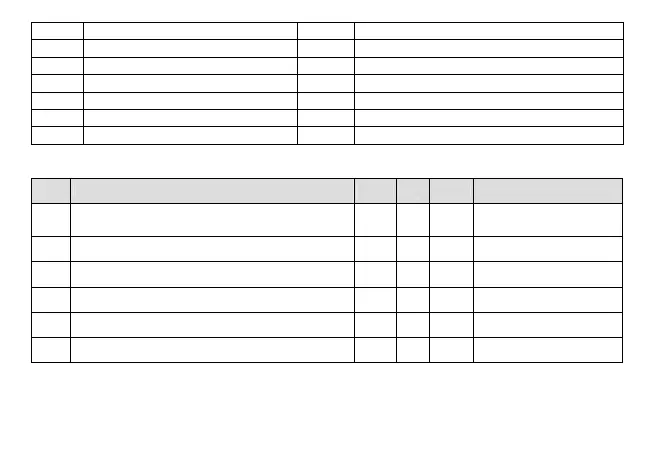
26 Inverter compressors Active Interstep timing
27 Inverter fan bar ≥25% Active -
28 Inverter fan bar ≥50% Active -
29 Inverter fan bar ≥75% Active -
30 Inverter compressor bar ≥25% Active -
31 Inverter compressor bar ≥50% Active -
32 Inverter compressor bar ≥75% Active -
User interface configuration parameters:
Par. Description Min Max
U.M. Notes
UI12 Select main set point display 0 1 num
0=display Inlet Set
1= display Outlet Set
UI13 Select main display 0 6 num
UI20 Installation password 0 255
num Default UI20= 1
UI21 Manufacturer password 0 255
num Default UI21=2
UI22 Unit of temperature measurement 0 1 num 0=°C, 1=°F
UI23 Unit of pressure measurement 0 1 num 0=Bar, 1=Psi
Parameters UI20 - UI21
In parameters UI20 and UI21 respectively, the installer (level 1) password and manufacturer (level 2) password must
be changed. See PASSWORD AND VISIBILITY chapter.



 To Next Page