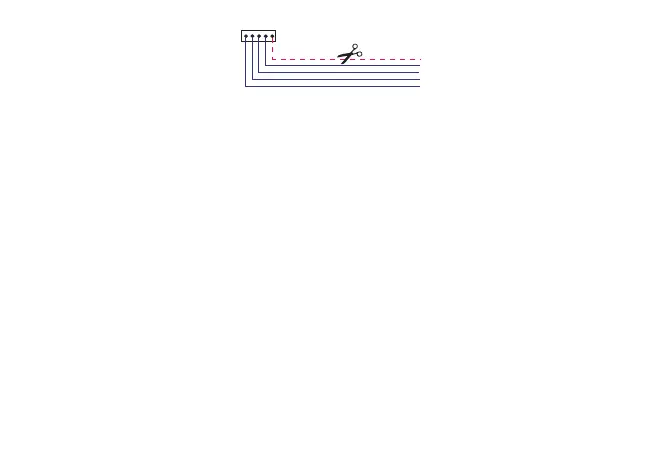
TTL
5V NOT FOR SUPPL
5V
TTL CABLE
Copy card
The Copy Card is an accessory which, when connected to the TTL type serial port, allows quick programming of the
instrument parameters (upload and download of a parameter map to or from one or more instruments of the same
type). The operations are carried out via the following commands present in the CC folder, consent for the operation
is given by pressing the "set" key:
Fr-Format: This command is used to format the copy card, an operation which is necessary when the instrument is
being used for the first time or with other models which are not mutually compatible. Important: When the copy card
is formatted, all data is deleted. This operation cannot be cancelled.
UL-Upload: this command copies (uploads) the parameter values from the instrument to the copy card.
dL-Download: this command copies (downloads) the parameter values from the copy card to the instrument.
If the operation was completed successfully the word "yes" will be displayed, if not the label "Err" will appear. After
the download the instrument must be reset.
Download from reset: Connect the copy card to the switched off instrument. When the instrument is turned on, the
programming parameter values will automatically be loaded from the copy card to the instrument. After the lamp
test, the display shows the following labels for about 5 seconds: “dLY” if the operation is successful, “dLn” if not.
At the end of the operation, the instrument will switch to OFF status (if a digital input is set as on/off, at the end of
the download from reset the instrument will assume the state of the digital input)
60



 To Next Page