EasyManua.ls Logo

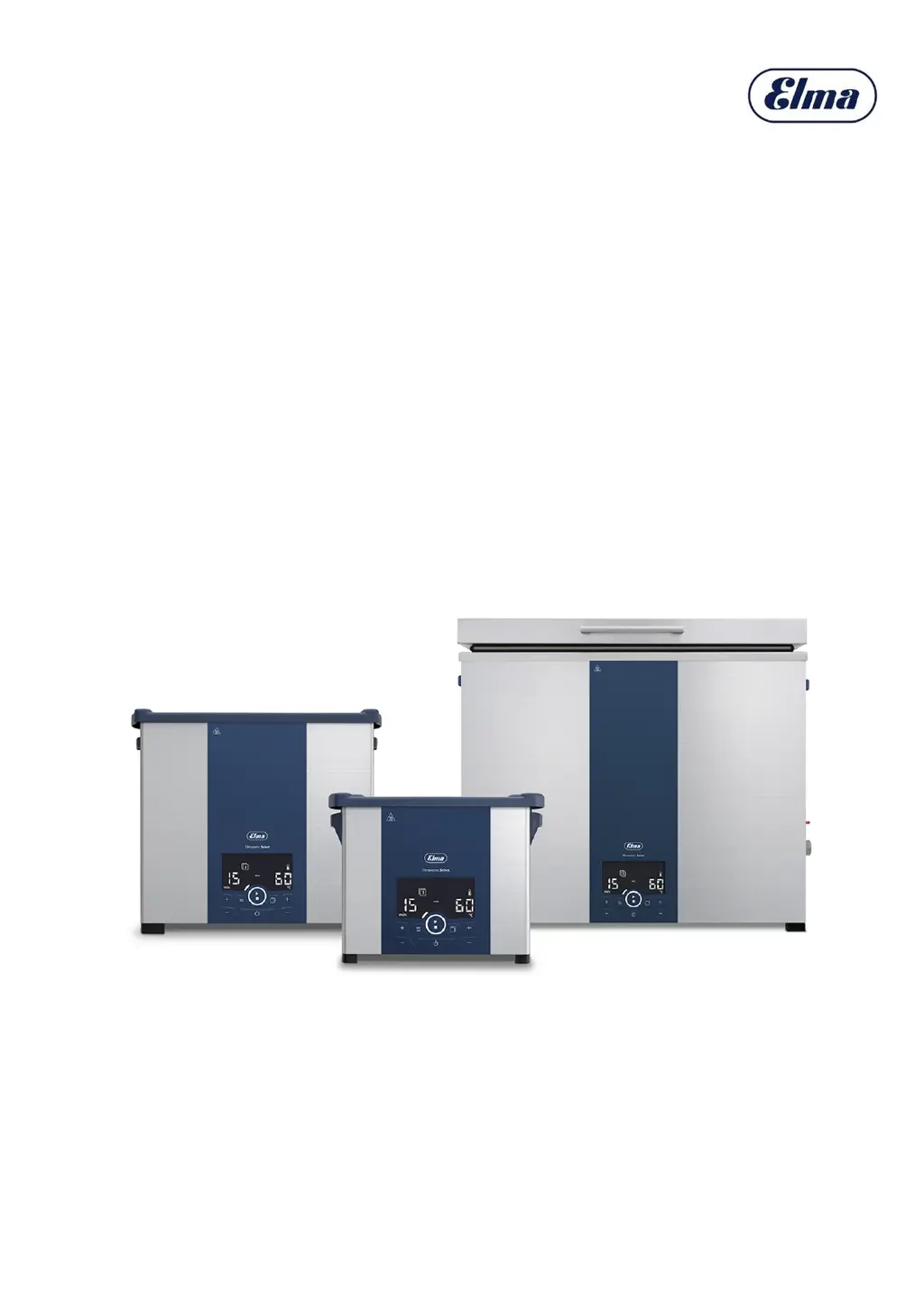
Elma Elmasonic Select - User Manual

Elma Elmasonic Select
32 pages
Print Icon
To Next Page IconTo Next Page
Loading...
04/2021
Translation of the original manual
Elmasonic Select
Ultrasonic cleaning unit
english
Version 1
Item No. 1112616

Questions and Answers

  • J
    Jerome CraigAug 5, 2025
    How to fix Elma Elmasonic Select Cleaning Equipment when the display does not light up?
    • D
      Deborah ThompsonAug 5, 2025
      If the Elma Cleaning Equipment display doesn't light up, first ensure the unit is switched on. Then, check the power cable for proper connection and any damage, replacing it if needed. Finally, verify the power supply.
  • K
    Kenneth WilkinsonAug 10, 2025
    Why is the blower off on my Elmasonic Select 120–900 Cleaning Equipment?
    • M
      Michelle BrooksAug 10, 2025
      If the blower is off in your Elmasonic Select 120–900, check if the ultrasound is switched on or if the bath temperature is above 50 °C. If the ultrasound is on or the temperature is higher than specified and the blower is still off, there may be a defect.
  • A
    Aaron FrederickAug 17, 2025
    What to do if Elma Elmasonic Select Cleaning Equipment display shows Er?
    • K
      Kayla MaloneAug 17, 2025
      If your Elma Cleaning Equipment shows 'Er' on the display, check the error code and attempt to rectify the fault.
  • D
    danielcurryAug 23, 2025
    What to do if Elma Elmasonic Select shows filling level too low?
    • T
      Travis SmithAug 23, 2025
      If the filling level is too low on your Elma Cleaning Equipment, top up the fluid. If the symbol indicating low filling level continues to be displayed after topping up, the heating system may require repair.
  • A
    anna91Aug 29, 2025
    What to do if max bath temperature exceeded on Elma Elmasonic Select?
    • P
      Philip LoveAug 29, 2025
      If the maximum permissible bath temperature is exceeded on your Elma Cleaning Equipment, switch off the unit and allow it to cool. Disconnect it from the mains power if necessary.

Summary

About This Manual

User Role and Qualifications

Defines the 'User' and outlines requirements for safe operation and maintenance.

Related Documentation

Lists other documents and directives that are applicable to the unit's use.

Understanding Factory Settings

Explains default unit configurations and the impact of customisation on manual information.

Proper Use

CE Mark Compliance

Confirms the unit meets EU directives and outlines conditions for maintaining CE compliance.

Intended Use: Ultrasonic Cleaning

Details the unit's intended application for cleaning objects with liquids using ultrasound.

Misuse Definition and Consequences

Clarifies misuse and its implications, including warranty invalidation and liability exclusion.

Safety Precautions

Interpreting Warning Signals

Explains signal words (DANGER, WARNING, CAUTION, NOTICE) and their associated consequence levels.

Unit Symbols Meaning

Interprets safety symbols found on the unit's casing.

Nameplate Symbols Meaning

Interprets safety symbols found on the unit's nameplate.

Hazard-Specific Safety Information

Details safety measures for electrical power, fire risk, infections, and hot surfaces.

Cleaning Agent Usage

Permissible Cleaning Agents

Specifies the use of aqueous cleaning agents suitable for ultrasonic applications.

Cleaning Agent Limitations and Risks

Discusses chemical limitations and potential damage from unsuitable cleaning agents to the tank.

Technical Data

Elmasonic Select 30-60 Specifications

Presents mechanical and performance data for Elmasonic Select models 30, 40, and 60.

Elmasonic Select 80-120 Specifications

Provides mechanical and performance specifications for Elmasonic Select models 80, 100, and 120.

Elmasonic Select 150-300 Specifications

Details mechanical and performance specifications for Elmasonic Select models 150, 180, and 300.

Elmasonic Select 500;900 Specifications

Lists mechanical and performance data for Elmasonic Select models 500 and 900.

Elmasonic Select 30-900 General Specifications

Presents electrical, ambient, and sound pressure data for various Elmasonic Select models.

Product Contents

Unit Description

Controls Overview

Operating the Unit

Ultrasound Mode Display

Explains the display names and bar segments for different ultrasound modes (degas, eco, sweep, pulse, dynamic).

Operating Status Symbols

Describes symbols indicating unit status such as cleaning completion, heating, or setup mode.

Operating Modes

Outlines the functions of Switched off, Standby, Setup, Normal, and Programme operating modes.

Switching the Unit On

Details the process of switching on the unit and what information appears on the display.

Setting Cleaning Duration

Explains how to adjust the cleaning time from one minute to six hours using the control buttons.

Setting Target Temperature

Guides on selecting the desired temperature for the cleaning bath, with a specified range.

Controlling Heating Function

Details how to turn the heating on or off and monitor the actual versus target temperatures.

Selecting Ultrasound Modes

Describes how to choose between different ultrasound modes like degas, eco, sweep, pulse, and dynamic.

Using Auto-Degassing

Explains the use of the auto-degas feature for preparing fresh cleaning fluid.

Temperature-Controlled Start

Details how to set the unit to begin cleaning automatically once the target temperature is met.

Starting Ultrasonic Cleaning

Guides on starting the ultrasonic cleaning cycle and making adjustments during operation.

Saving Cleaning Programmes

Explains the process of saving up to four custom cleaning settings as programmes.

Starting Saved Programmes

Instructions for selecting and running previously saved cleaning programmes.

Switching Off and Saving Settings

Details the procedure for powering off the unit and how settings are retained for the next use.

Removing Cleaned Objects

Provides instructions on safely removing cleaned objects from the tank and handling hot components.

Setup and Connection

Installation Site Requirements

Specifies ideal installation site conditions, including ventilation and surface characteristics.

Unit Setup Procedure

Step-by-step guide for unpacking and positioning the ultrasonic cleaning unit.

Connecting Unit Components

Instructions for connecting the drain hose and the power supply cable.

Loading Objects for Cleaning

Filling the Cleaning Tank

Draining the Unit

Draining Without Drain Connection

Specific steps for emptying the tank on units not equipped with a drain outlet.

Parameter Configuration

Parameter Reference Guide

Lists all adjustable unit parameters, their factory values, and the effects of modifications.

Malfunctions and Faults

Troubleshooting Common Faults

A table mapping faults, possible causes, and resolutions for common unit issues.

Interpreting Fault Messages

Explains how fault messages are displayed and lists common errors with user-fixable remedies.

Unit Maintenance

Replacing the Network Cable

Provides instructions and precautions for replacing the unit's power cable.

Enclosure Cleaning

Instructions for safely cleaning the exterior surfaces of the unit.

Tank Cleaning and Descaling

Details procedures for cleaning and descaling the internal cleaning tank.

Disinfection Procedure

Recommends disinfectants and methods for ensuring hygienic cleanliness of the unit.

Blower Maintenance and Check

Explains how to clean the unit's blower for optimal cooling and to prevent malfunctions.

LED Indicator Test Procedure

Guides on performing a test to verify the functionality of all LED indicators on the display.

Product Disposal

Elma Elmasonic Select Specifications

General IconGeneral
Frequency37 kHz
Material TankStainless steel
Degassing FunctionYes
MaterialStainless steel tank, Plastic housing
ModelElmasonic Select
Dimensions (L x W x H)Varies by model
Heating PowerVaries by model (see datasheet)
Ultrasonic PowerVaries by model (see datasheet)
Temperature Range20°C to 80°C
Operating ModesDegas, Sweep
HeatingYes
Timer1 to 30 minutes
Frequency Range37 kHz
ControlMicroprocessor controlled

Related product manuals