Elma Schmidbauer GmbH 15 Malfunctions/fault messages
Elmasonic Select 29 / 32
15 Malfunctions/fault messages
15.1 Troubleshooting
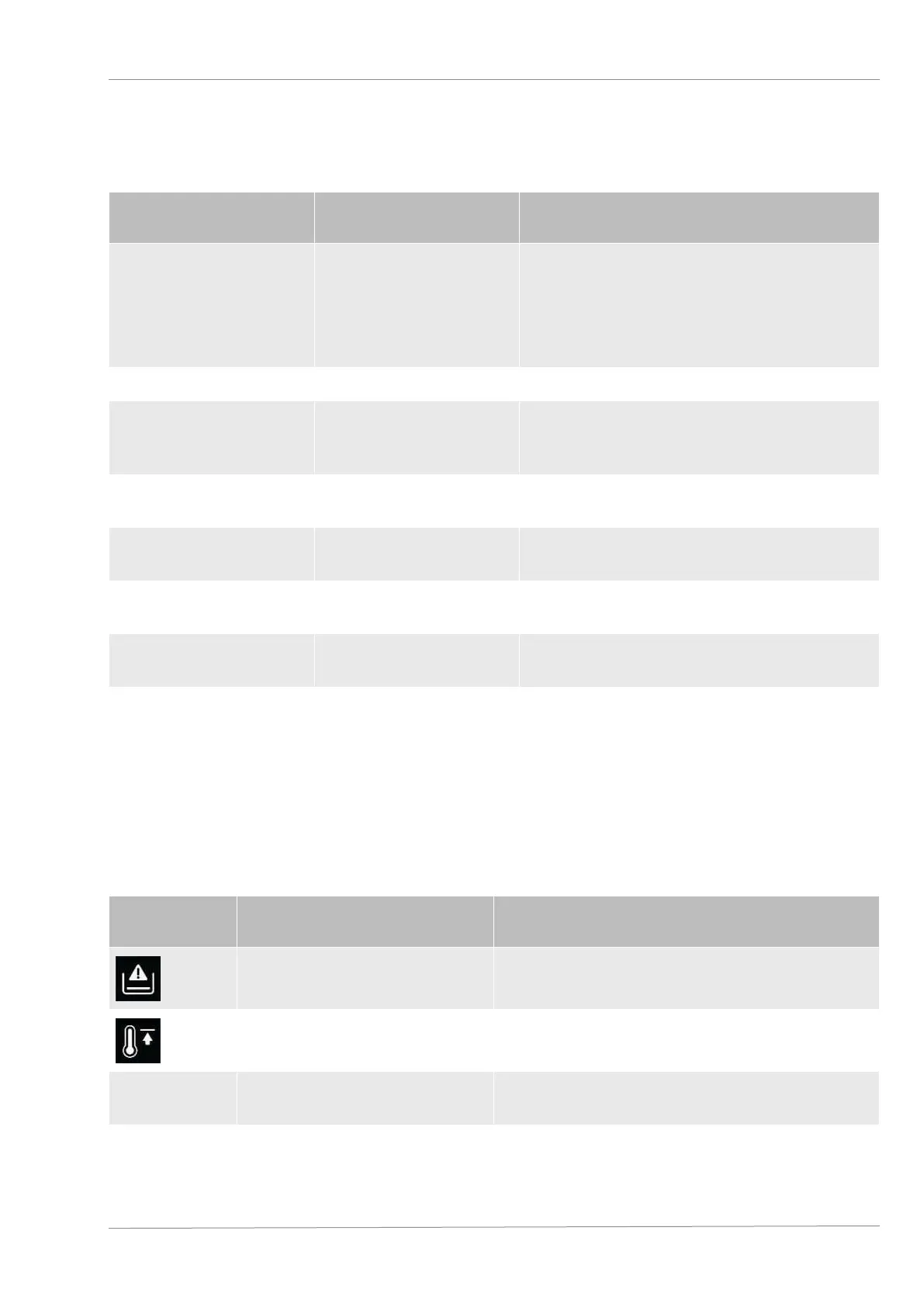
Fault Possible cause Resolution
Display does not light up.
Unit not switched on or
no power available.
• Switch on the unit.
• Check that the power cable is correctly
connected and undamaged; replace if
necessary.
• Check the power supply.
Buttons not working. Controls defective. • Contact the manufacturer.
Not possible to set a
high bath temperature.
A low temperature limit
has been defined.
• Check the unit settings [}27]; increase or
deactivate the temperature limit as
required.
The displayed bath
temperature is incorrect.
Temperature sensor
defective.
• Contact the manufacturer.
Heating not working.
Heating element
defective.
• Contact the manufacturer.
Ultrasonic operation
does not start.
Ultrasonic unit defective. • Contact the manufacturer.
Display shows Er. Error message.
• Check the error code and rectify the fault;
contact the manufacturer if necessary.
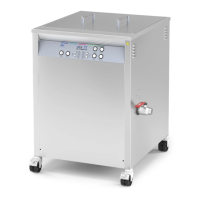
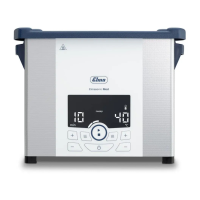
Blower is off (Elmasonic
Select120–900).
Ultrasound is off and
bath temperature
<50°C or blower
defective.
• Check the blower if the ultrasound is
switched on or the bath temperature is
>50°C; contact the manufacturer if
necessary.
15.2 Fault messages
If a fault occurs, the display shows the type of fault using a symbol or error number.
You can rectify the following faults yourself:
Display Fault type Possible remedies
Filling level too low (dry run
detected).
Top up fluid. If the symbol continues to be
displayed, have the heating system repaired.
Temperature limit exceeded.
Switch off the unit and allow to cool. Disconnect
from mains power if necessary.
Er21
Max. perm. bath temperature
exceeded.
Switch off the unit and allow to cool. Disconnect
from mains power if necessary.


 To Next Page