EasyManua.ls Logo

Elmo GS-800 - Page 35

Elmo GS-800
56 pages
Print Icon
To Next Page IconTo Next Page
To Previous Page IconTo Previous Page
Loading...
Recording procedure
20
Set
the
sound selector
at
"M".
.~-
o 10
lii
l
SILENT
I@I
(
ft
••
Sound
selector
Set
the
stereo-mono selector
at
STEREO.
Note:
Be su re
to
set
the
selector
at
STE
REO
always
regardless
of
recording
mode.
Set
the
projection speed selector
at
the
desired position (18
or
24
fps).
Note
:
Be
sure
to
set
the
speed
knob
in
the
middle.
Projection
speed
selector
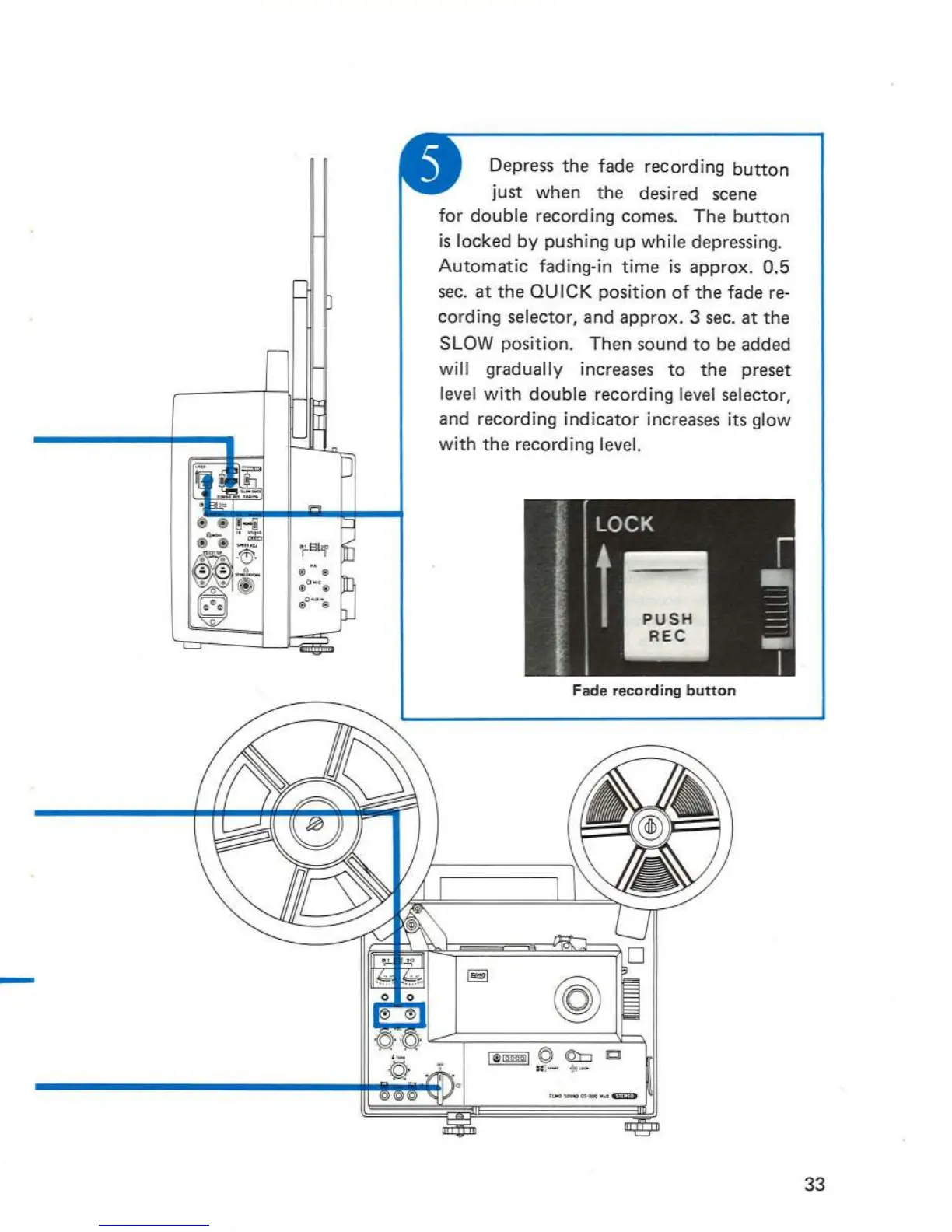
Depress
the
fade recording
button
just
when
the
desired scene
for
double recording comes.
The
button
is
locked by pushing up while depressing.
Automatic
fading-in
time
is approx.
0.5
sec.
at
the
QUICK position
of
the
fade re-
cording selector,
and
approx. 3 sec.
at
the
SLOW position.
Then
sound
to
be added
will gradually increases
to
the
preset
level with
double
recording level selector,
and recording indicat
or
increases its glow
with
the
recording level.
Fade
recording
button
33

Related product manuals