Elna International Corps. SA 6004 Service manual
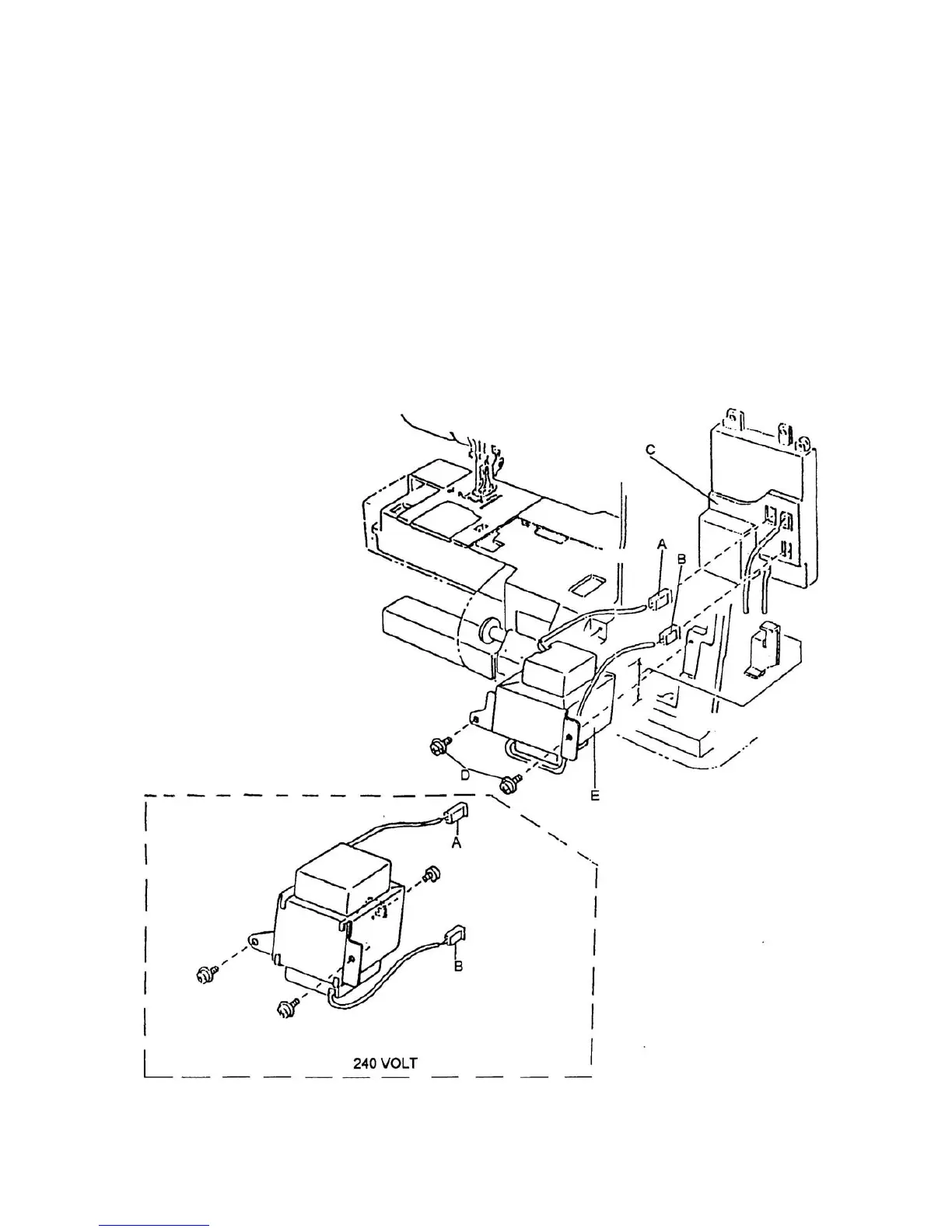
TRANSFORMATOR
To remove
1. Remove the front panel (see page 4).
2. Remove the circuit board A and circuit board C (see pages 18 and 19).
3. Unplug the connectors for the transformer E from the circuit board C.
4. Remove set screws D and transformer E.
To attach
5. For 120 V Attach the transformer unit with supporter plate and two set screws.
For 240 V Attach the transformer unit with tree set screws.
6. Insert the connectors (A = red and B = white) in circuit board C.
7. Attach circuit board C, circuit board A and front panel.
Page 21


 To Next Page